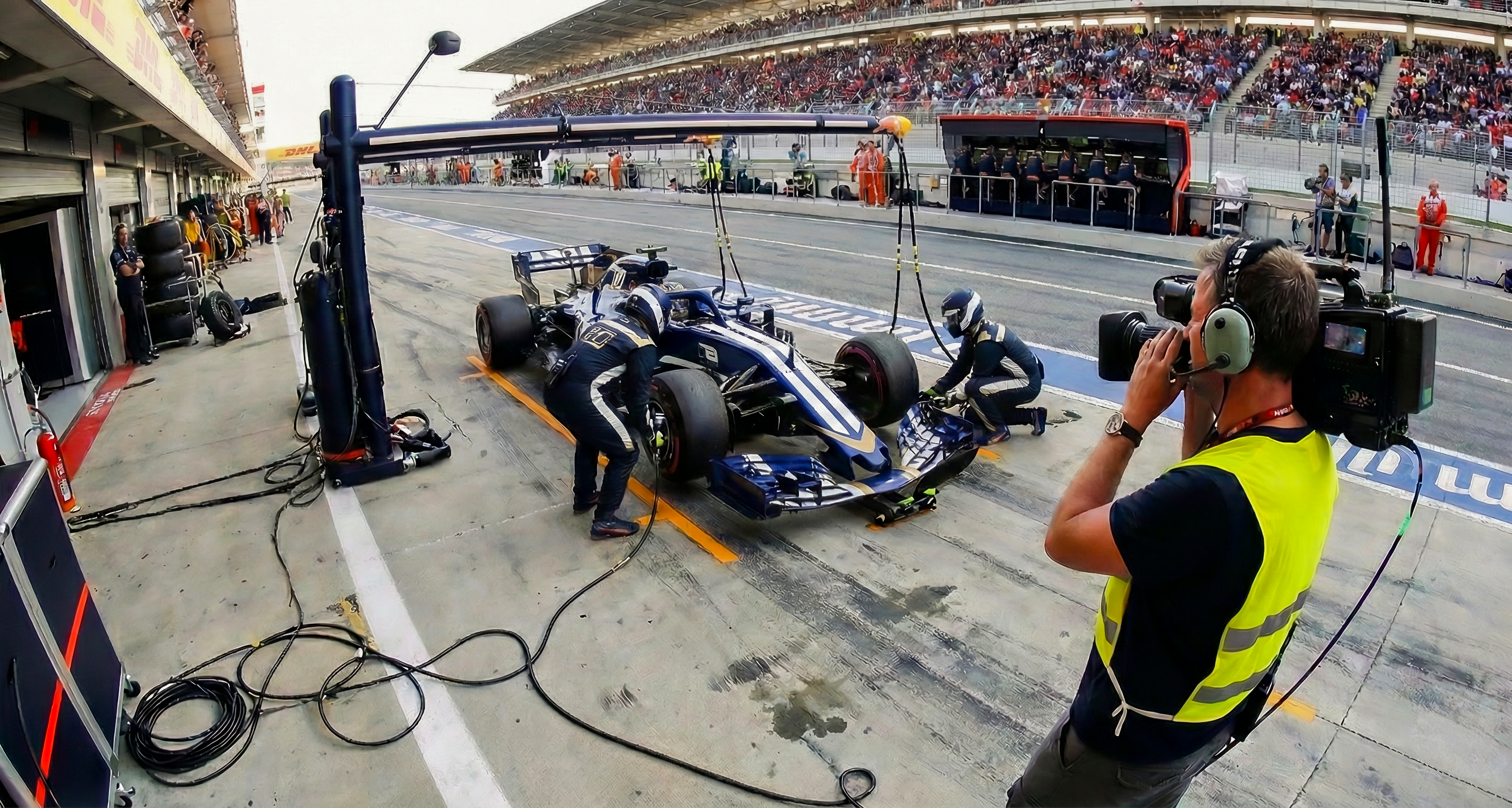
Maintenance with context
When maintenance lives in a separate tool, the details that matter get lost.
Cheqroom keeps every task tied to the asset, its history, and what’s coming next, so the work stays connected from start to finish.
Maintenance does not live alone
Maintenance Management in Cheqroom
Bring every request into one place, route it to the right people, and keep a clear record from start to finish, with repairs, inspections, reservations, and purchasing connected in the same workflow.
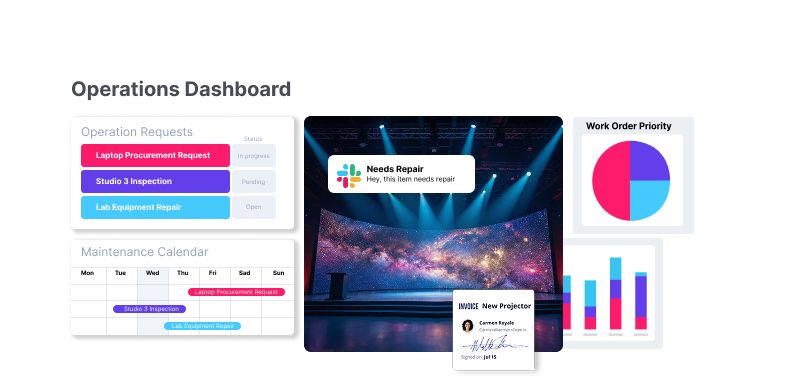
From “flagged” to fixed with operations requests
A piece of equipment gets flagged. Now what?
Turn that moment into a clear workflow your team can actually follow with up to 10 operation request templates, so teams can get started fast and stay consistent.
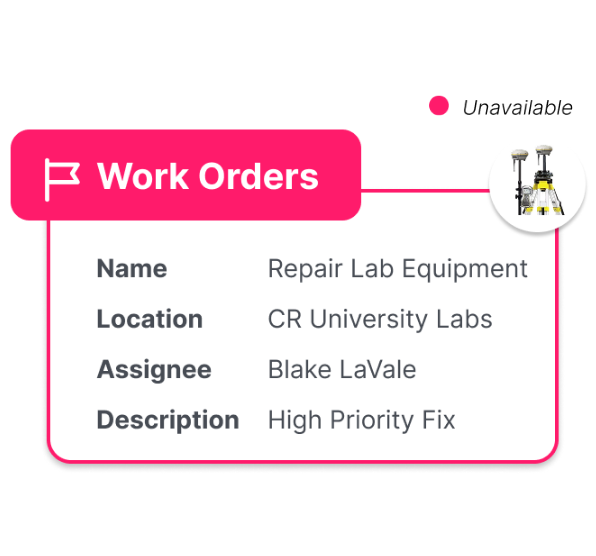
Maintenance work orders
Turn flags into actionable work orders so fixes do not get lost.
- Capture the issue, photos, and notes from the field
- Assign work, track status, and document what was done
- Keep service history tied to the asset for audits and repeat issues
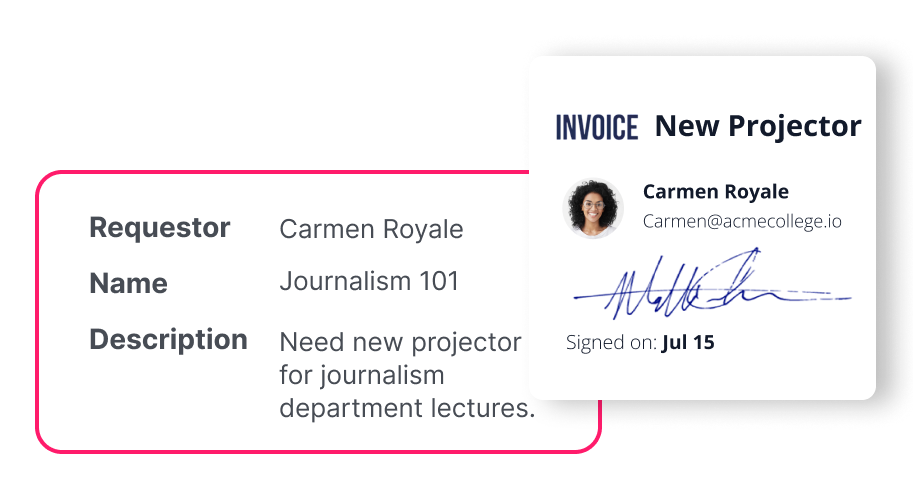
Calibration requests
When gear needs calibration, make a proactive structured request you can track end to end.
- Trigger a request right from the asset, tied to its history and upcoming needs
- Capture due dates, standards, vendor details, and attach certificates
- Keep a timestamped record of when it was calibrated, by who, and what changed
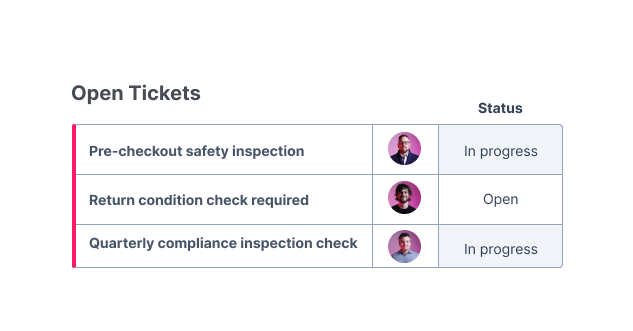
Inspection tickets
Standardize checks so only ready gear goes back into rotation.
- Run pass or fail inspections with consistent checklists
- Record outcomes and required follow-ups
- Prove readiness with a clean, timestamped trail
Every fix, documented
Flagged
A problem gets reported in the moment, before it becomes someone’s “oh no.”
Create
Log a task, repair, inspection, or purchase request.
Assign
Route it to the right people and keep status updated.
Close the loop
Document what happened and keep the trail tied to the asset.
Built for the floor and the follow-up
Desktop when you need oversight
Plan, review, and see the big picture without hunting for updates.
Mobile when you are in motion
Flag issues, capture photos, and notes in real-time.
Always connected to the asset
Keep history, context, and follow-ups easy to find for repeat issues and audits.
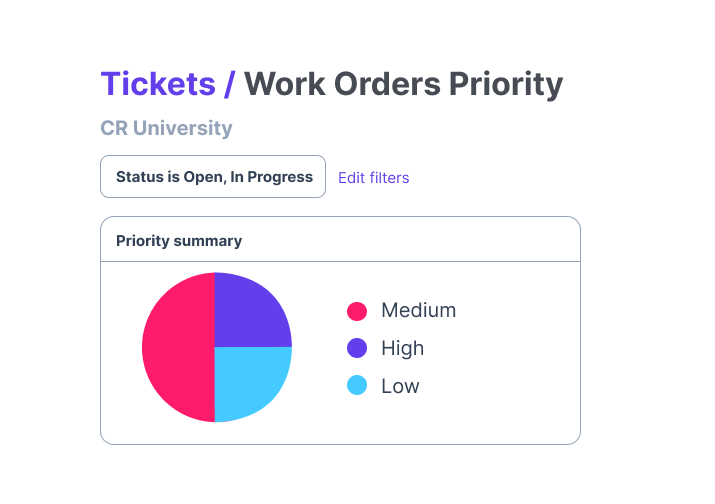
Stay ahead of maintenance with reporting
See what’s driving downtime and where work is getting stuck, so you can protect uptime and keep the team running efficiently.
Right access, right actions with configurable controls
Give people access to work orders based on what they need to do, and keep everything else locked down. Set permissions around actions like:
- View or manage work orders
- Assign, start, cancel, or close work
- Add attachments, write comments, and keep the record clean
- Generate PDFs and export work orders when you need a paper trail
Integrations that keeps work connected
Connect maintenance work to the tools your team already lives in, so updates land where decisions happen, and nothing falls through the cracks.
- Jira: tie maintenance work to engineering or product workflows when something needs a deeper fix.
- Zendesk: turn customer issues into trackable maintenance work, without copying details across tools.
- Zapier: automate the handoffs that usually get forgotten.
- Slack: share updates fast, and keep everyone aligned without status-chasing.

Ready to activate Maintenance Management?
Maintenance does not live alone. Join Early Access and keep repairs, inspections, reservations, and purchasing connected in one workflow. Reach out today!