
Your Gear, Smarter Than Ever: What We Shipped in September.
We're making high-volume check-ins effortless with new RFID support and finally putting an end to the "Where's that last cable?" scramble with bulk items in kits. See how these and other powerful updates can put your biggest gear headaches into the rearview mirror.

Faster counts and on‑site verification
RFID Tracking
Think of it like a quick headcount for your gear. A wave. A beep. Done.
What it is:
With RFID support, bulk tracking becomes one motion. Capture hundreds of items instantly without manual scanning.
Why it matters:
Speed through audits and returns with fewer misses that would cost time and trust.
Best for:
Organizations with thousands of items or critical, time-sensitive verification needs
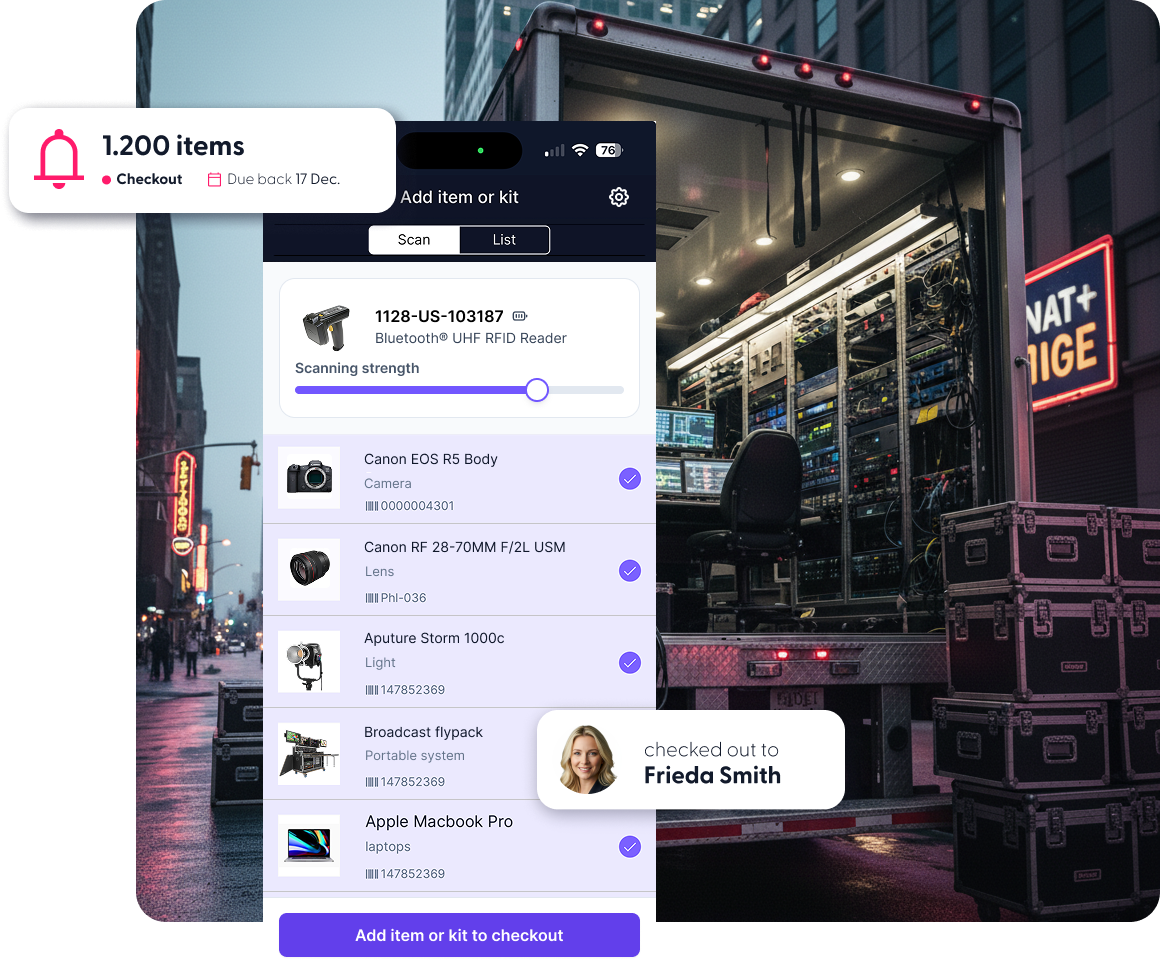
- For initial setup, ensure you have the right hardware. RFID in Cheqroom requires that you have an RFID compatible scanner and tags.
Tag your assets with RFID and associate the tag with the corresponding items in Cheqroom.
💡Pro tip: we recommend both RFID and QR or Barcode for assets.
- Connect your RFID scanner via Bluetooth in the mobile app settings.
- Use Spotcheck to quickly verify items on location or expedite a booking with a single scan.
- Review flagged or missing items before moving forward.
Learn more: Is your team RFID ready? | What to expect before you buy RFID
Available in enterprise plans.
Studio Management
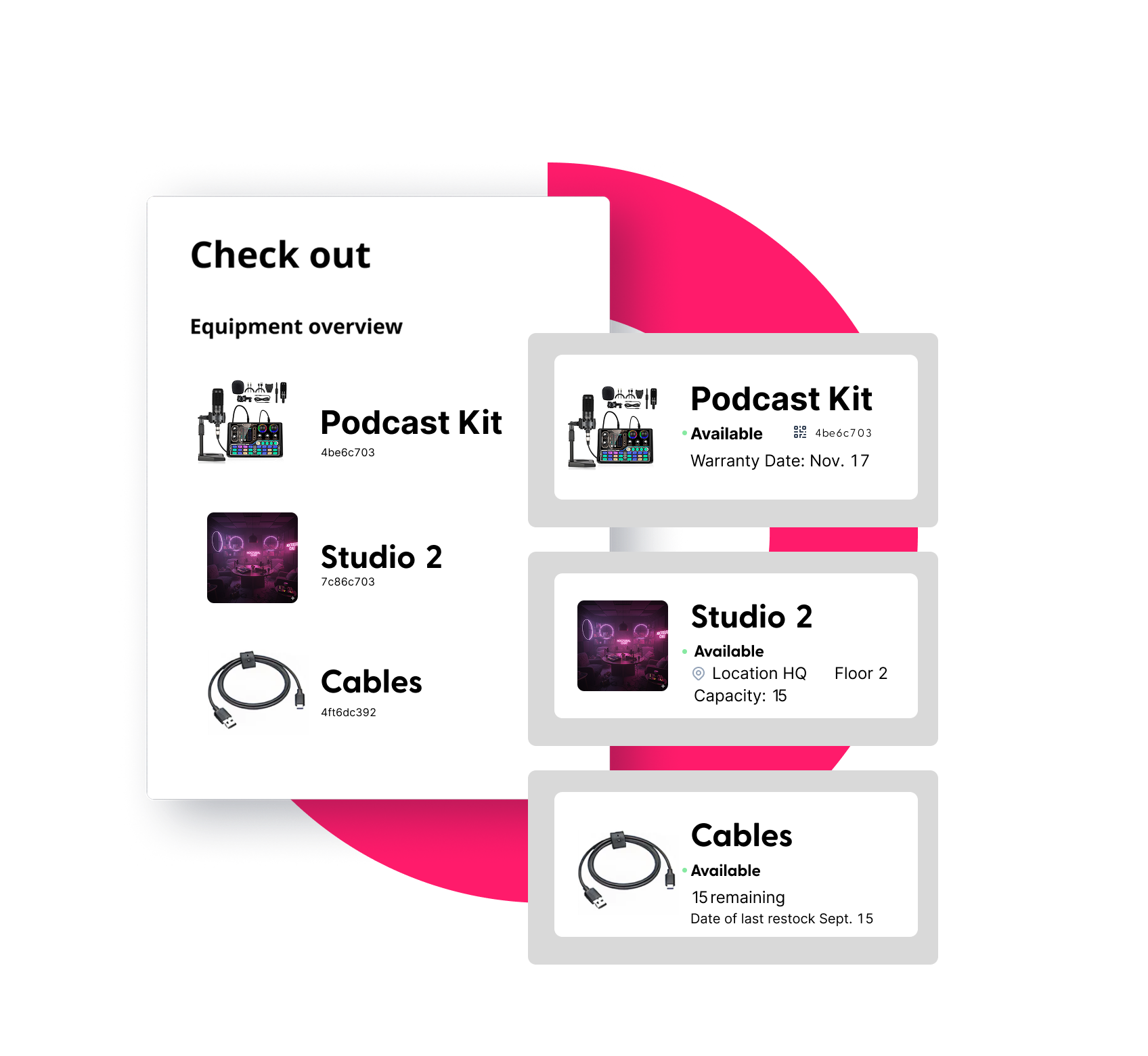
- What it is: Rooms, stages, labs—if it’s a space, you can manage it right next to your high‑value equipment.
- Why it matters: One system to plan all the resources needed for projects, classes, or events without juggling spreadsheets or double bookings.
- How to use it:
- Add Studio Management to your account to create studios, rooms, or other spaces.
- Customize fields only relevant to your spaces, like size, features, capacity, or power.
- Bring your data in your way: migrate from existing items in Cheqroom, add items one by one, or import a full CSV with your custom fields.
- See availability for spaces and gear in the same calendar view, then book both together.
- Track usage over time and generate reports on studio utilization and maintenance needs.
Learn more: Quick Guide to Studio Management
Consumable Management
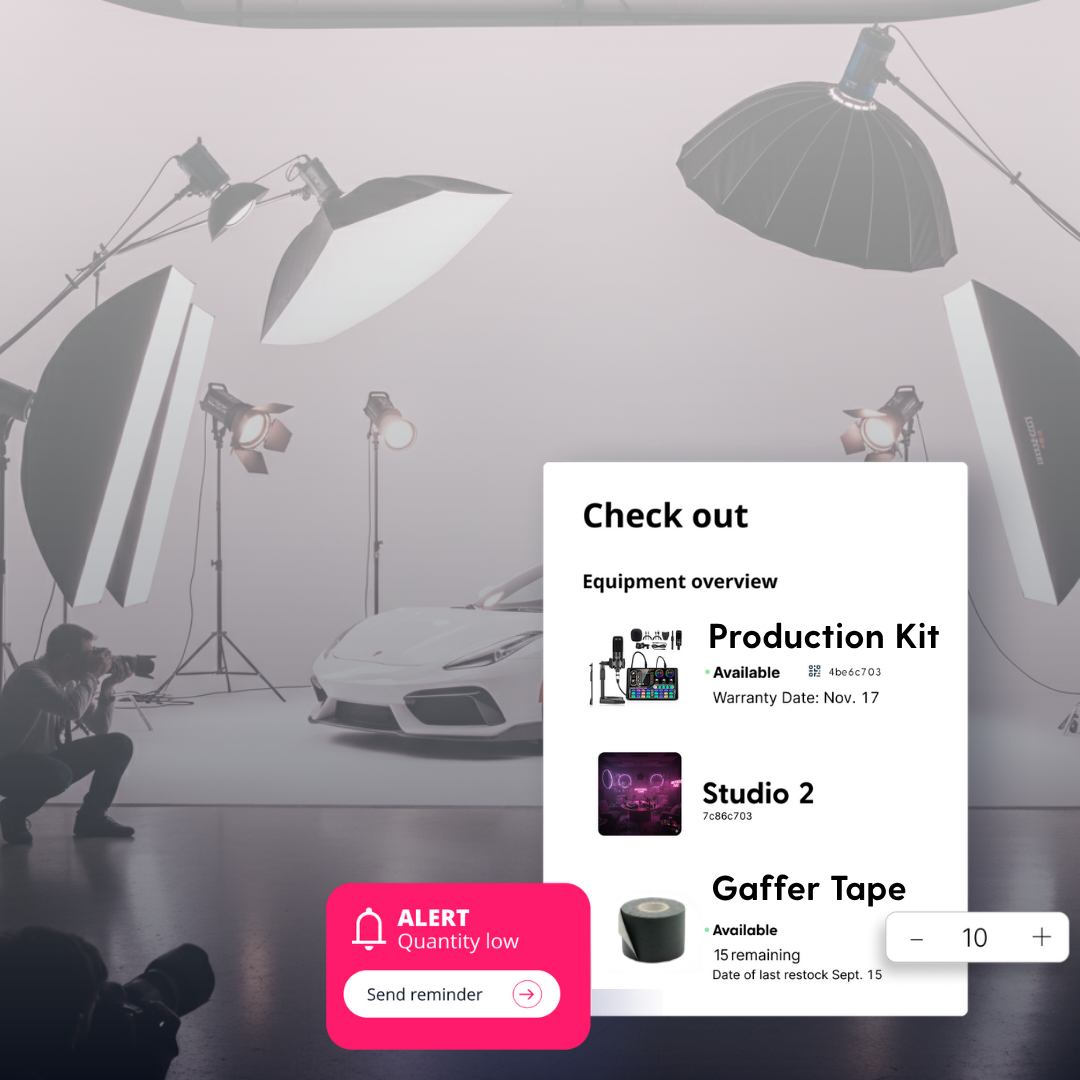
- What it is: Manage expendables like batteries, swag, or gaffer tape alongside your gear.
- Why it matters: Keep the small stuff stocked, and keep the big work rolling.
- How to use it:
- Add Consumable Management and easily track single-use items alongside your gear.
- Customize fields only relevant to your consumable items, like vendor or expiration date.
- Set low‑stock thresholds and automated alerts.
- Track consumption, forecast future stock, and streamline reordering.
Beta Alert: Bulk Items in Kits
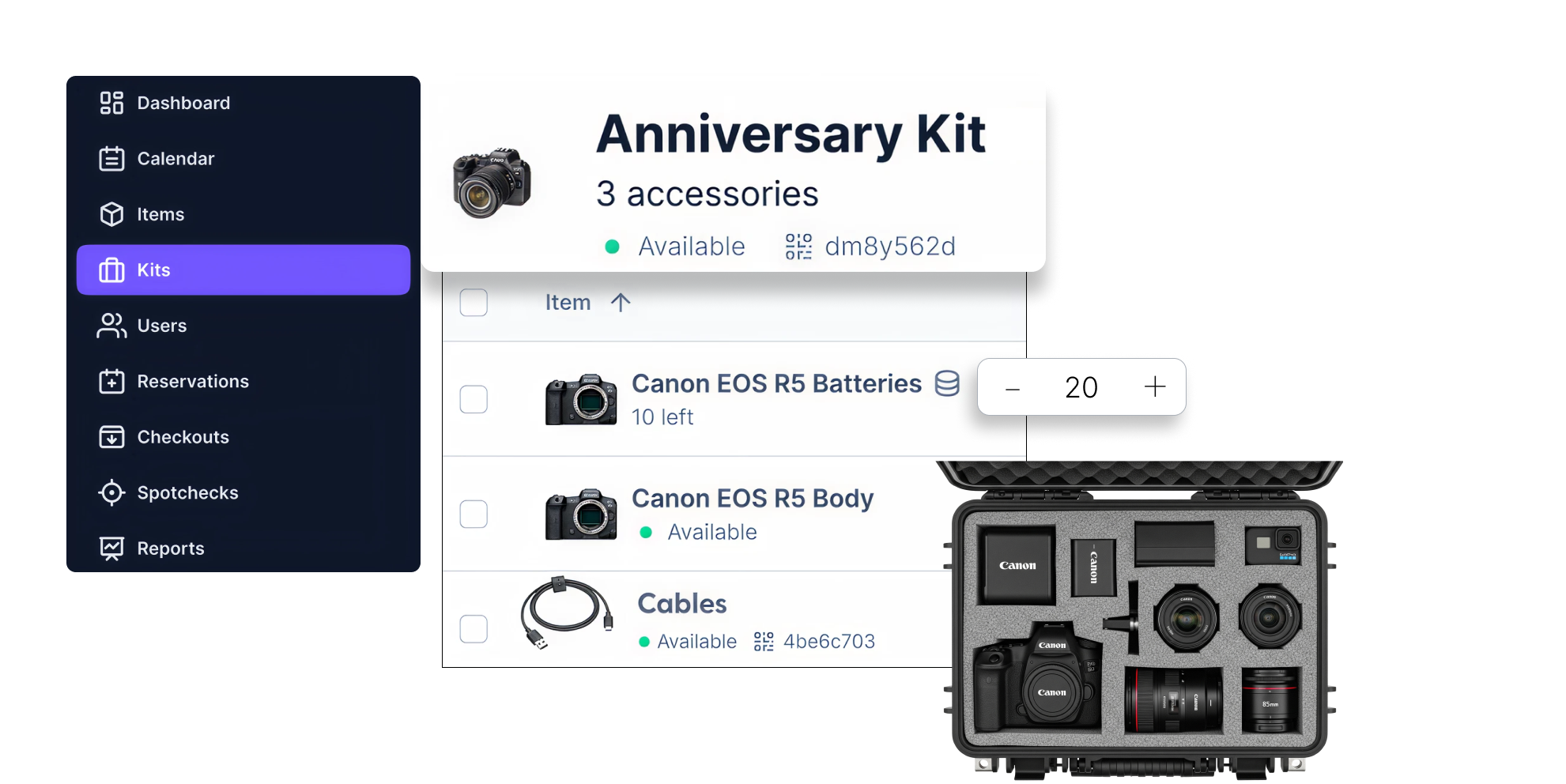
Fewer clicks. Faster handoffs. Add bulk items to your kits and ensure every projects starts with a complete setup and no last‑minute scrambles. Reach out to your Client Experience Manager to join the beta today!
Center of Academic Innovation @ the University of Michigan
Behind the Scenes
From Idea to Impact: see how XR‑powered teaching scales its impact beyond their campus.

Upcoming Events
See us live @ NAB Show New York
New York, new workflows. Come say hi at Booth 932.
- Where: NAB Show New York
- When: October 22 & 23
Gear Ops in 2025
A fast hour of findings, best practices, and a few hot takes.
- What: Webinar
- When: Wed, Nov 6 at 1 PM ET