How long does it take to get started?
It depends on the size of your inventory. The roll-out process varies from one week up to three months.
Two ways in
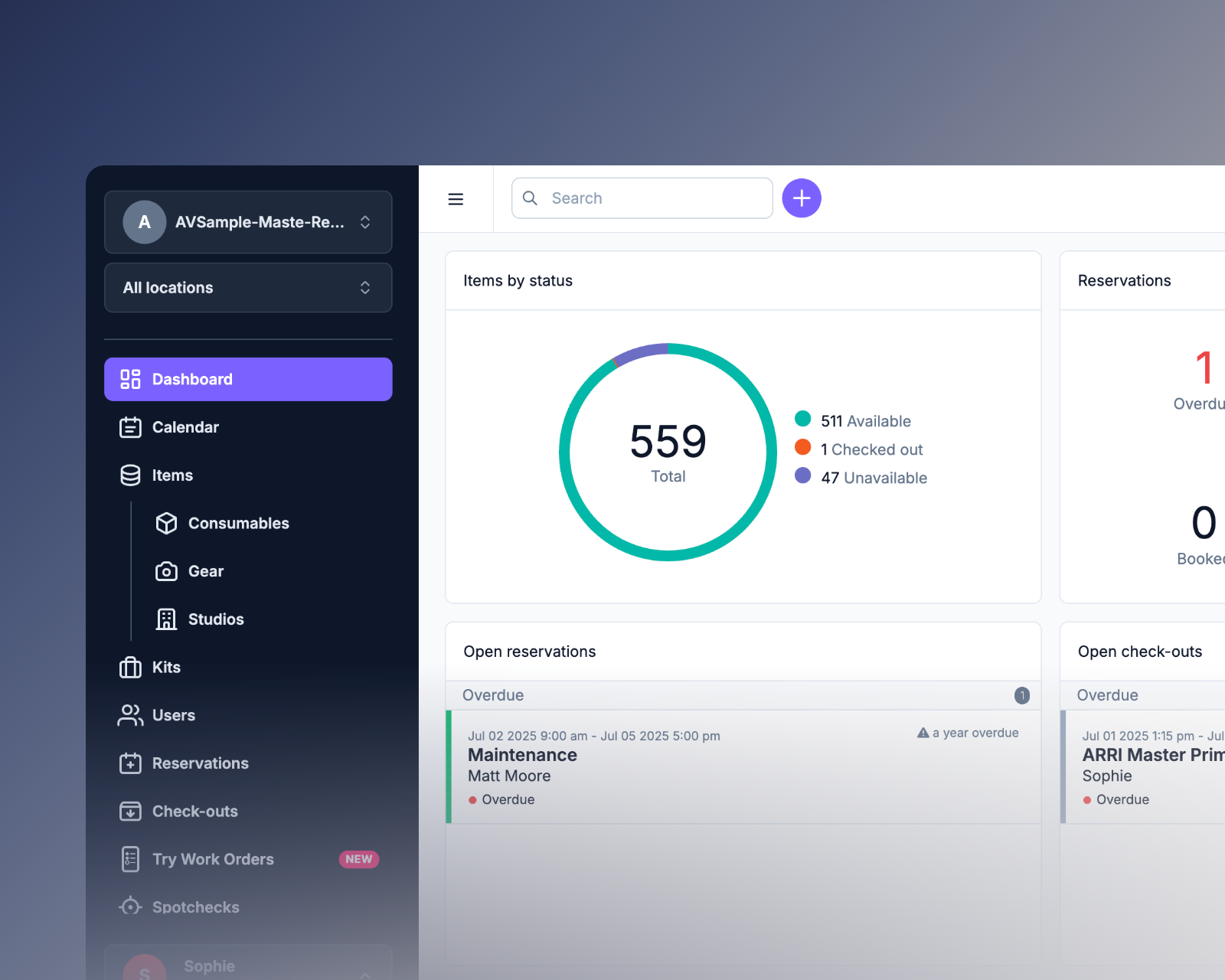
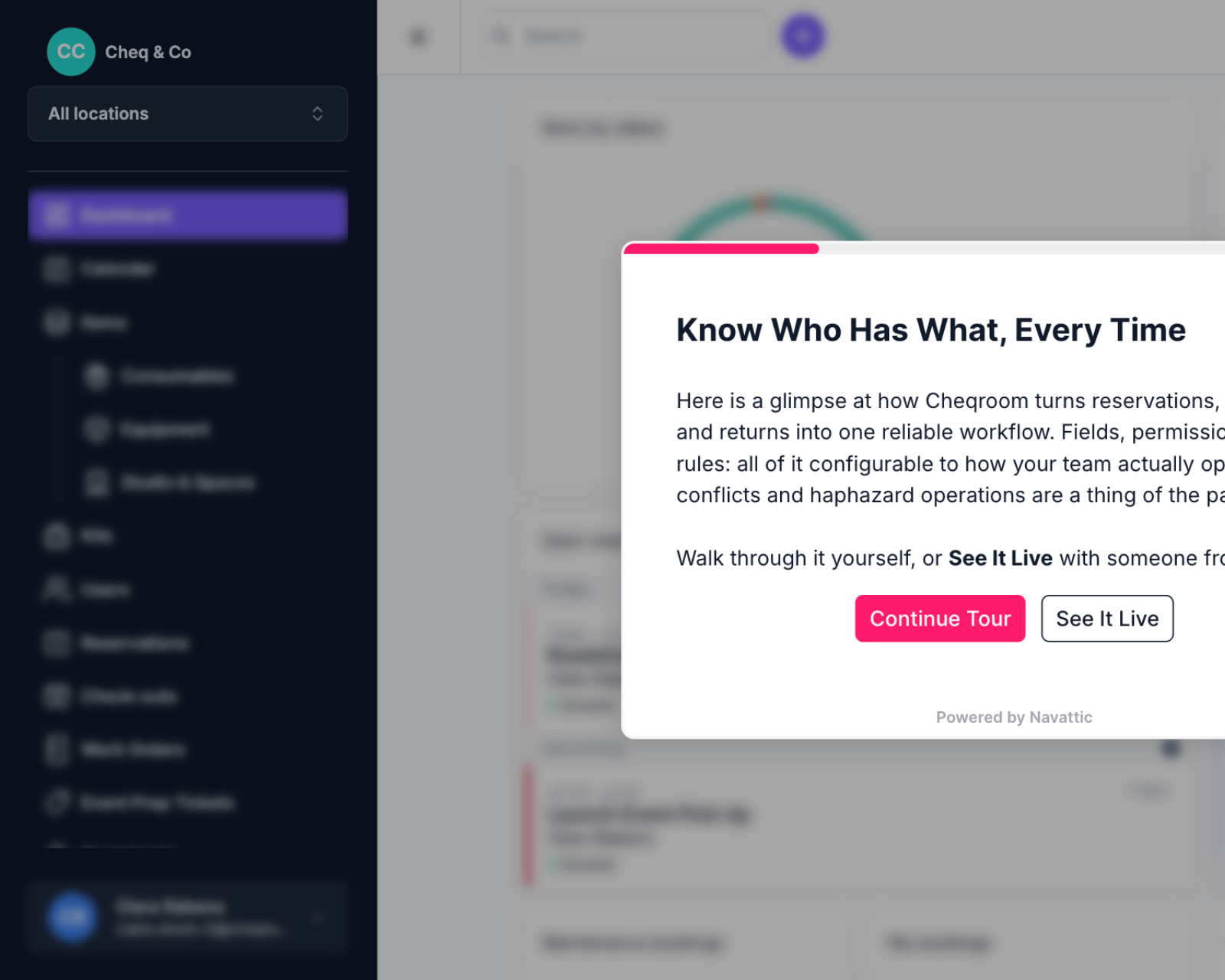
One shows you how it works; the other hands you a workspace with realistic equipment data for 7 days and lets you run it yourself.
Focused tours
Start with the tour that matches your biggest challenge today. For tailored examples or custom configurations, connect with our team.
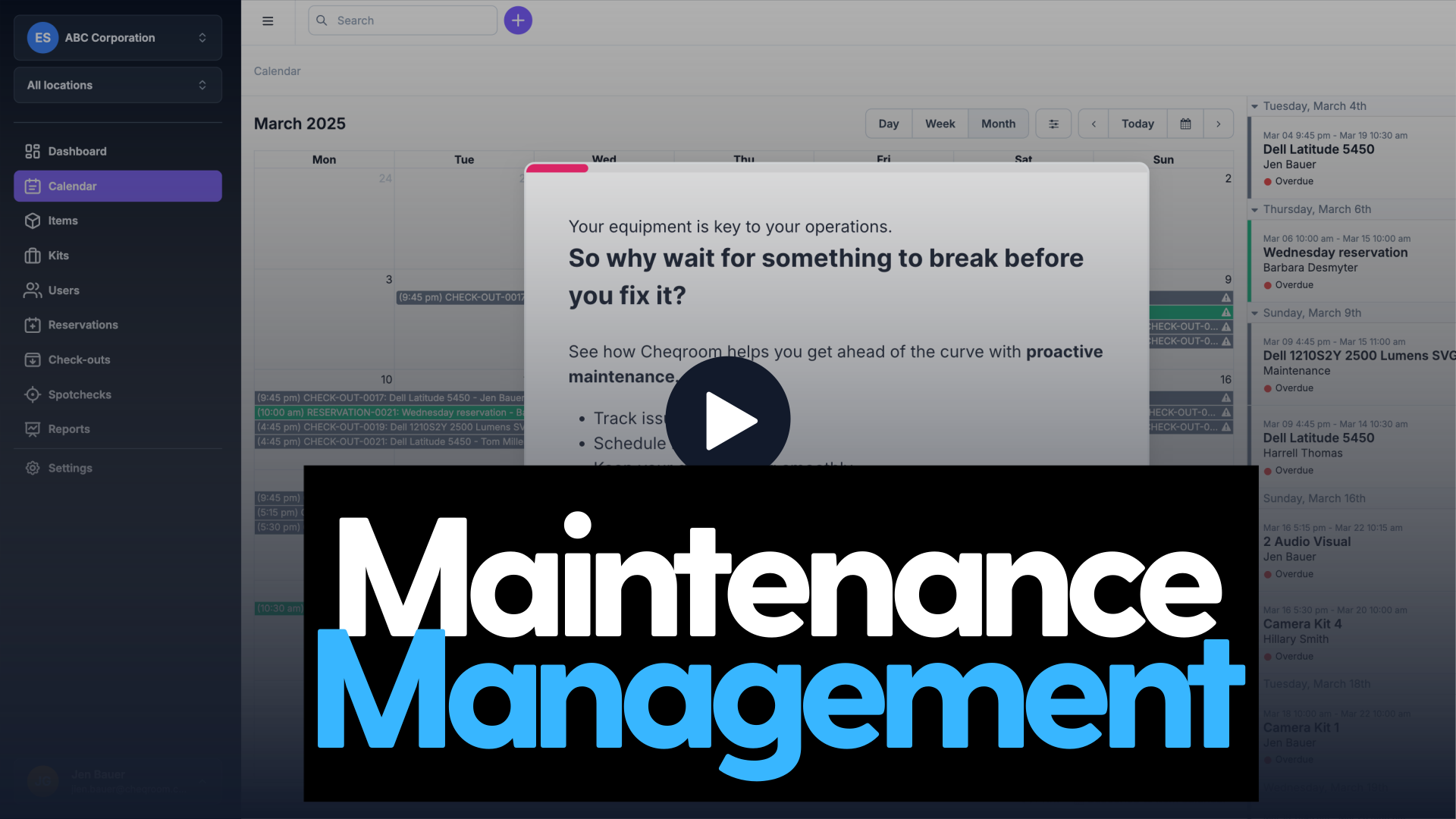
Your equipment is key to operations, so why wait for something to break? See how Cheqroom helps you stay ahead with proactive maintenance tracking, service logs, and automatic reminders.
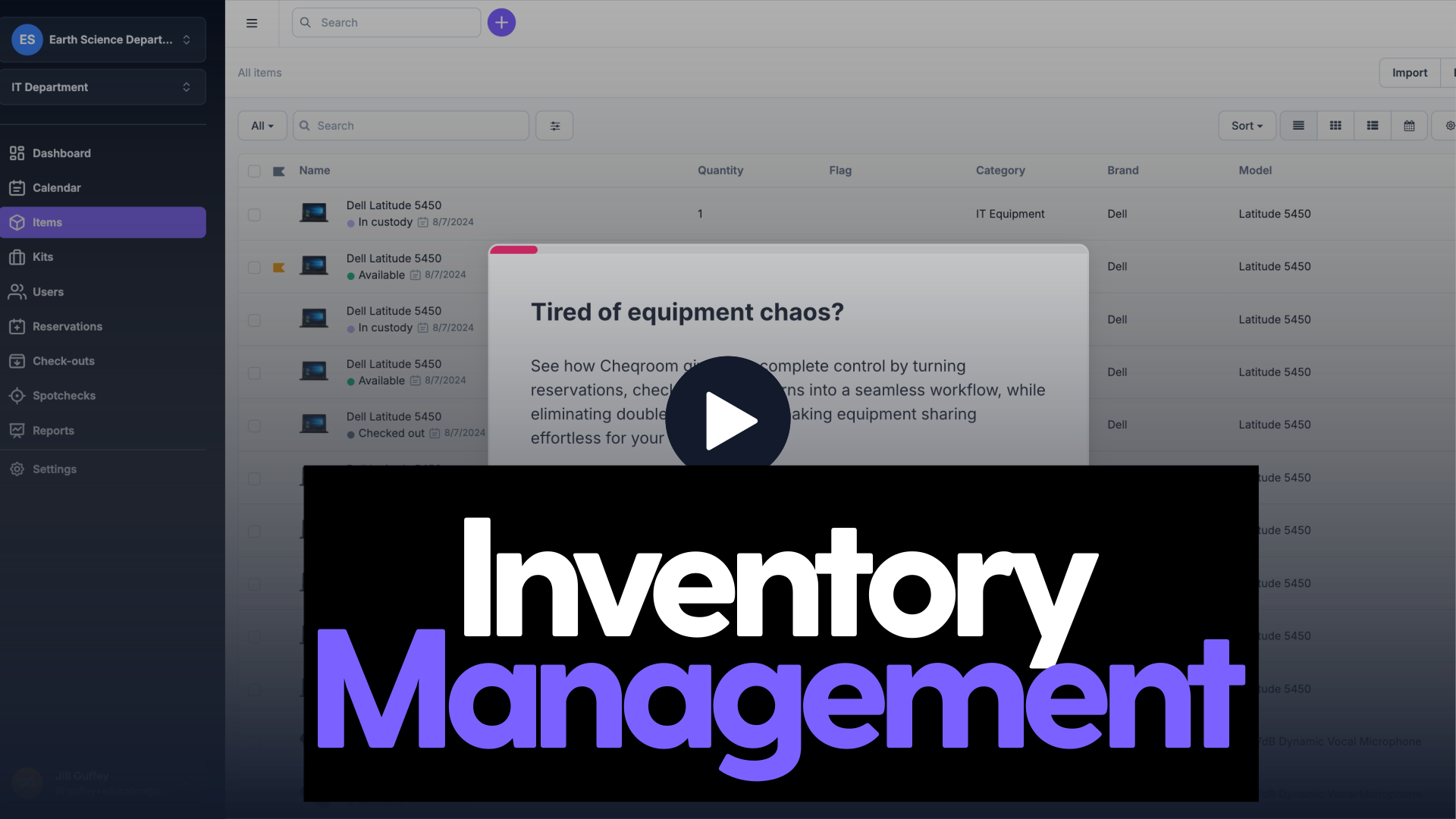
Tired of equipment piling up untracked? See how Cheqroom gives you complete control by turning reservations and check-outs into one connected system, eliminating double-bookings and making equipment sharing effortless.
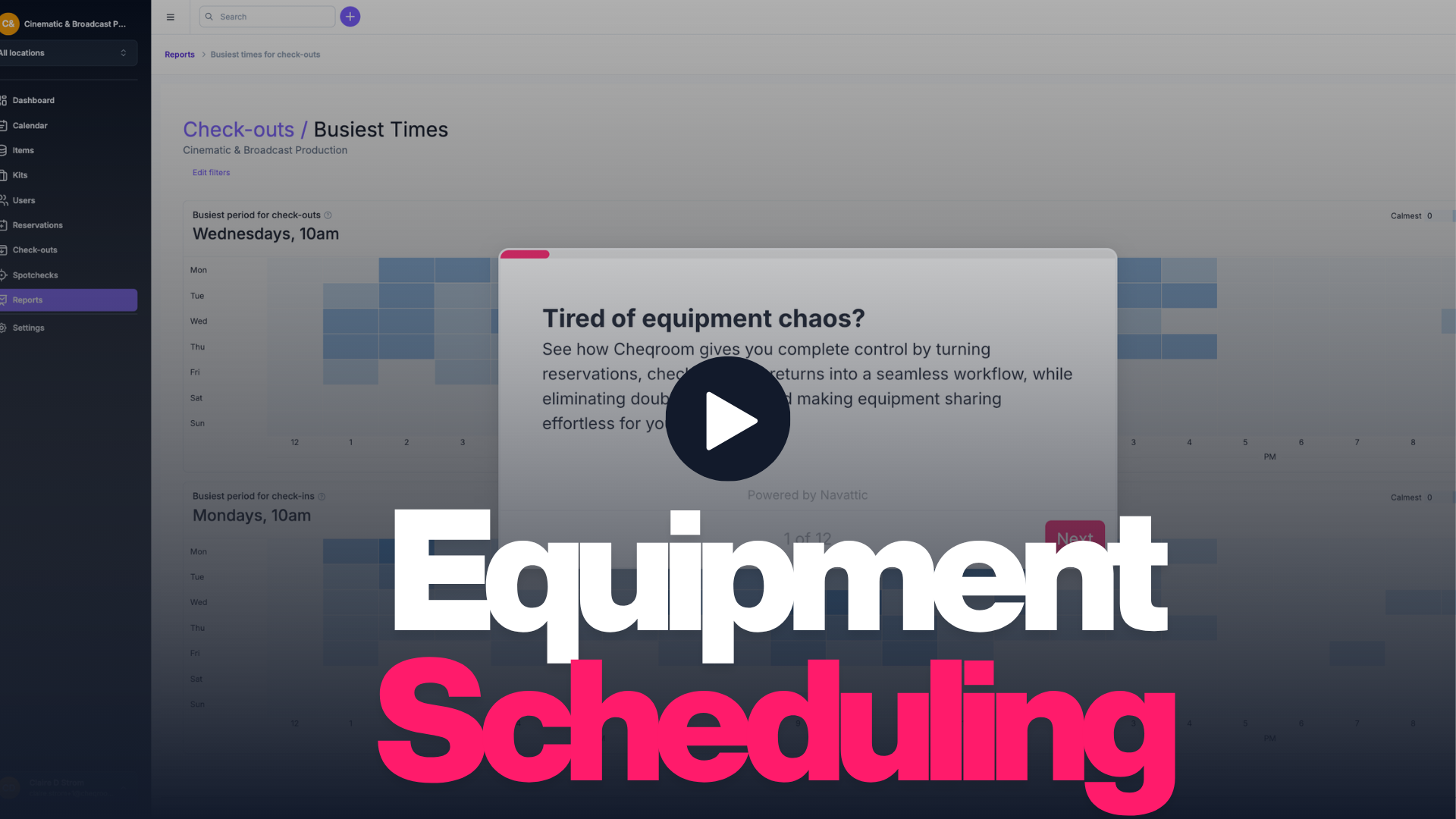
Reserve equipment in seconds and avoid conflicts before they happen. Cheqroom keeps your team coordinated with a real-time calendar of what is available, what is booked, and what is coming back.
Cheqroom Overview
New to Cheqroom? Start here. This 2-minute overview shows how teams use Cheqroom to track equipment, manage check-outs, and eliminate the manual back-and-forth — all in one place.
Trusted worldwide
organizations
in assets managed
saved monthly, per team
Book a live walkthrough with our team and get a session tailored to your industry and team size.
Award-Winning. Industry-Leading. Customer-Loved. Best ROI.





It depends on the size of your inventory. The roll-out process varies from one week up to three months.
Yes, we do. You can email us at [email protected], use live chat on our website during business hours.
From cameras and laptops to computers and drones, to spaces and single use items —if you can track it, Cheqroom can manage it. Our flexible platform adapts to any asset type with custom fields and workflows. Cheqroom centralizes all your assets in one easy-to-use platform with a simple user interface.
Cheqroom integrates with a wide range of enterprise platforms across HR (Workday, SAP SuccessFactors), Identity (Okta, Microsoft Azure), Finance & ERP (SAP, NetSuite, QuickBooks), Project Management (Jira, Asana), ITSM (ServiceNow), CRM (Salesforce), and Communication tools (Slack, Microsoft Teams). Zapier also connects Cheqroom to 7,000+ additional apps. For teams with technical resources, our open API gives you full control to build custom workflows tailored to your exact stack. And for organizations that want expert guidance, our Solution Architects work directly with your IT and Operations teams to scope, build, and implement the right integration for your environment. However you want to connect, we have a path that fits.
Yes! From scannable tags to team dashboards, Cheqroom allows extensive customization to align with your specific workflow and processes.