3 Ways to Get More Organized This January
We've been busy shipping updates to help you spend less time on the little stuff and more time on what matters. Here's what's new.

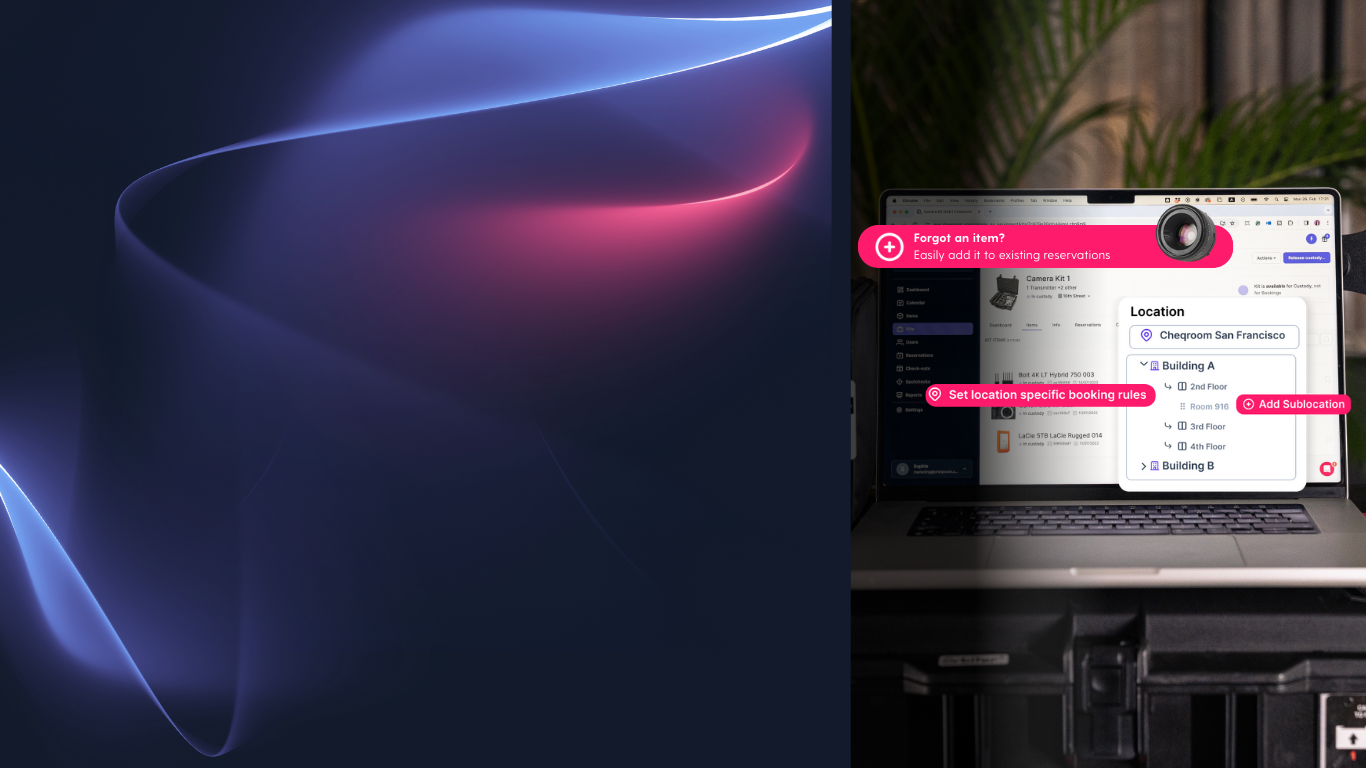
📍 Location Details
Your team will know exactly where to find and return items, like "Building B › Floor 3 › Closet 2 › Bin A. No more post-it notes or "where did you put it?" messages.
How it works: Add up to four sub-levels to any location to match your actual item storage setup. The full path displays in Cheqroom so there's no guessing.
Available for business and enterprise plans.
🛡️ Booking Restrictions by Location
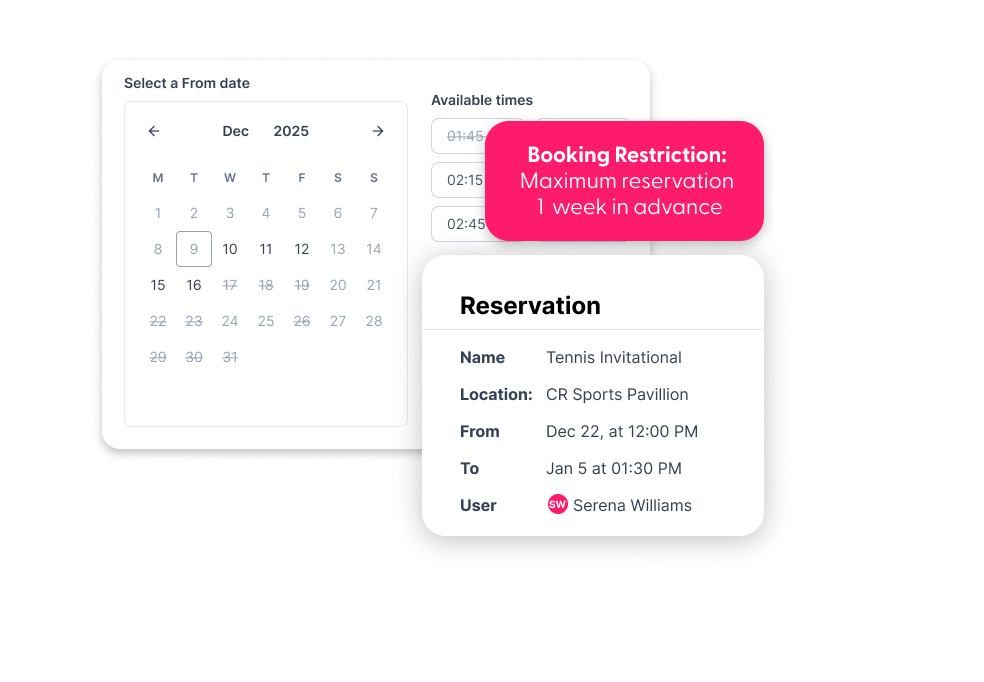
Different locations have different needs. Set custom hours, advance booking times, and rental limits for each pickup spot. Users see what's actually available when they book, so pickups go smoother.
How it works: Configure rules for each location in your settings. Cheqroom automatically applies them to new bookings based on the location.
Available for all plans with booking restrictions.
✏️ Edit Live Bookings
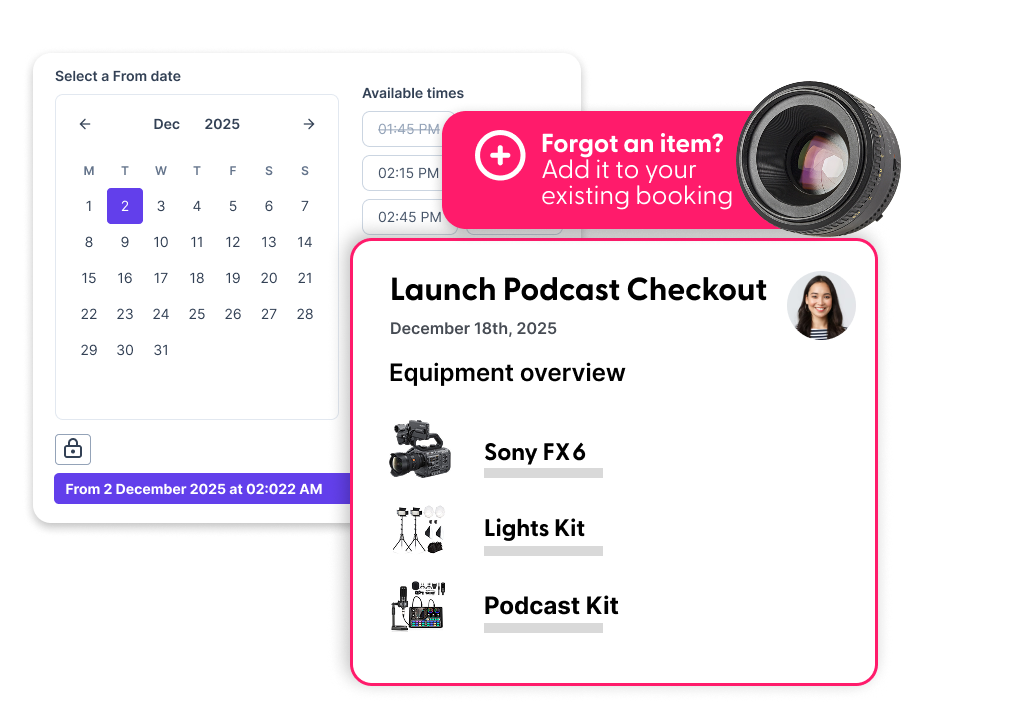
When plans change mid-project, you can adjust dates, add equipment, or update details without canceling and starting over. Your reservation history stays intact.
How it works: Open any active booking, click edit, unlock your reservation, make your changes, and save. Cheqroom automatically tracks what changed.
💬 Stay in the loop
Product Office Hours
Got questions? Just want to nerd out over new features? Join us live where we demo what's new and answer whatever's on your mind.
Knowledge Center
Never miss an update. Browse our complete library of product releases, help articles, and best practice guides.
Equipment Management Made Simple
RFID Explained: The Invisible Tech You Use Every Day
Discover how radio frequency identification works and why it's a game changer for tracking hundreds of items at once while barely lifting a finger.
Dive deeper with these resources