How to Perform a Year-End Inventory Audit with Spotcheck
Short days, long shadows, and fewer checkouts often add up to one thing: the perfect window to tackle your equipment inventory audit. Whether your gear room is buzzing or quiet, this season is ideal for tightening up records and walking into next year organized and prepared.
Why a Physical Inventory Audit Actually Matters 💵
Every equipment manager eventually discovers the same truth: your digital records only tell part of the story. A physical count fills in the rest.
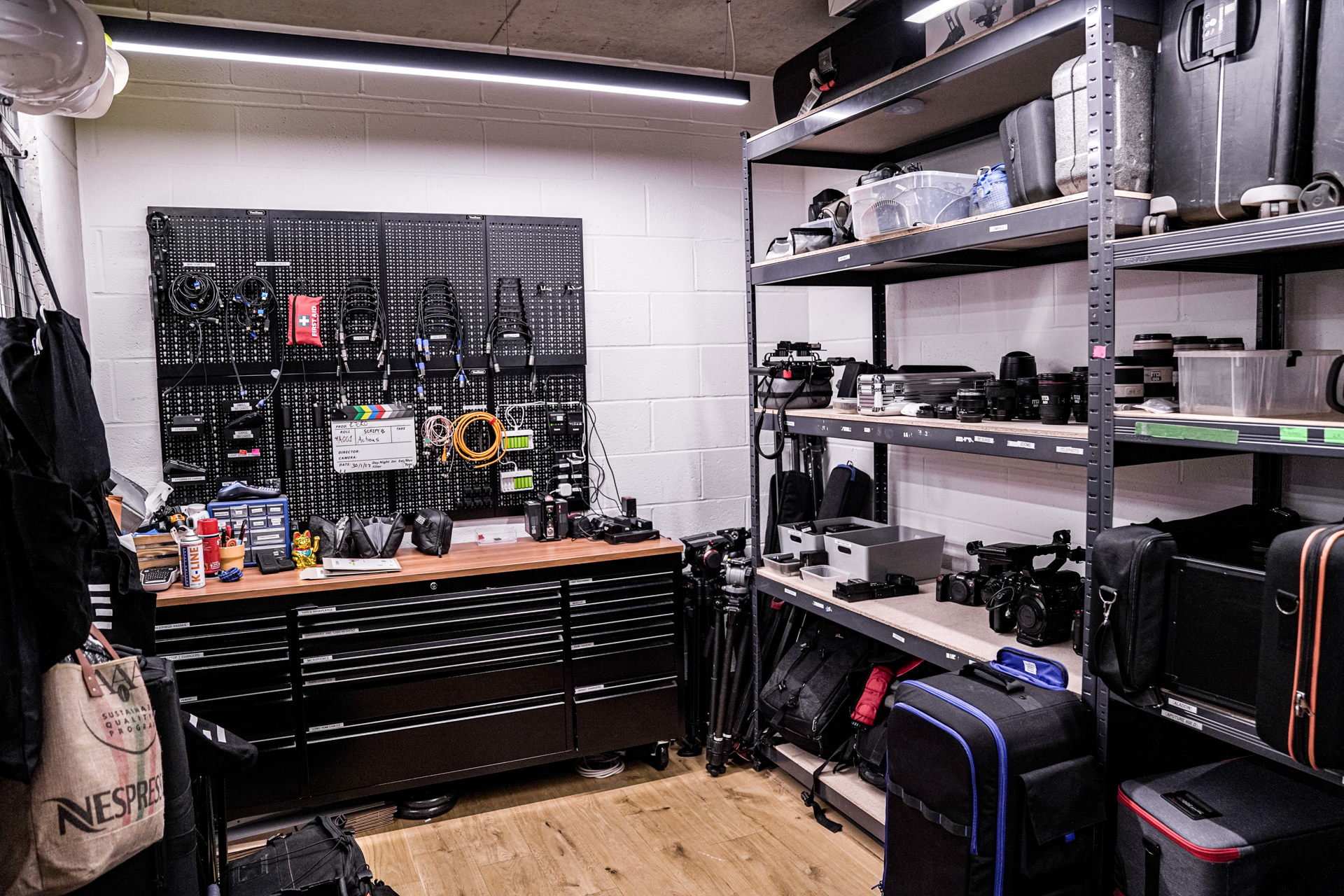
If you handle laptops for a hybrid team, manage broadcast equipment for a studio, or oversee equipment at a university lab, a hands-on audit confirms that your financial records match what’s actually on the shelves. After a busy season, this becomes essential—gear has a funny way of wandering.
A quick scan through your storage area is the most reliable way to settle what’s truly present.
Give Your Audit a Boost with Cheqroom Spotcheck
Paper checklists are nostalgic, but not practical. Spotcheck streamlines your count by letting you use a phone or scanner to confirm that each asset is in the right place at the right moment.
No labels yet? You can still run a count manually. But once barcodes, QR codes or RFID tags enter the picture, everything moves at high speed.
Benefits of doing physical inventory counts with Cheqroom
Find missing gear quickly: Real-time records let you plan purchases strategically and avoid unexpected shortages.
Trace an item’s story: If something’s gone missing, open its history, see who used it last.
Skip the paperwork: Spotcheck removes the administrative clutter and shortens the entire process. With barcodes and a scanner, a job that once took days can shrink to hours.
Guide better decisions: Once the count is done, generate reports to identify aging or idle equipment so you can decide what to repair, reassign, sell, or replace.
Go Next-Level with RFID
For teams managing high-value or large volumes of gear, RFID makes inventory counting easy. In Cheqroom, just select your RFID scanner, start a Spotcheck, and with a simple scan, you’re done. No line-of-sight or tedious item-by-item scanning—just fast, accurate results. Perfect for large-scale operations.
Spotcheck levels for inventory counts: a layered way to audit ⏳
You don’t need to do it all at once. You can benefit from the different levels of Spotcheck.
Locations: You must ensure that all your inventory is physically in your storage at some point. Perform a Spotcheck by Location, and scan everything present to detect missing equipment.
Categories: Need to count just your cameras or scientific sensors? Select the Category Spotcheck and scan only what’s in the space to get your latest count.
Long-term gear assignments: Did you assign equipment to employees or students? Is someone leaving the company or is a semseter coming to an end? Use the Custody Spotcheck to verify that everyone still has the assigned equipment or flag any issues. You can even allow them to perform their own checks with tailored permissions.
Kits: If you use kits, this is the quickest way to confirm completeness. Create a Spotcheck by Kit, scan the contents, and get immediate results.
Don’t forget your consumables 🖊️
Consumables might be small, but they can blow up your numbers if they’re off.
Use bulk item reports to check current counts and see how consumables were used throughout the year. Once your audit and reporting is complete, use the data to spot trends and budget smarter.
📝 Pro Tips for End-of-Year Inventory Audit
Whether you’re running the show solo or coordinating a team, these steps help keep everything organized:
Use Spotcheck - what else. 💁♀️
Use Cheqroom’s app, USB scanner or RFID reader.
Pause operations when doing the count (no checkouts or check-ins).
Split the process. Start with kits, then move to locations for a cleaner workflow.
Address discrepancies immediately while the detail are fresh.
Create Reports and share insights with stakeholders to spark helpful discussions.
Stay on top of your gear this year—run your inventory audit with Spotcheck.
Written by Claire StromDec 06, 2025
Claire Strom | Program Marketing Lead
As the program marketing lead, she's the one who keeps Cheqroom's vision and our customers' needs in sync. She loves bringing new features to life and telling the world about the magic of how Cheqroom keeps work in motion.
Whether she is behind the scenes crafting a new strategy or in front of the camera sharing our customers' stories, her mission is to turn equipment operations into a superpower, one story at a time.
What is the main purpose of an end-of-year inventory audit?
The primary purpose is to reconcile your physical inventory with your financial records, ensuring accounting accuracy and providing a foundation for strategic planning. It helps you identify missing, obsolete, or underutilized equipment so you can make smarter decisions about selling assets and future purchasing.
How often should we conduct a physical inventory count?
While a comprehensive inventory audit is typically done at the end of the fiscal year, you should use Spotcheck for smaller, routine counts quarterly or even monthly. Using Location and Category Spotchecks regularly helps maintain near real-time accuracy and prevents the year-end audit from being a mad scramble.
Why is an End-of-Year Equipment Inventory Audit Crucial for Financial Planning and Operations?
An end-of-year equipment inventory audit is crucial for strategic asset management. It ensures financial accuracy by reconciling physical assets with records and helps identify obsolete gear, which guides accurate budgeting for the coming year. By confirming equipment availability, the audit prevents project delays and provides leadership with the data and reporting needed for better long-term decisions.