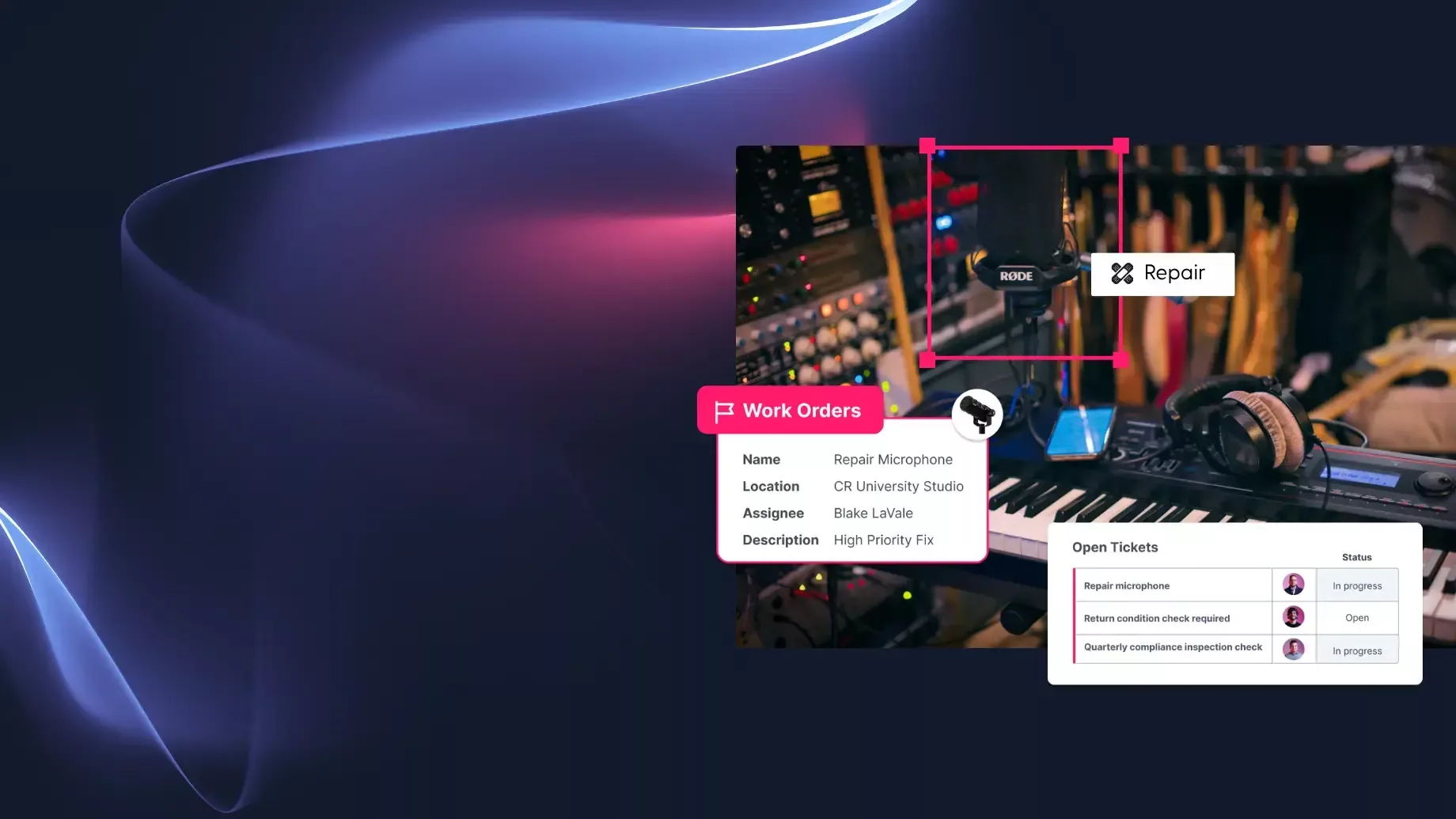
New Quarter. New Operational Power.
This is the quarter operations got its own engine. Bring more requests into Cheqroom, build smarter kit controls, and a lineup of updates coming to build a connected hub for every part of your operations. Scroll through the highlights.
Every request. One connected workflow.
Operations Management
Create, assign, and track operational requests directly in Cheqroom, connected to your live asset data. When a request comes in, the system already knows the asset's history, location, and upcoming bookings. Fewer handoffs. Fewer surprises. One complete picture of your operations.
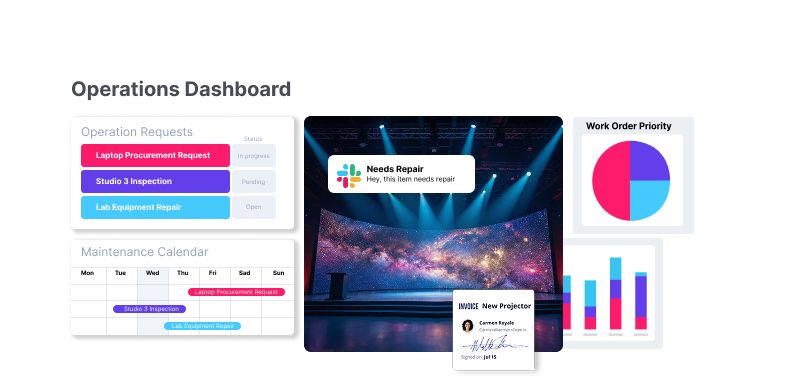
- Define your request types. Set up the categories that match your operations, from maintenance and inspections to event prep and procurement.
- Control who does what. Assign the right people to execute the work, and decide who on your team can submit requests.
- Capture the details that matter. Every submitted request includes custom fields like priority, due date, and description so nothing shows up incomplete.
- Track it all in one dashboard. See every open request, its status, and who owns it, without digging through emails or spreadsheets.
- Close the loop and learn from it. Wrap up requests with a full audit trail, then use reporting to spot patterns and make smarter decisions.
Quick How To
From event prep to maintenance work orders: see how Operations Management helps you plan, track, and stay ahead of the work that keeps your equipment (and projects) ready.
Put it to Work Across Your Operations
🔧 Maintenance Requests
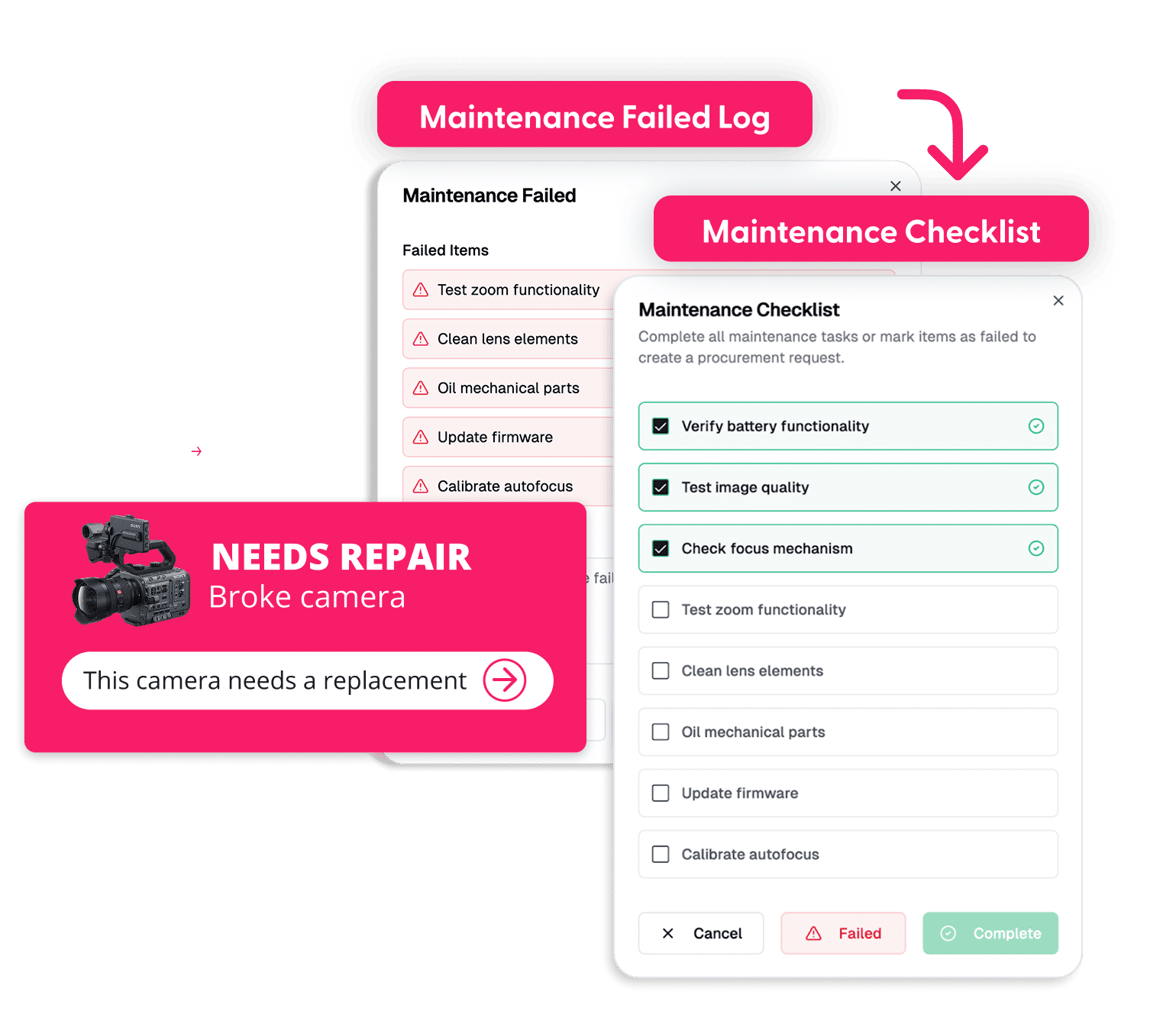
Flag an issue, route it to your maintenance team, and track the repair without losing sight of the asset's schedule.
📋 Inspection and Compliance
Schedule and log inspections tied to specific assets so nothing falls through the cracks.
⚖️ Calibration Tickets
Track calibration cycles and certifications with clear ownership and deadlines.
🎬 Event and Project Requests
Manage gear prep, staging, and logistics for upcoming shoots, classes, or live events.
📦 Logistics
Connect and track every step, from request and prep through transit, on-site use, and back — so every team knows what happened and what comes next.
🔄 Procurement and Disposal
Open requests for new gear or flag end-of-life assets, all in the same workflow.
What's New & What's Coming
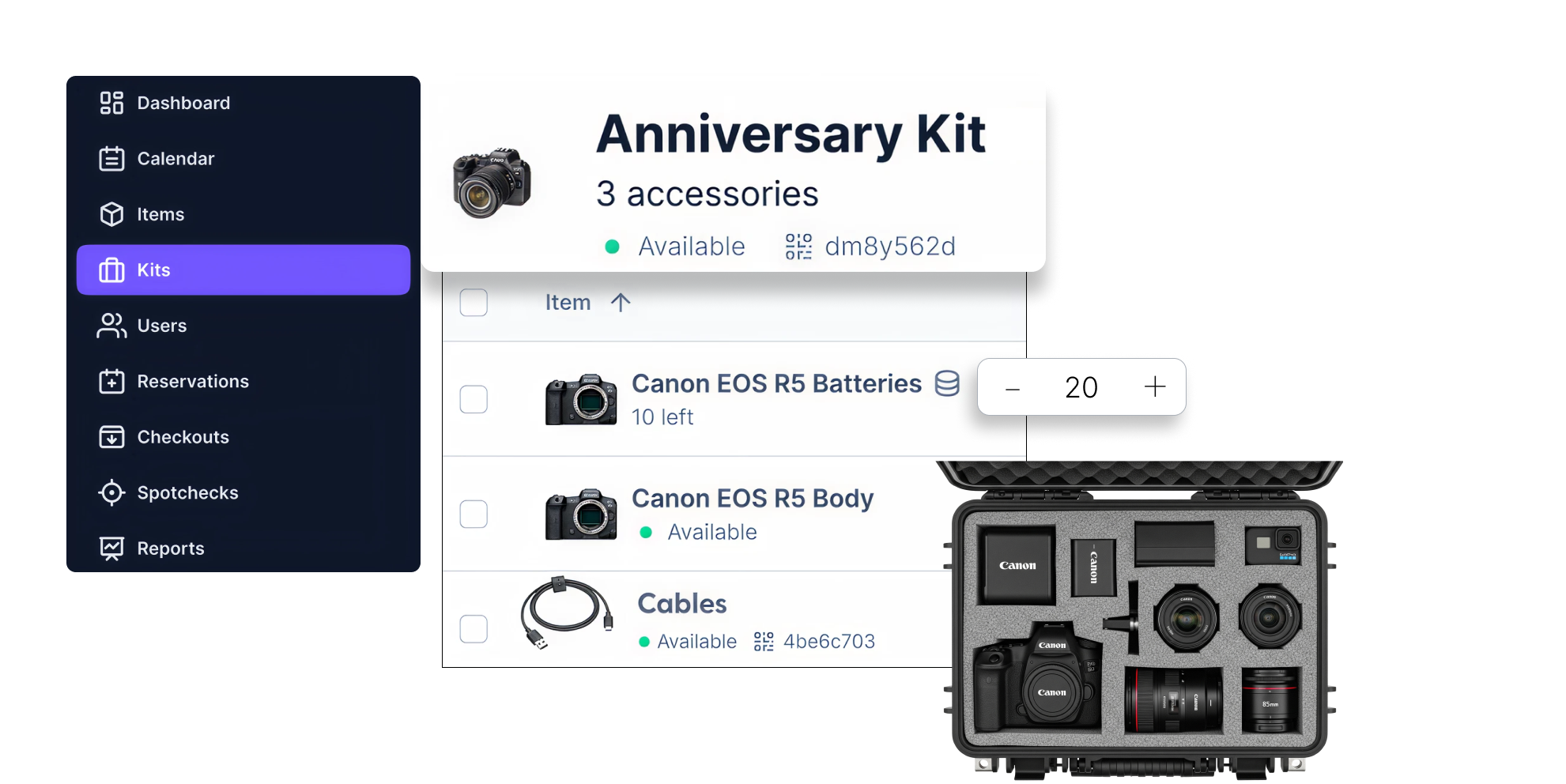
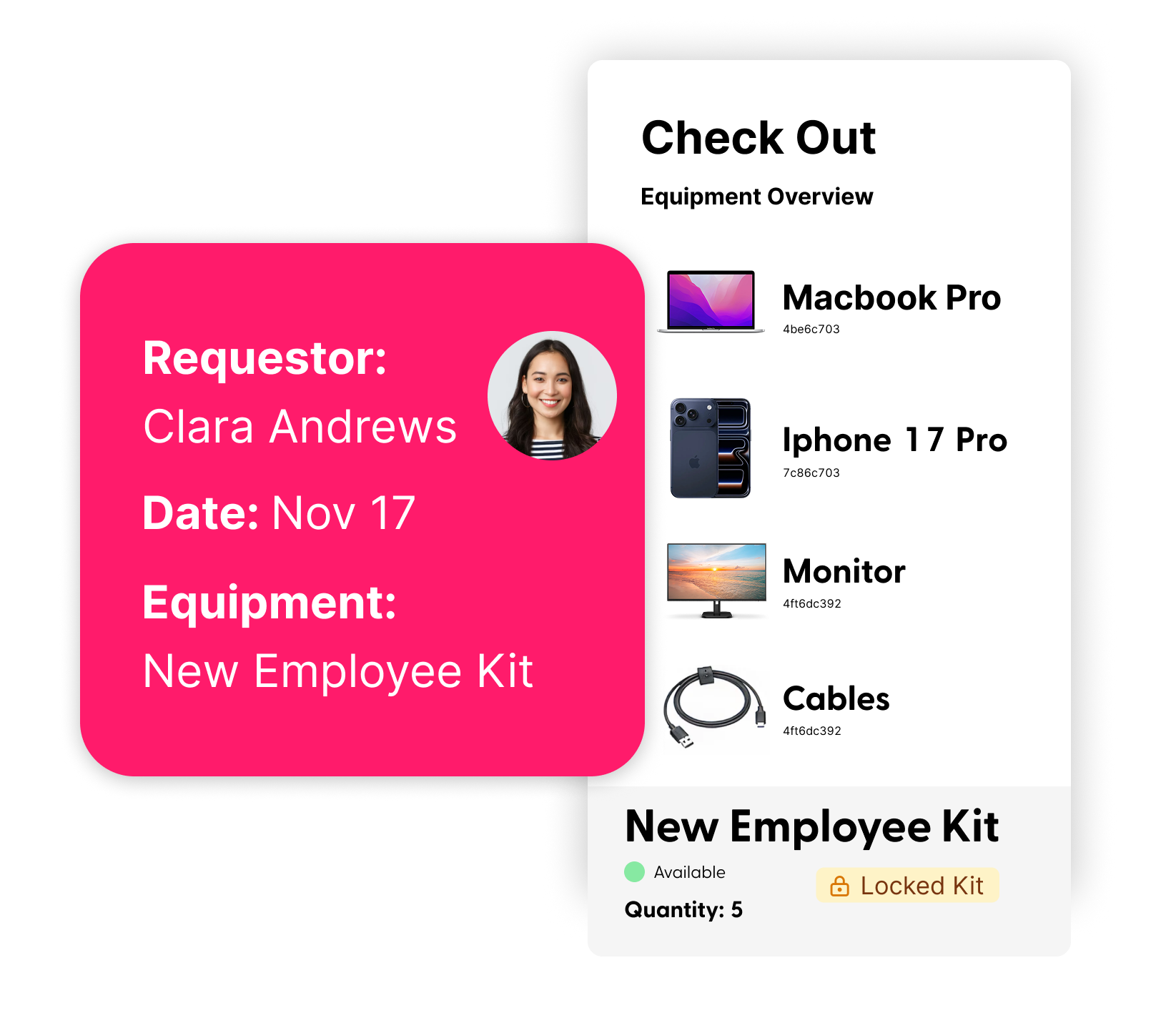
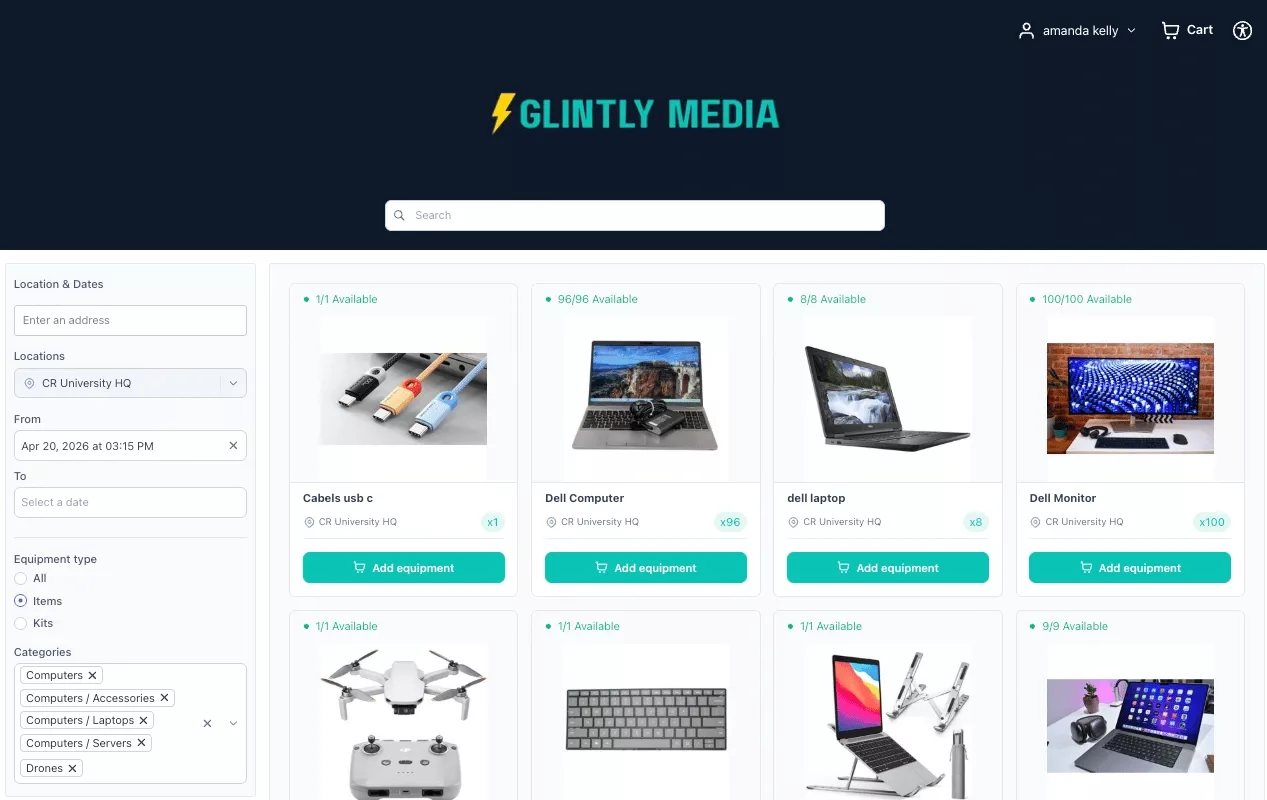
Coming Soon: Booking Portal 🛒
An online shopping experience for equipment reservations. End users can browse what's available, pick your dates, and submit request.Your rules. Your brand. Your gear. Stay tuned!
Other Enhancements to get Organized
Location Details
Add up to four sub-levels to any location to match your actual item storage setup.
Booking Restrictions by Location
Set custom hours, advance booking times, and rental limits by location.
Edit Live Bookings
Adjust dates, add equipment, or update details when booking needs change.