Operations management header 3
Operations Management

One Place for Every Operational Request

From procurement to repair to compliance, Cheqroom captures the request, routes it to the right owner, and creates a permanent history for the asset. Stop switching between tools and start servicing your inventory where it lives.

Operations Don't Fail. Handoffs Do.

Your equipment is only as good as the processes supporting it.

A procurement request sits unread for two weeks

A camera is flagged as broken in Slack, but it’s still booked for a shoot tomorrow.

New gear arrives at the loading dock, but the team doesn't know it's ready to book.

A pre-shoot inspection was "probably done" by someone, somewhere

Gear ships to the wrong location because the transfer brief lived in someone's inbox

Cheqroom Closes the Gap Between Request to Completed

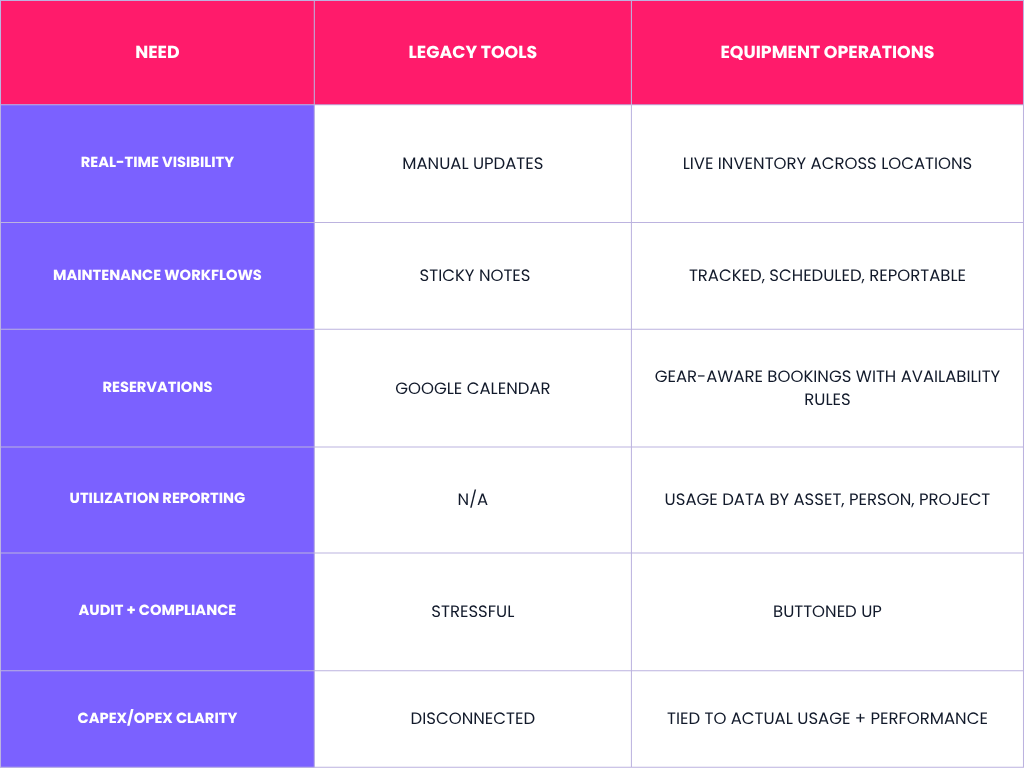
Most operational errors happen in the gaps between teams. Cheqroom closes those gaps by automating the handoff. By linking asset status directly to task ownership, we ensure that every repair, transfer, or procurement request reaches the right person with the right context—instantly and every time.

Want a Personalized Demo?

Structured Intake

Every Request Arrives Complete

No matter the type of work, requests that come in missing context stall before they start. Cheqroom replaces the email, Slack message, and hallway ask with structured intake forms that capture the right details upfront, every time.

  • Configure fields to collect the details your workflow actually needs, such as requirements, dates, and dependencies
  • Attach photos, files, and supporting context directly to the request
  • Link requests to relevant assets, locations, and people from the moment they're submitted
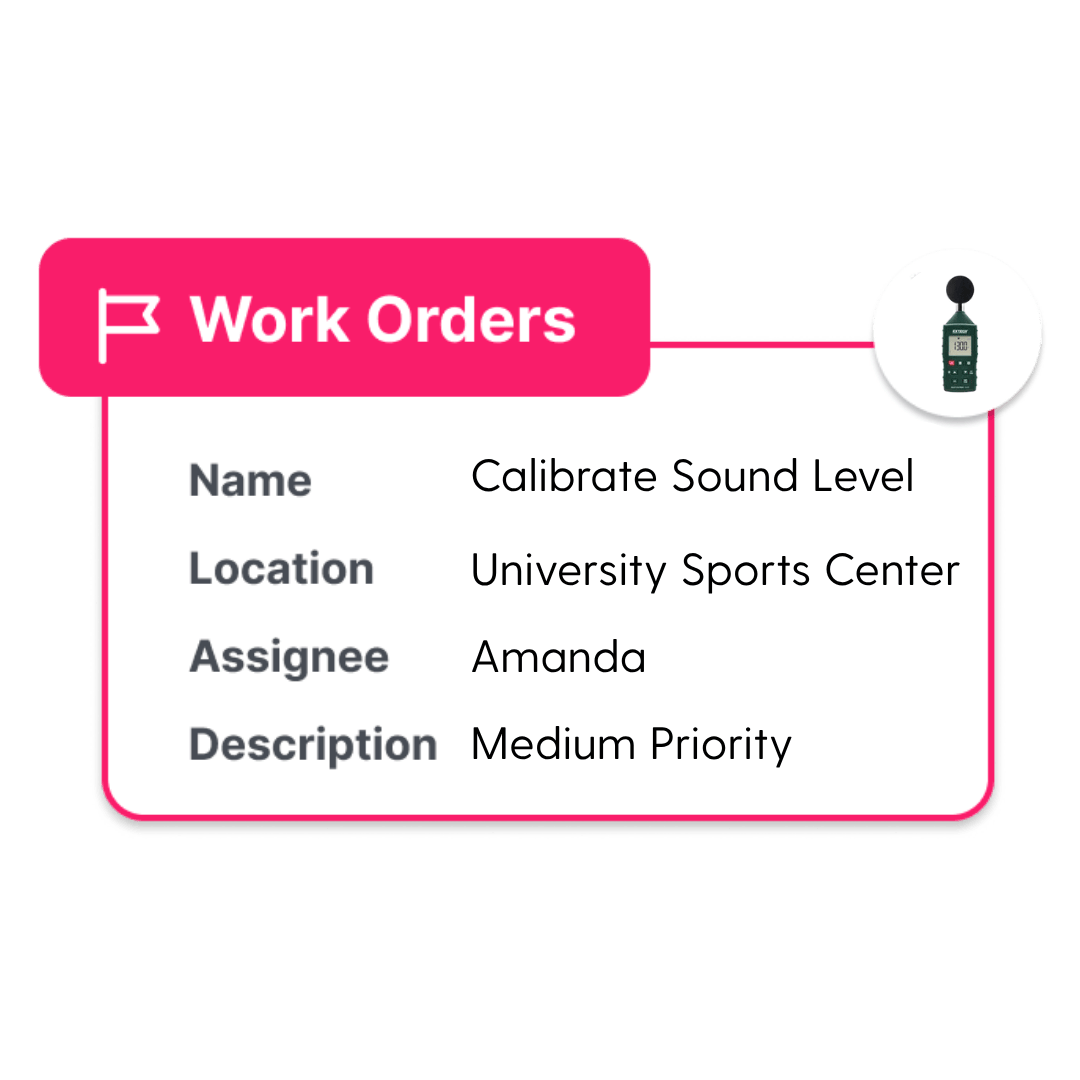
Work Order Calibration
Ownership & Status

Clear Accountability, From Start to Finish

Cheqroom makes ownership explicit from the moment a request is created. Assign an owner, set priority, and track status through every stage so nothing falls through the cracks and leaders always have visibility.

  • Assign a named owner to every request so accountability is never ambiguous
  • Track and update customizable statuses end-to-end, from intake through completion, across all workflow types
  • Coordinate handoffs, responsibilities, and exceptions right on the request
  • Connect to preferred tools via API so updates flow where your team already works, and every detail stays synced.
Asset History

Every Action Tied to its Asset. Forever.

When work is completed, it doesn't disappear, it becomes part of the asset's permanent record. Every request, status change, and completed task builds a full operational history tied to the item and location it belongs to, always accessible when you need it.

  • Automatically appended completed work to the asset's lifetime history
  • Log every status change, owner update, and note, such as condition, with timestamp and attribution
  • View work orders, checklists, and invoices directly in asset history across all workflow types: maintenance, transfers, inspections, procurement, and more
  • Keep audit-ready records without manual documentation or separate systems

Testimonial

We had been using a bit of a workaround for our maintenance, but having a fixed system in Cheqroom that tracks our calibration intervals and generates professional records for our clients is a huge benefit to us.

-Civil Engineering Firm

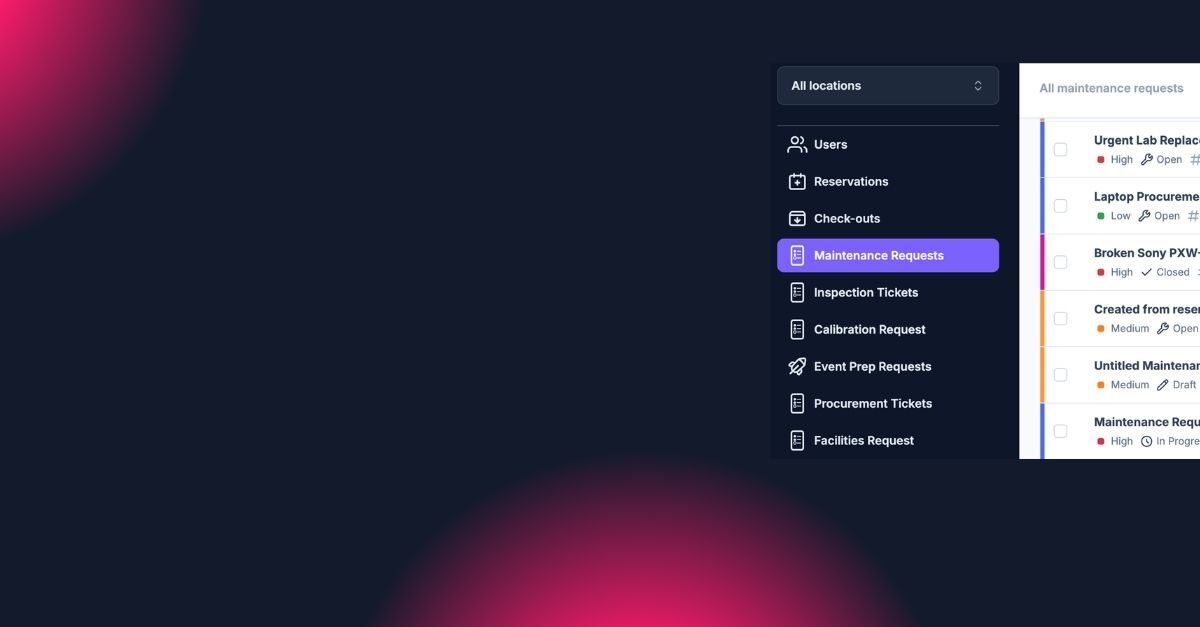
Every Request, One Dashboard

Operations Management in Four Steps

From event readiness to procurement to retirement, Operations Management gives you a true 360 view of everything happening across your equipment and spaces.

Built for the Work that Keeps Operations Running

Here are some of the most popular use cases but Operations Management can fit hundreds of scenarios.

Maintenance Work Orders

Log issues with photos, track parts and time, and keep a complete service history tied to every asset.

Purchase Orders

Standardize requests with specs, budgets, and approvals so ordering is traceable from request to delivery.

Logistics & Transfers

Manage gear movement across locations with dates, handlers, and full accountability at every handoff.

Event & Project Readiness

Prep checklists, dependencies, and linked bookings so nothing's missed on the day of an event.

Compliance & Sign-offs

Capture required checks as part of the workflow. Proof lives with the item and its history.

Facilities Requests

Route room resets, lighting issues, and equipment-adjacent work with clear ownership and status.

Receiving & Onboarding

Verify, tag, and document new inventory so assets are ready for booking the moment they hit the floor.

Disposal & Retirement

Document decommissioning with chain-of-custody records while keeping the full lifetime history intact.

Ready to Close the Gaps in your Operations?

FAQ's

  • Bring your operational requests into the tools your team already uses, so nothing gets lost in translation.

    • Jira: tie operational work to engineering or product workflows when something needs a deeper fix.
    • Zendesk: turn customer issues into trackable operational requests, without copying details across tools.
    • Zapier: automate the handoffs that usually get forgotten.
    • Slack: keep the right people in the loop without turning updates into a back-and-forth.

    You can find more on Cheqroom integrations here.

  • Your team can use Cheqroom’s project tickets to associate reservations, check-outs, items, and even other work orders all used in the same project or event. Maintain a complete history log of all changes as check-outs are added, items are modified, or maintenance occurs. You can also generate documentation, such as invoices, that spans multiple bookings.

  • Cheqroom can currently support procurement in two ways:

    1. Cheqroom can make the transition from "Ordered" to "Active" automated for new inventory. As soon as a new batch of assets is scanned into the system upon delivery, Cheqroom triggers a status update from "On Order" to "Available." This automated intake process immediately populates the asset's digital profile with warranty information and purchase dates based on the initial procurement request. By turning the physical scan into a digital "Go-Live" event, the system ensures that new capital is ready for deployment the moment it hits the warehouse floor.
    2. An end user who needs additional gear can use a procurement request form to send details of what they need to appropriate parties. Customizable fields can gather needed information like requesting department, approver, and business case. Like items already in inventory can be added for reference. Once the appropriate parties review and order items, the items can be added to Cheqroom closing the loop, with complete history.
  • Cheqroom can turn a repair request into an active maintenance workflow. When a user flags an item as “Damaged”—for example, from the field via the mobile app—Cheqroom automatically removes the asset from rotation, preventing any further booking of the gear while it’s damaged. During this process, the user is required to provide key details about the issue, including what happened and supporting images, ensuring that all relevant information is captured upfront.

    This action automatically generates a notification for the maintenance team, creating a repair ticket without the need for manual data entry. Flagged items can then be added to a maintenance work order, allowing teams to track all activities required to repair the asset and return it to circulation.

    Once a technician logs the repair—either directly within the platform or through an API integration with a preferred software—the system updates the asset’s status to “Available,” effectively closing the loop and restoring it to circulation within Cheqroom.

    This end-to-end process creates a closed-loop maintenance system that maximizes asset uptime while giving technicians full visibility into each asset’s condition. health, and repair history.