The Simple Way to Manage Booking Rules for All Your Locations
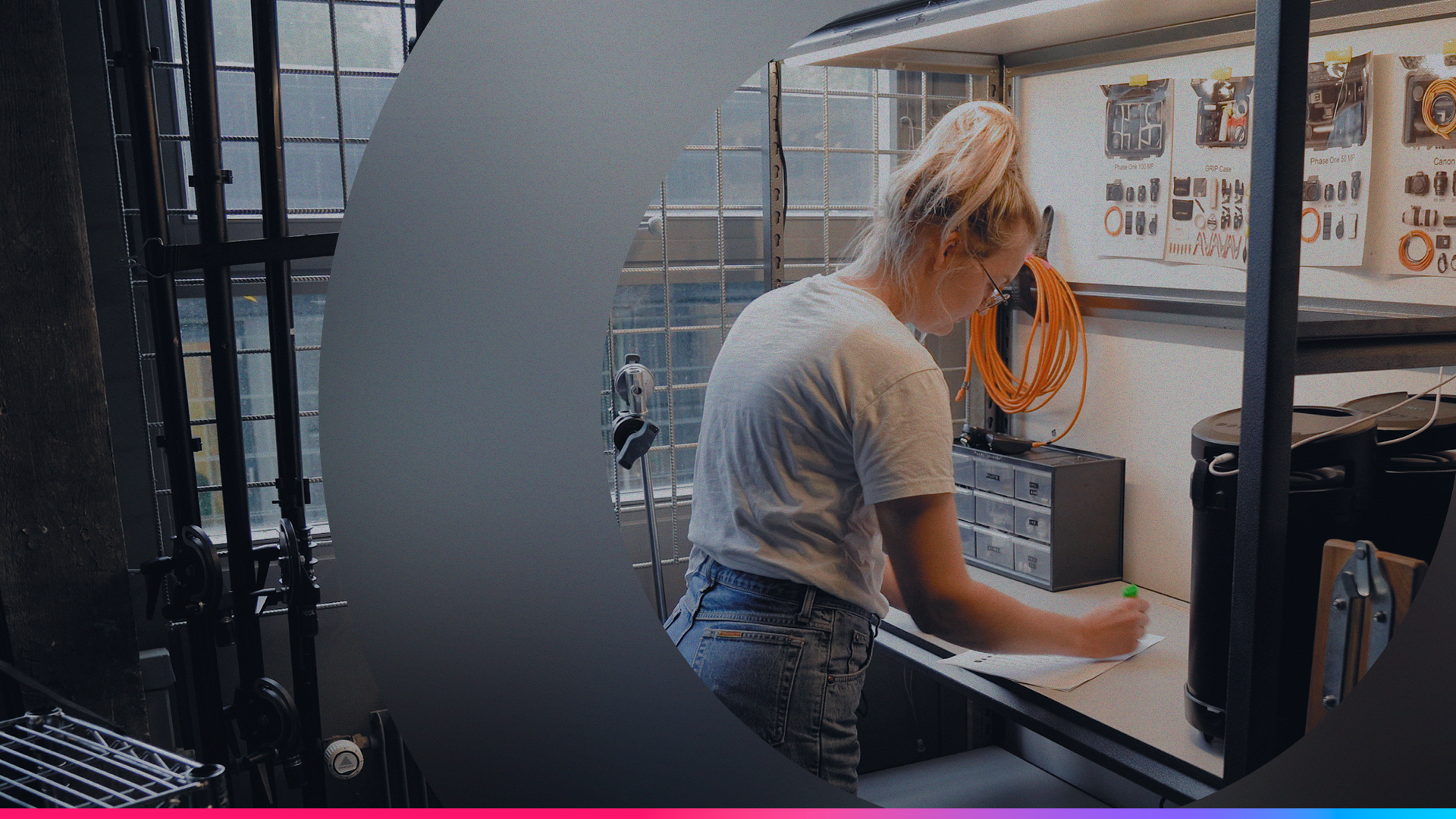
Do you encounter long queues in the equipment room? Is your high-value gear sitting idle because people book it for longer than they actually need it? Or do you, as an Operations or IT Manager, feel pressured to hastily prep last-minute bookings for a global team?
If that sounds familiar, you’re not alone. Whether you’re managing a fast-paced production house, a university equipment hub, or a corporate IT department across multiple regional offices, maintaining a smooth workflow is a constant challenge.
That’s why we’ve evolved we’ve evolved Booking Restrictions beyond simple limits, with flexible, location-specific rules and Buffer Time to build in breathing room between bookings.
Hooray! Less stressful equipment managers in the office in 3, 2, 1.
TL;DR: Watch this video!
Avoid Congestion with Location-Based Capacity
Managing a busy equipment room in London is different from managing a satellite office in New York. With Cheqroom, you can define how many users are allowed in your equipment room at once, and you can customize these rules by location.
What's the right balance between user flexibility and operational capacity? Choose the approach that fits your operation:
- Time-based restrictions (e.g., Broadcast & Media): Set specific pickup intervals like 15-minute slots to control exactly when users arrive. Perfect for high-stakes production environments where staff availability and equipment prep are time-sensitive.
- Flexible time windows (e.g., Higher Ed or Corporate IT): Choose 1-hour intervals for more scattered arrivals when teams need breathing room. This approach is especially popular in university equipment rooms and corporate IT departments.
- Capacity limits for hands-on support: If your team provides coaching or equipment walkthroughs during pickup, limit how many people can pick up within a certain window to ensure proper attention without overwhelming your staff.
- Day-based restrictions (e.g., Self-Service Lockers): Give users flexibility to pick up anytime during the day without a specific time slot. Ideal for less structured workflows and automated environments.
- Buffer Time: Add a built-in gap between bookings to protect prep and reset time—without making your rules overly strict.
No More Equipment Hogging: Optimize Equipment Use
We’ve all seen it: equipment stays in a locker "just in case," while another project team is left empty-handed. This is not just annoying; it is a problem that costs money.
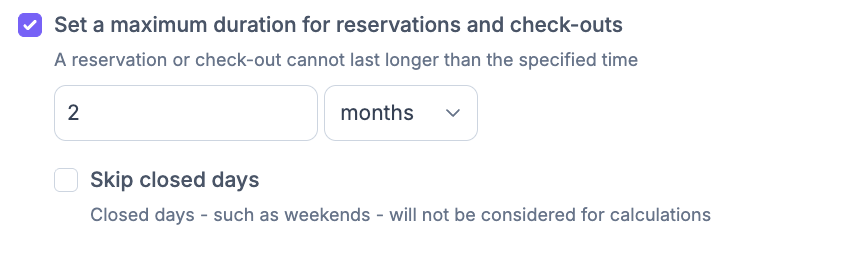
To keep things fair and maximize your ROI, you can set Maximum Durations for reservations and check-outs. You can define exactly how long a piece of gear can stay out—whether it’s hours, days, or weeks—ensuring high-value assets are always back in time for the next user
Strategic Planning: Advanced & Minimal Lead Times
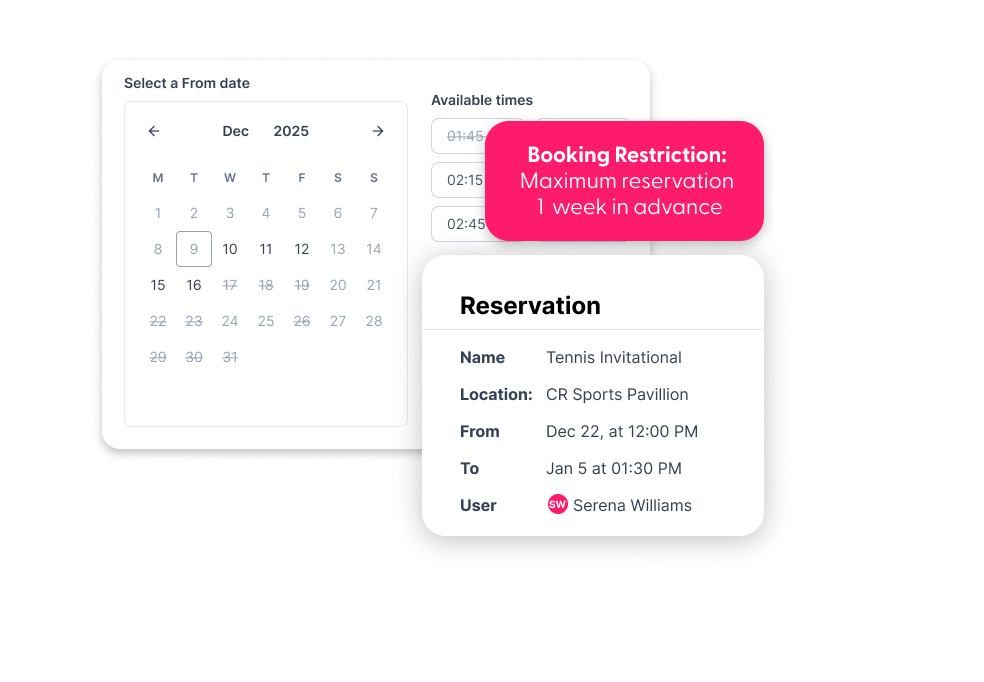
The biggest hurdle for global teams is the "one-size-fits-all" policy. You can set booking restrictions by location to ensure the rules match the local reality.
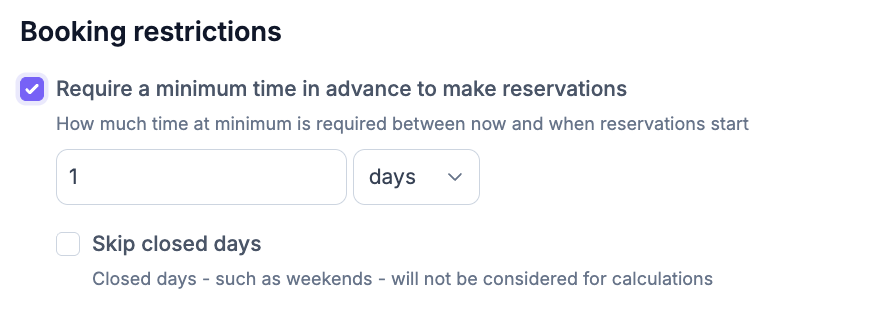
- Prevent "Calendar Camping": Limit how far in advance someone can make a reservation. This prevents the calendar from being fully booked months out, leaving room for last-minute, high-priority projects.
- Guarantee Prep Time: Don't let a last-minute booking ruin your schedule.
- Set a Minimum Lead Time (e.g., 24 hours notice required) to give your equipment managers breathing room. This is one of several checkout best practices that help reduce operational stress.
- Set Buffer Time to take prep one step further by automatically spacing out reservations so teams can clean, charge, inspect, and stage equipment between handoffs.
Manage Global Equipment Operations Without the Headaches
Booking restrictions aren't just about saying no. They're about creating a system that works for your team and your users. With location-specific booking restrictions, you can reduce congestion, prevent equipment hoarding, and give your operations team the breathing room they need to do their best work.
Ready to see how it works? Talk to our team to learn more.

Claire Strom | Program Marketing Lead
As the program marketing lead, she's the one who keeps Cheqroom's vision and our customers' needs in sync. She loves bringing new features to life and telling the world about the magic of how Cheqroom keeps work in motion.
Whether she is behind the scenes crafting a new strategy or in front of the camera sharing our customers' stories, her mission is to turn equipment operations into a superpower, one story at a time.
More blog articles