Enterprise Equipment Booking Software for Multi-Site Teams
Managing a few dozen laptops in a single equipment room is one thing.
Managing thousands of high-value assets across cities, departments, and rotating team members is a completely different challenge.
The spreadsheet method gets messy and breaks under the weight of "ghost assets" and expensive last-minute rentals when operations scale. For global enterprises, equipment management is about coordination.
You need a system that offers a bird’s-eye view of your entire global inventory while giving local teams the autonomy to move fast without asking for permission. An equipment booking software is the bridge between chaos and the centralized control required for high-level oversight.
In this guide, we’ll explore how an equipment booking software turns complex, multi-site logistics into a streamlined, self-service machine. We’ll look at why manual tracking fails at scale and how a modern system ensures your gear is available, exactly where it’s supposed to be.
What Is an Equipment Booking Software?
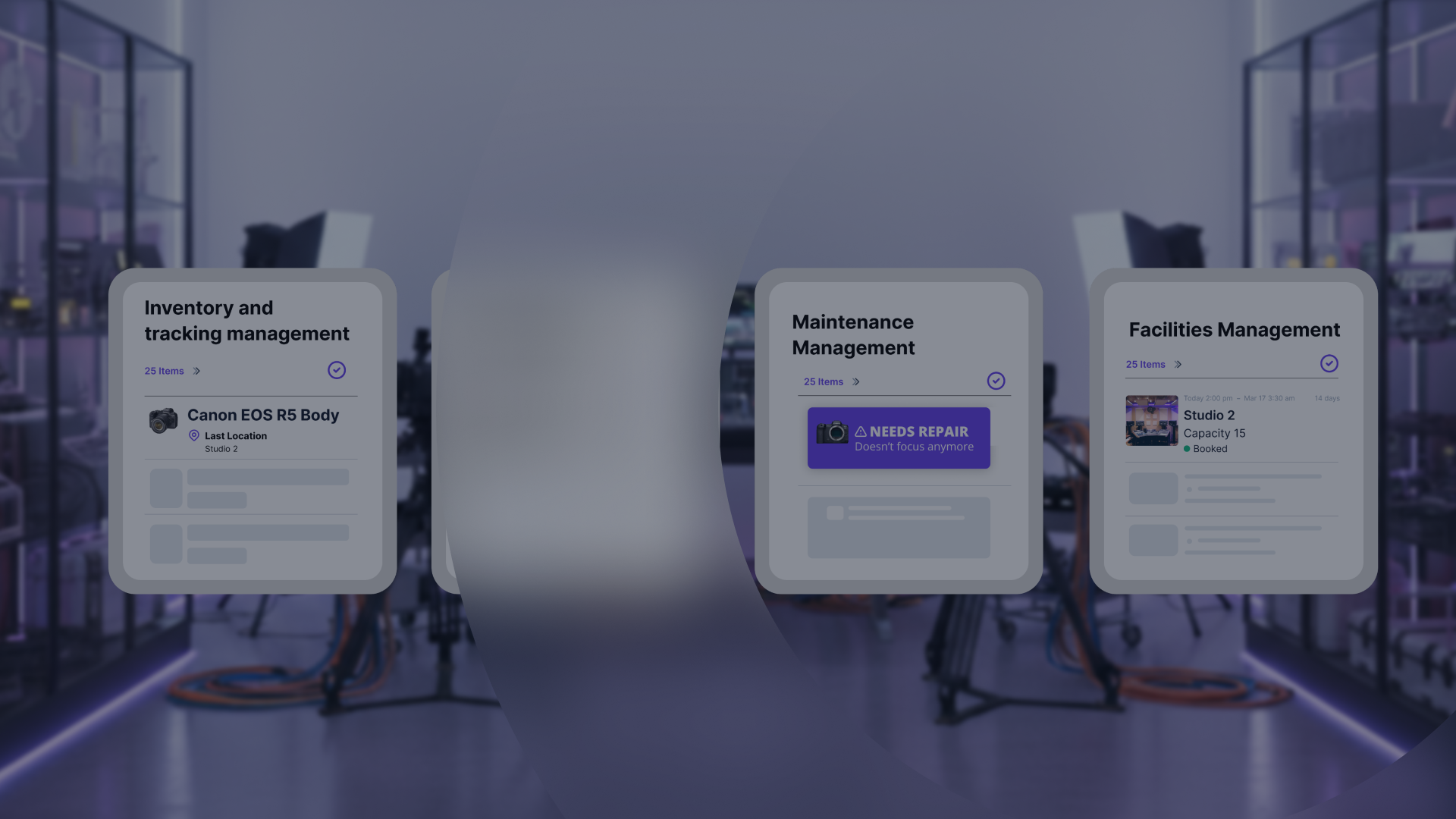
An equipment booking software is a tool that manages the scheduling, tracking, and maintenance of shared assets across a large organization. It functions as a live calendar for physical gear, connecting items to specific users and timelines.
This system matters for multi-site asset booking because it provides a centralized view of resources that are constantly moving between different people and locations. It focuses on future availability rather than just current stock levels.
Standard inventory lists show only what you own at the moment. Equipment booking software enables teams to reserve specific items for upcoming dates. This prevents project delays by ensuring the right tools are available and ready when a team arrives on-site.
Does Equipment Booking Software Work for Distributed Teams?
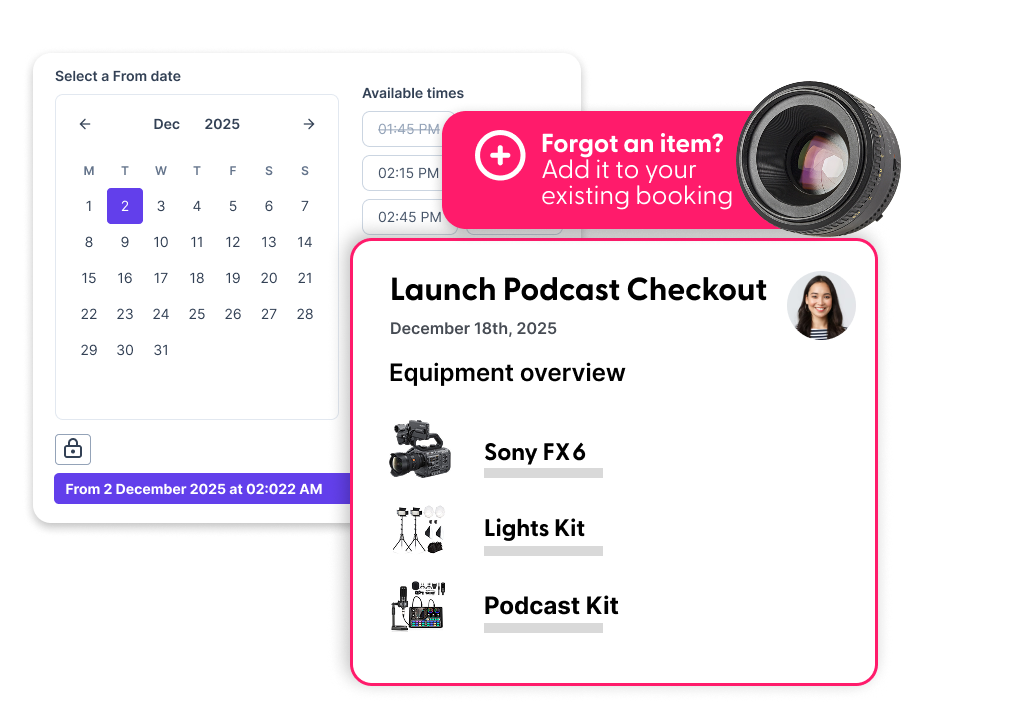
Yes. Equipment booking software serves as the single source of truth for all company property. It syncs data from every branch or office into one accessible dashboard.
This setup stops “asset hoarding,” where departments hide gear because they are unsure if they can get it elsewhere. It ensures every piece of equipment is visible and utilized to its full capacity.
The equipment reservation software uses specific permission rules to control user access. Administrators set these rules to determine which teams can view or book specific types of equipment.
This structure keeps high-value or specialized gear in the hands of qualified staff. It also ensures that local teams can manage their own daily checkouts without needing constant approval from headquarters.
Does Equipment Booking Software Solve The Multi-Site Puzzle?
Yes. Equipment booking software works by syncing a central cloud database with local actions performed at different sites. It establishes a real-time link between physical assets and digital profiles.
This connection allows teams in different time zones or offices to see the same availability data simultaneously. Users log into the system, select the items they need from their local inventory, and set a return date.
This automation removes the need for a dedicated equipment manager to approve every small checkout manually. It empowers employees to take accountability for the gear they use.
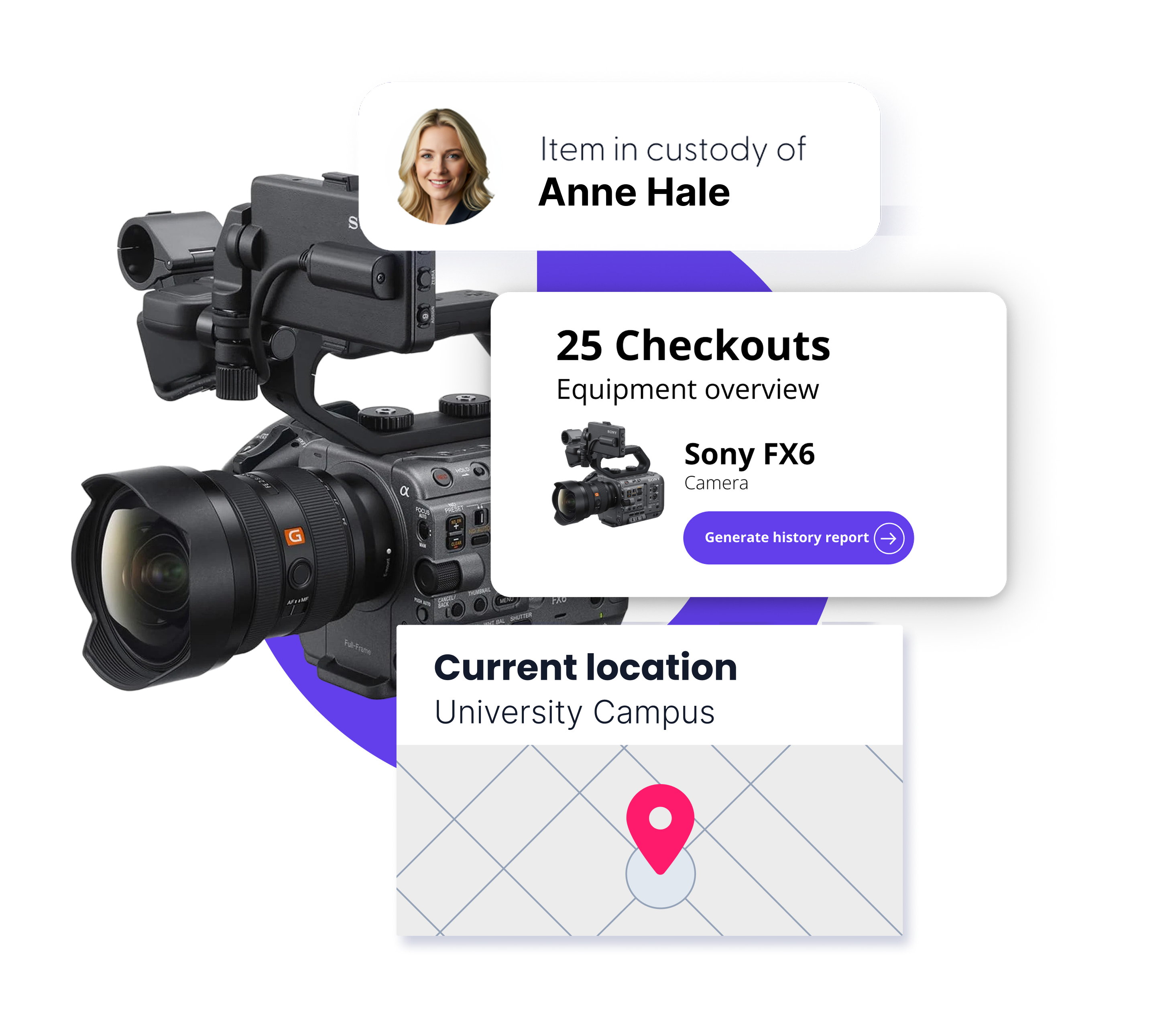
At Cheqroom, our system utilizes mobile scanning and QR codes, barcodes, or RFID tags to track the physical movement of gear. Users scan a tag on the item using a mobile app to confirm they have taken possession or returned it. For larger operations, RFID technology allows you to scan many items at once, making it faster to handle bulk reservations or inventory checks.
This action updates the global database instantly. It ensures that the “Chain of Custody” remains accurate, even when equipment moves between branches in different geographic regions.
Administrators manage the system through a global dashboard that monitors all active locations. They set automated alerts for overdue items or upcoming maintenance needs based on usage triggers.
These notifications go directly to the person currently holding the asset. This proactive communication ensures gear is returned on time and remains in good working order without manual follow-up.
Why Is Managing Equipment Across Multiple Sites So Difficult?
Multi-site equipment management is difficult because geographic distance creates information gaps between teams. Each location often operates as an “island” with its own local tracking methods or private spreadsheets.
This fragmentation prevents the organization from having a single, accurate view of all available resources. And no, manual tracking cannot account for assets moving between different branches in real time.
When gear travels from one office to another without a digital record, it becomes a “ghost asset” that is owned but cannot be found. This lack of visibility leads to unnecessary duplicate purchases and project delays when teams realize too late that they lack the necessary gear.
Distributed teams also struggle with inconsistent maintenance standards across different sites. Without a centralized system like the Cheqroom solution, one office may follow strict service protocols while another may ignore them completely.
This inconsistency results in equipment arriving at a new location in poor condition. Centralized equipment booking software ensures every site follows the same automated maintenance schedules and health checks.
How Do You Track Assets as They Move Between Locations?
When equipment moves between locations, the most important thing is a clear record of where the gear is and who is responsible at each step.
Cheqroom supports this through a mix of flexible reservation, assignment and scan-based verification.
Here’s the workflow:
- Create a reservation and check out for the transfer: An item “moves” between locations when it is checked out from the sending location and checked back in at the receiving location. Creating the reservation and checkout is what keeps the chain of custody accurate.
- Optional internal handoff: If multiple people are involved in the transfer, add additional users to the reservation so responsibility is clear throughout the move.
- Add a tracking link: If you are using a courier, capture the shipping tracking URL in a custom field so anyone can check progress without switching tools.
- Verification scan on arrival: Conduct a quick Spotcheck and scan the item when it arrives to confirm the physical transfer is complete and the database matches reality.
Scanning (QR, barcode, or RFID) is the fastest way to confirm custody changes in the field because it ties the physical item to the correct digital record, including its current location, in seconds.
Can You Maintain Control While Giving Teams Autonomy?
Yes. Enterprise booking software enables centralized control through user permissions and audits. It ensures that only qualified personnel can book specialized or high-cost equipment while keeping local inventories organized.
Autonomy is achieved by enabling a self-service checkout model for the general workforce. Employees use their own credentials to reserve and check out gear without waiting for an equipment manager’s manual approval.
An enterprise is ready for modern equipment booking software when manual tracking methods cannot guarantee data accuracy or equipment availability. This transition point usually occurs when teams spend more time searching for gear than using it.
The transition from reactive firefighting to proactive management creates a culture of accountability and efficiency. When everyone knows where gear is and when it is due back, projects stay on schedule and costs remain predictable.
Cheqroom isn't just another tool—it's the only equipment management software designed for teams sharing assets across people, projects, and places.
Ready to see how Cheqroom can streamline your multi-site operations?
Book a demo today to gain complete control over your equipment and learn about our pricing structure

Maria Alejandra Benitez Chief of Staff at Cheqroom | Equipment Management Expert! Maria is the strategic mind shaping Cheqroom’s big-picture moves. As Chief of Staff, she turns industry insights into go-to-market gold—bridging customer needs, product vision, and smart execution.
With a deep pulse on equipment-heavy industries and a sharp eye for market trends, she helps Cheqroom stay three steps ahead. Whether it’s unlocking new verticals or fine-tuning product-market fit, Maria’s the one connecting the dots (and making it look easy).
She’s all about bold strategy, smart growth, and making gear management way cooler than it sounds.
More blog articles