



Booking-Portal-Header
The Booking Portal

An Enterprise Storefront for Your Inventory

Let end users request equipment without full system access. A secure, branded portal where people browse what they're allowed to book and submit requests—zero training required. Not another platform to manage. Just more ways to book.

Give More Ways to Book Gear, Without Losing Control

The Booking Portal extends Cheqroom to users who need a simpler entry point. Same platform underneath, same governance, same data. Just a cleaner experience designed for people who aren't in your system every day.

Admins stay in control. End users get self-service. Every request arrives organized and ready for review.

How it Works

Sign In

Approved users authenticate via your organizations existing credentials (including SSO). The portal immediately knows who they are and what they're allowed to book.

Browse and Select

Users pick dates, browse available inventory, and add items to their cart. No onboarding call needed.

Submit Request

Requests land instantly in Cheqroom as drafts. Your team approves, rejects, or modifies as always.

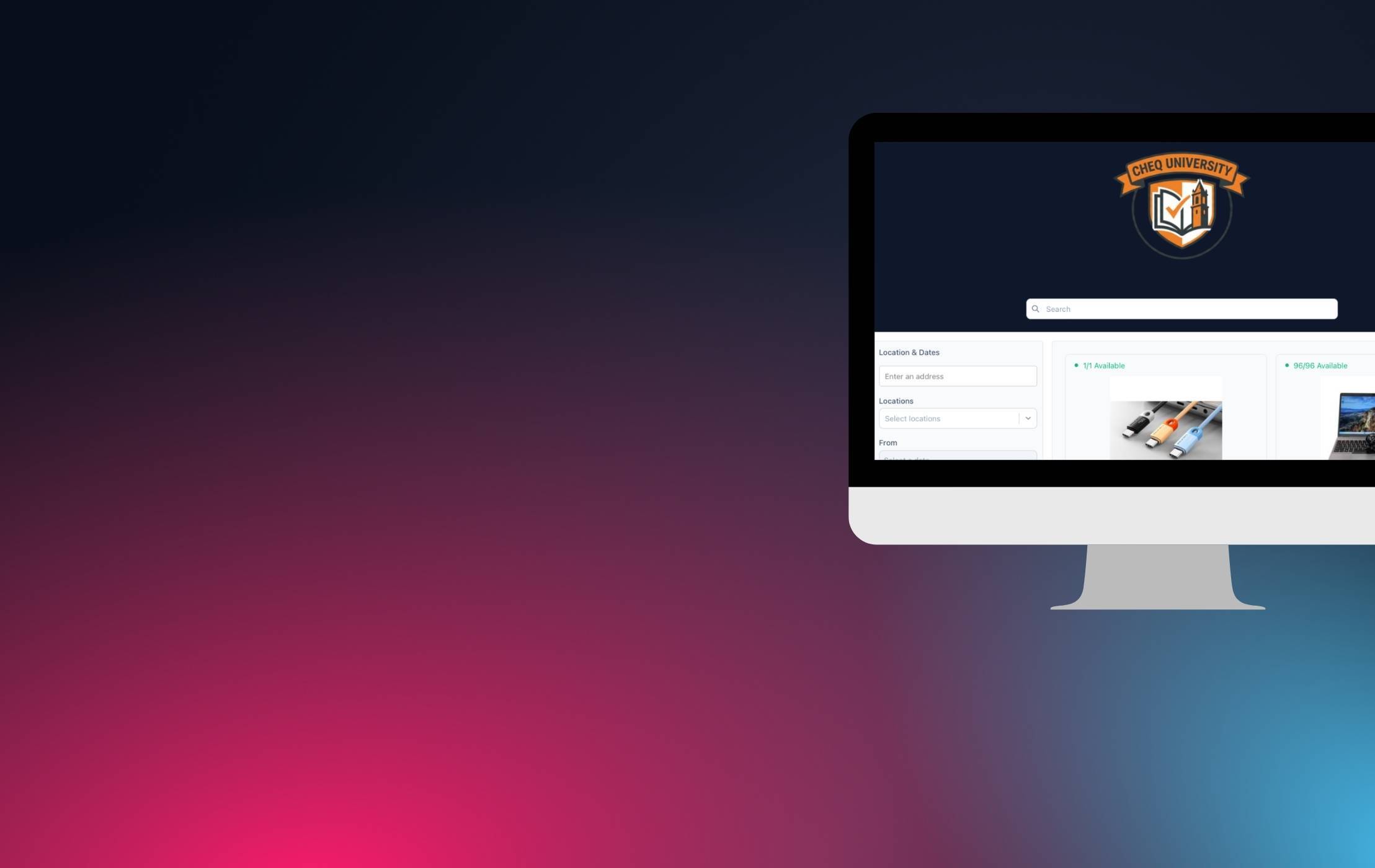
Booking Portal Browsing

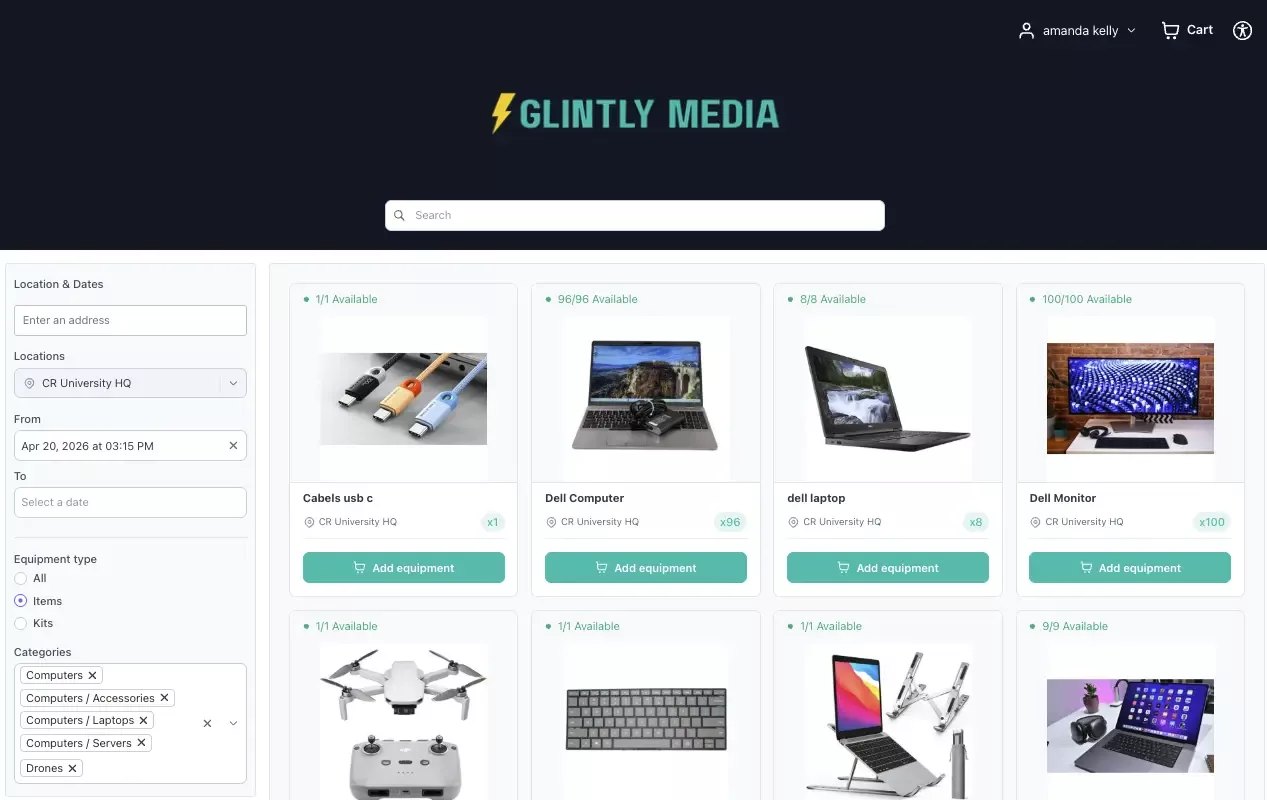
Branded & Modern Browsing Experience

Match your organization’s look and feel with a polished extension of your operation and help users find what they need fast.

  • Fully customizable logo and brand colors
  • Search bar and filters (date/location, items/kits, categories)
  • Multi-photo carousels that give users full context on every item and kit
Booking-Portal-Okta-Log-in

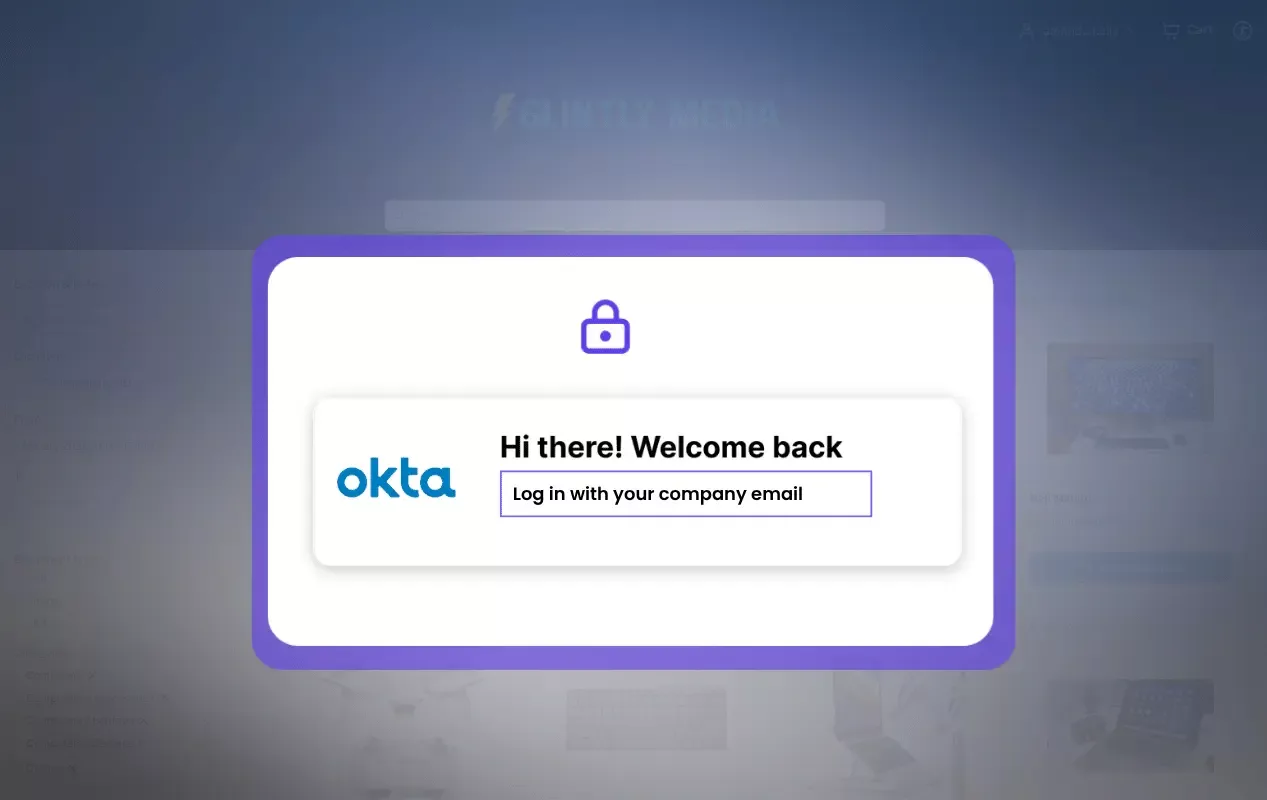
Authentication & Access Control

The Booking Portal works with the same configuration as your main Cheqroom site, no new credentials needed.

  • Users sign in via your organizations existing credentials (including SSO). to view availability and request items
  • Only approved users can access the portal⁠⁠
  • Filters and configurations tailored for different use cases so each team sees exactly what's relevant to them
Booking-Portal-User-Access

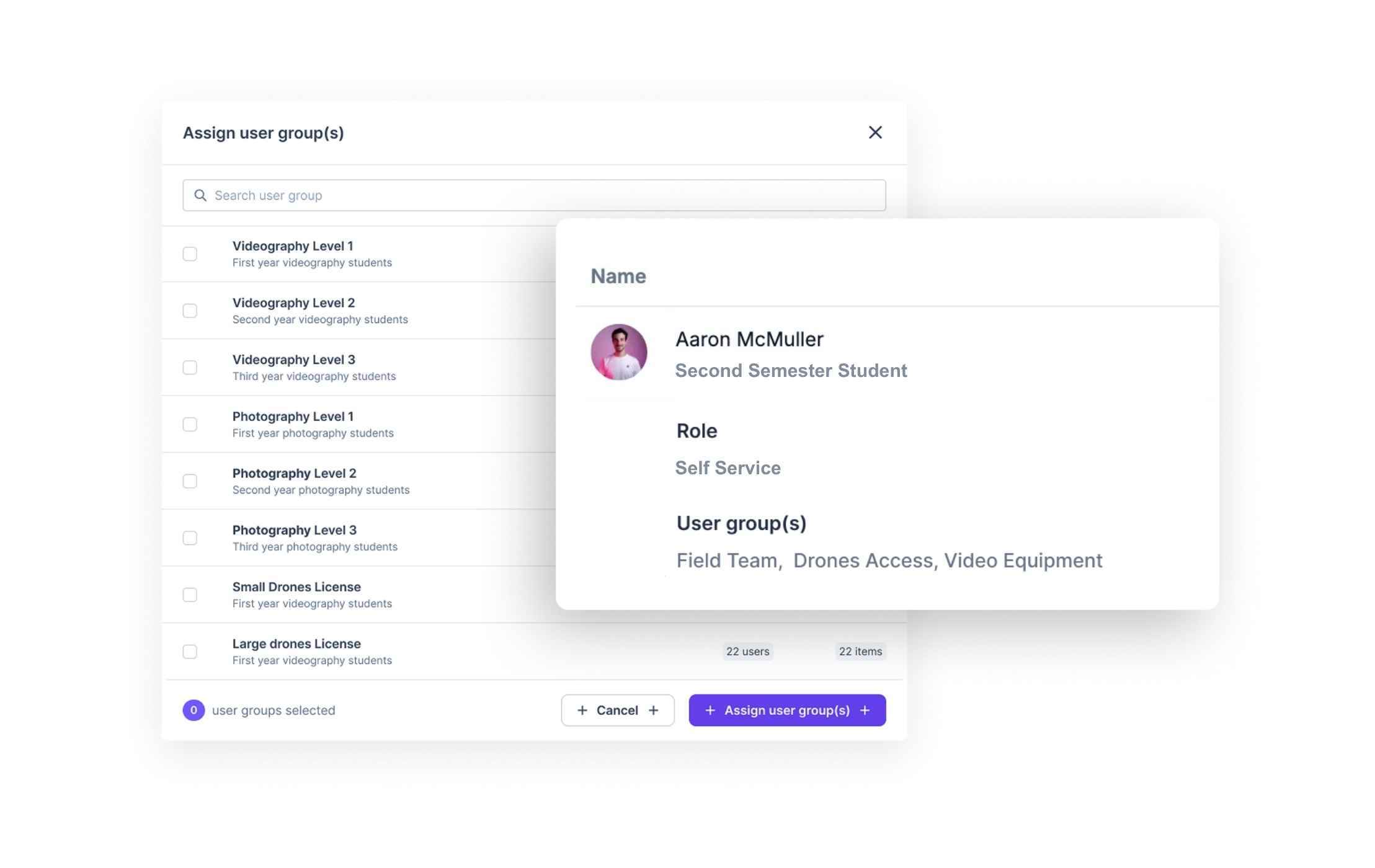
Role-Based Item Visibility

Users only see what they can book:

  • Roles, field visibility, and access groups are fully respected
  • Sensitive data stays hidden
  • Equipment access is fully configurable per user type
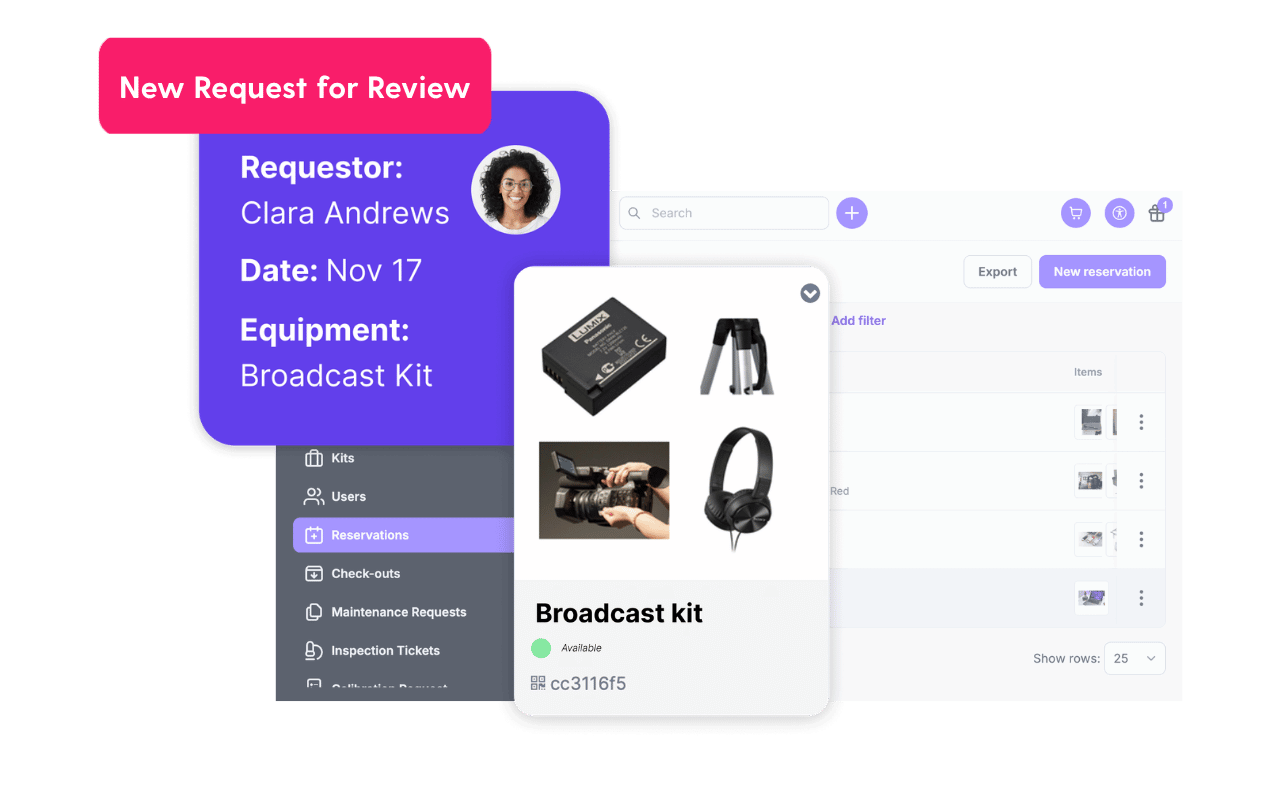
Booking-Portal-New-Request

Your Workflow, Extended

Reservation requests route directly into your existing Cheqroom workflow.

  • Your Admins review and approve requests the same way you always have
  • Your inventory levels and availability stay accurate across every channel in real-time
  • Fewer informal requests landing in your inbox

Ready to Open More Ways to Book Equipment?

Let's chat about what this looks like in practice for your organization.

The Result

More Access. Less Overhead.

Reduce Admin Workload

End the informal requests. Every request arrives through the system, ready for review to reduce admin time spent on intake.

Governance Guardrails

Self-serve requests, while your team stays in control of approvals and processes. Every action is logged, every user is verified, and everything is visible to your admin team.

Scalable by Design

The more teams can request responsibly, the more scalable your equipment program becomes, without adding headcount.

Ready for a Smoother Reservation Flow?

Let's chat about making it easier for users to book gear.

FAQ's

  • No. The Booking Portal is a secure, authenticated storefront and only invited users can sign in and submit requests. It's designed for controlled access and a streamlined requesting workflow, not open public browsing. Think of it as a private self-service window, not a public catalog.

  • Yes. The Booking Portal updates dynamically as items, settings, and availability change in your workspace. Requesters always see current stock, no stale data, no manual syncing required.

  • Absolutely. Both interfaces operate in parallel against the same live inventory and availability calendar. They’re designed to be used together for reservations.

    • Booking Portal can be the “front door” for people who just need to request/reserve equipment (self-serve, limited access).
    • Main Cheqroom experience remains the place where your team manages inventory and operations (assets/kits, rules, approvals, conflict handling, check-out/in workflows, reporting, settings).

    In practice, that means:

    1. Requesters submit bookings in the Booking Portal (and also in the main experience)
    2. Operators/admins review/fulfill/manage those bookings in the main experience
    3. You keep one source of truth for inventory, while offering a simpler experience for requesters
  • Not at all. The Booking Portal is an additional way for users to make reservations. It is a simplified storefront for users who don't need full access to your system.

    The Booking Portal doesn’t automatically replace the standard Cheqroom reservation flow, it actually works with it as an alternative request/reservation experience intended for “requesters” who shouldn’t need the full app. Requests made through the Booking Portal flow into the main Cheqroom reservation flow. The more traditional reservation experience is still the right place for many of your users—especially for power users and admins for advanced management, reporting, and configuration.

  • Yes. SSO requirements configured for your workspace apply automatically to the Booking Portal. Your security policies remain consistent across every entry point into Cheqroom.