What is event equipment management software?
It plans, tracks, and recovers the equipment behind events. Cheqroom ties each event to the reservations, kits, and check-outs it uses.
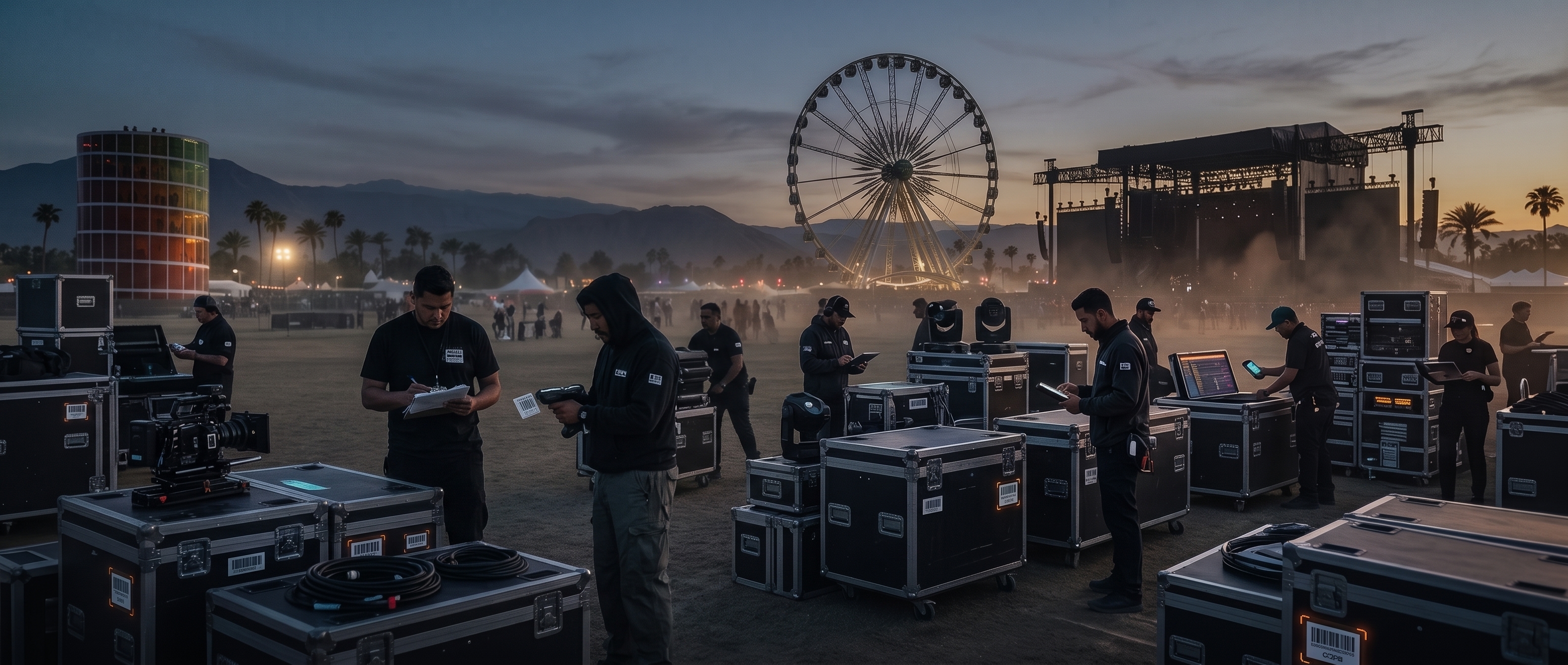
Every Event Packed, Shipped, and Back on the Shelf
One place to plan, coordinate, and close every event: from equipment reservations to post-show reconciliation.








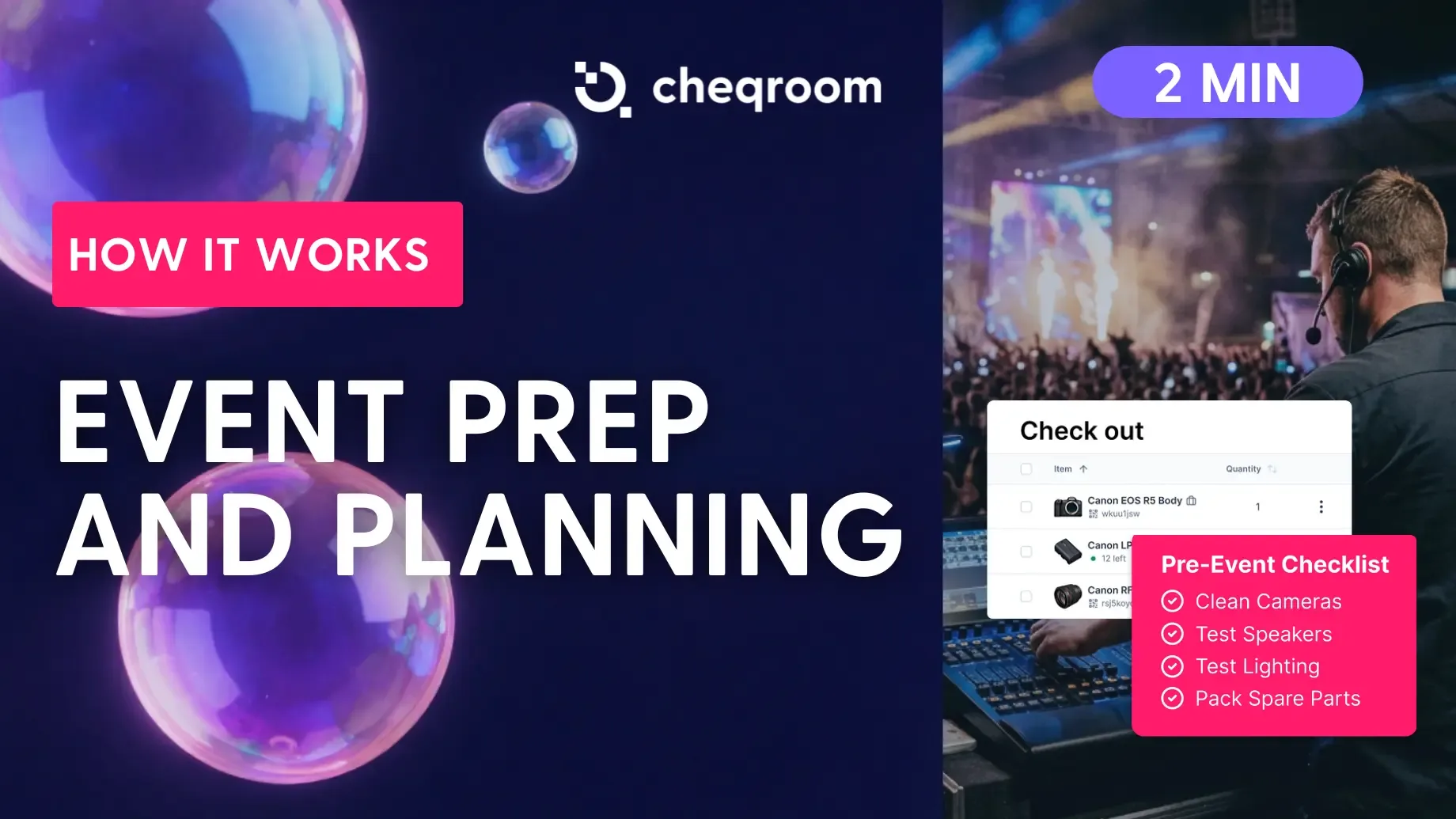
Events rarely go wrong on the day. They go wrong in prep, when a kit leaves missing one cable.
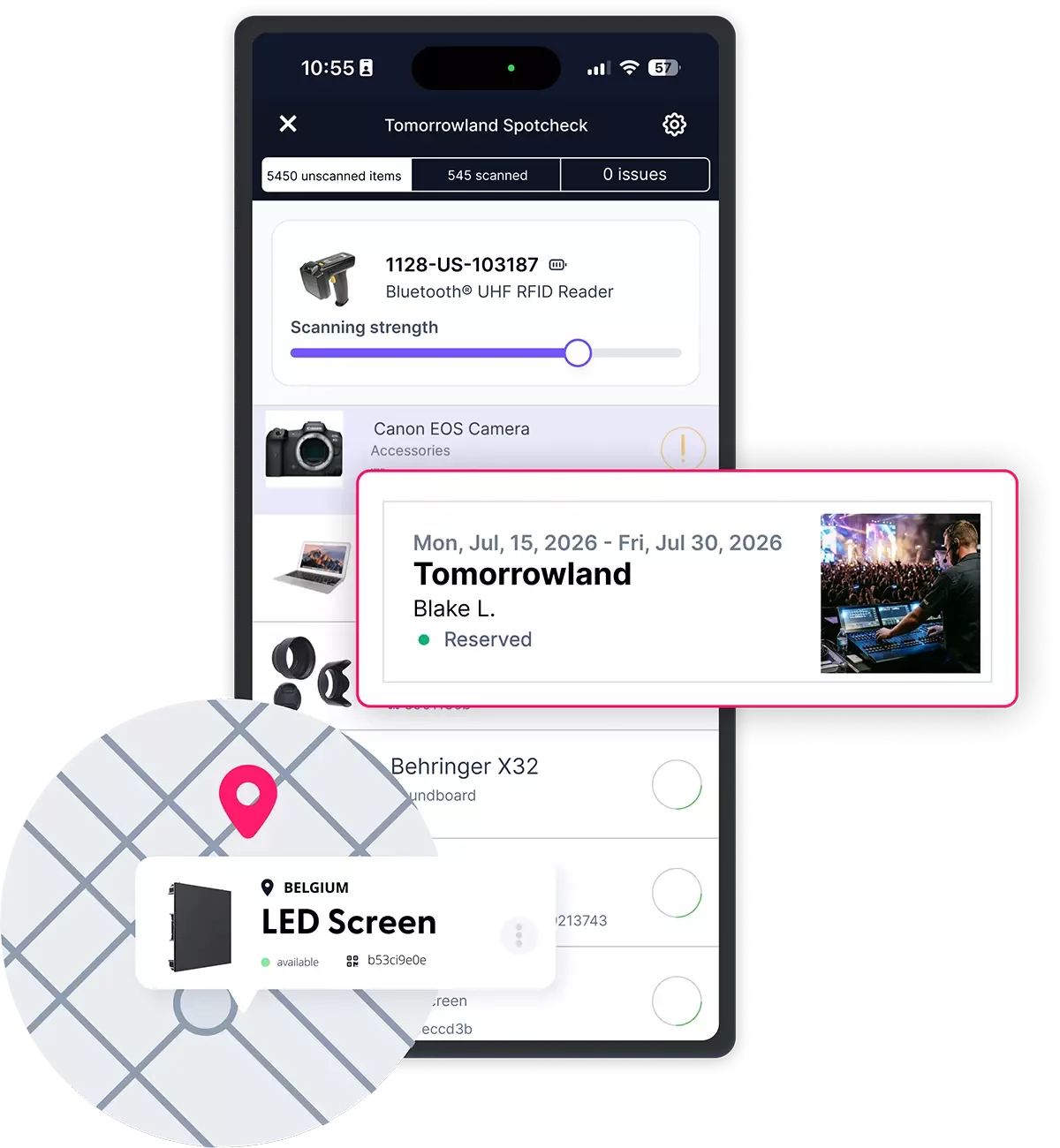
Reserve equipment for event dates against what's actually available and functioning, across every location.
Kits keep everything that travels together, together.
Check-outs show what went to which event, with whom, and when it's due back.
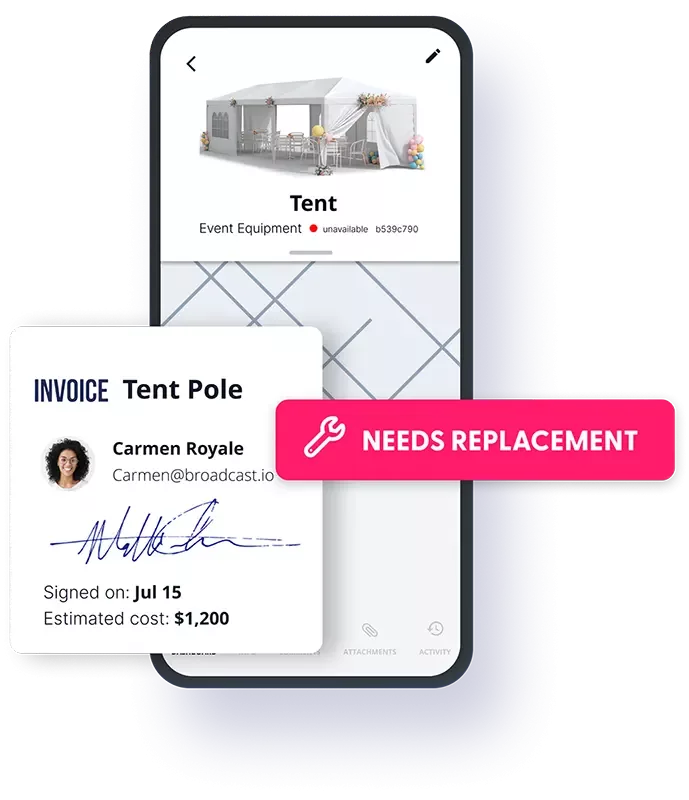
Returns are checked against what went out, and issues are logged against the exact asset.
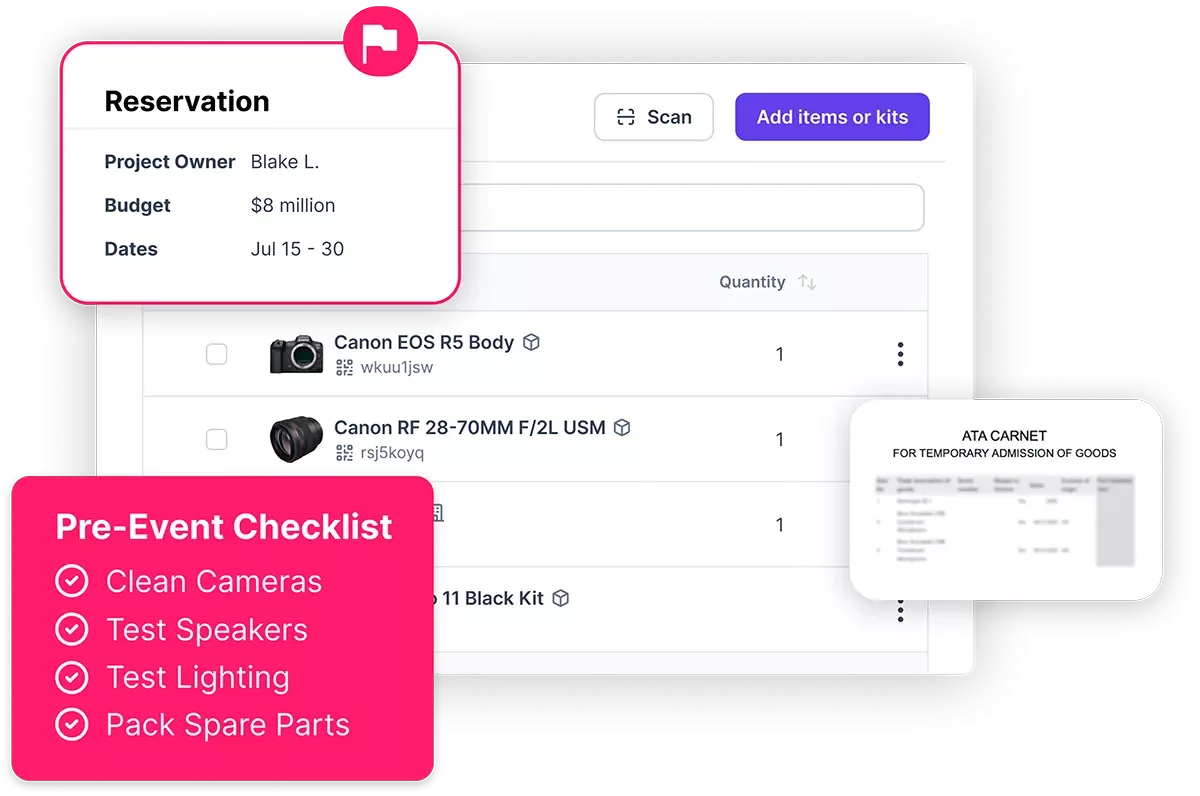
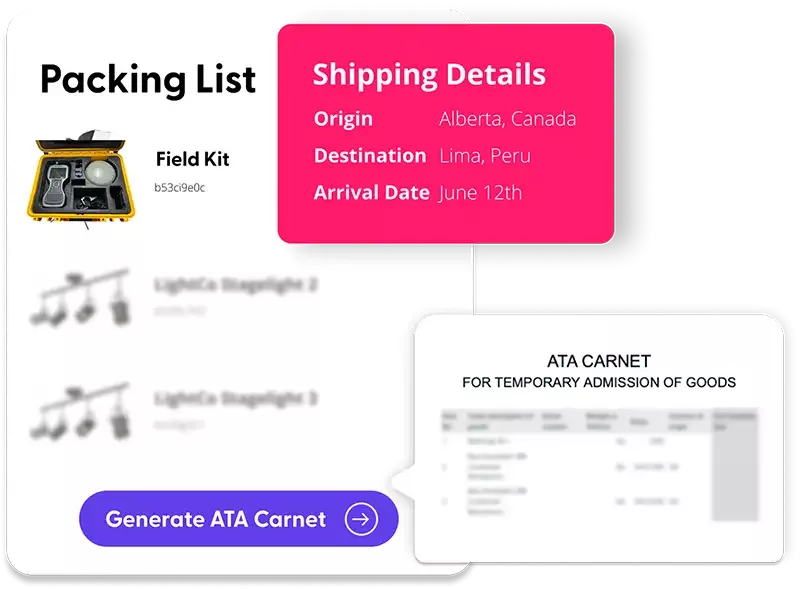
One record holds the event, the equipment, and the logistics.
The event ends when the last asset is back and ready.
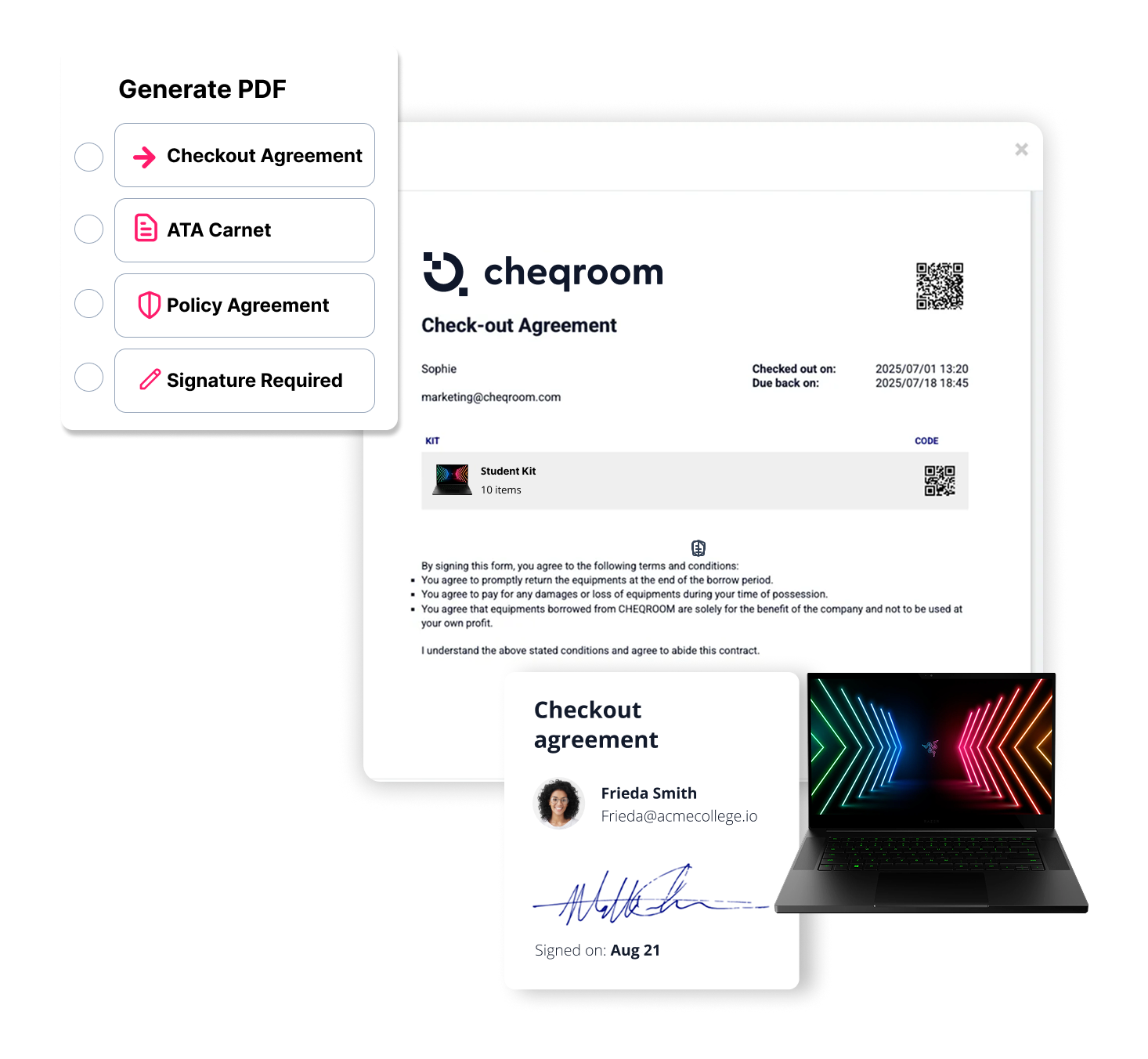
No more "which version of the pack list is this?"
Event tools plan the event. Cheqroom runs the equipment behind it.
The kit list is the inventory, not a copy of it.
Events, everyday bookings, and maintenance share one schedule, so nothing is promised twice.
The crew that packs it is the crew that checks it back in.
Not for ticketing or attendee management.
Work Flows: fewer last-minute conflicts, faster handoffs, and a predictable flow of work.
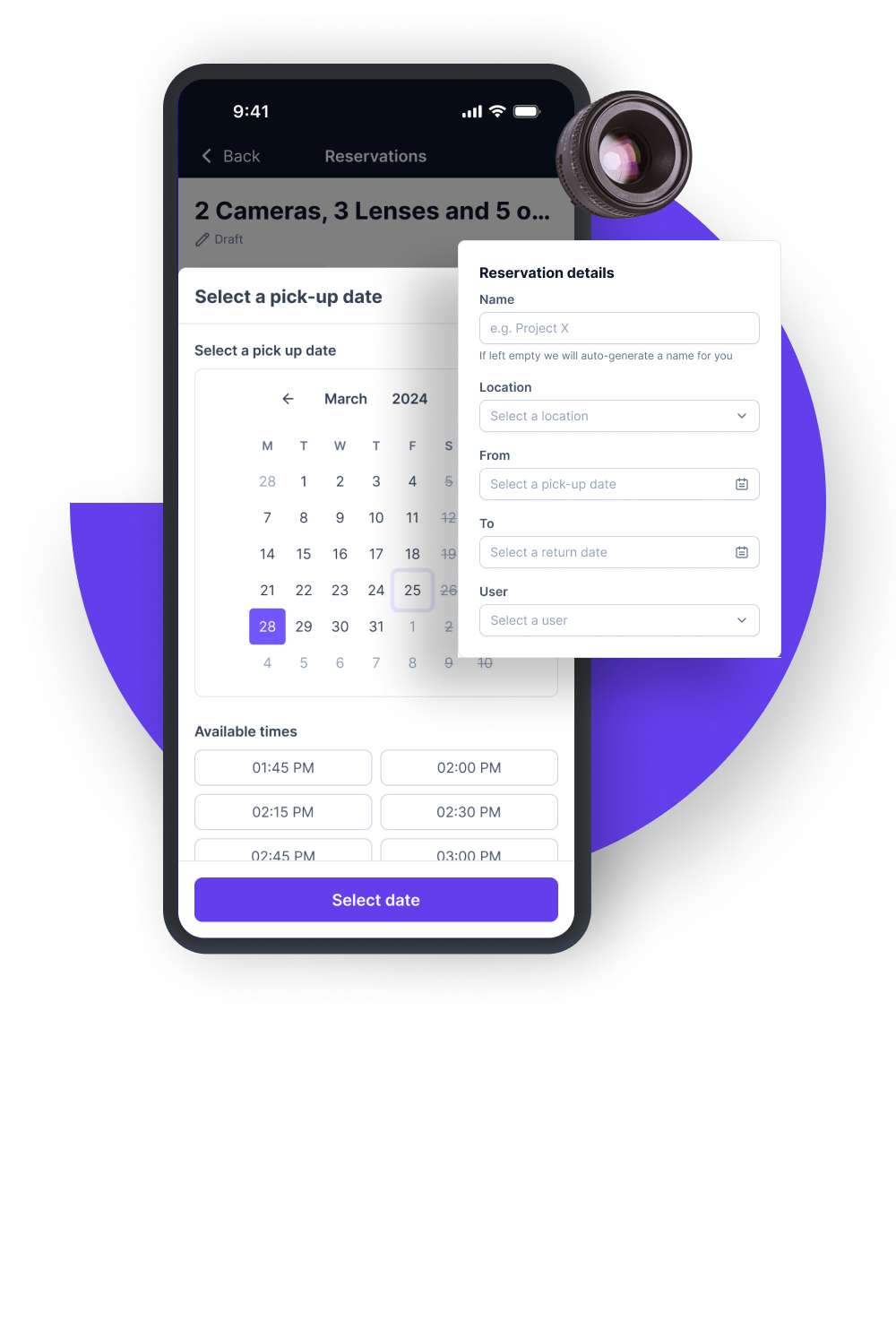
Book and share equipment across every team.
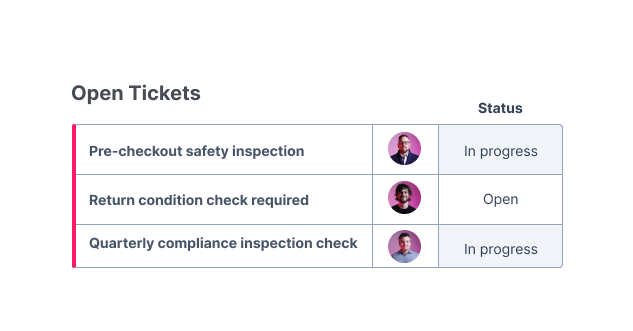
Repair every asset before it goes back on the shelf.
Built for Teams That Run Events At Scale.





















Bring your biggest event coordination headache, we'll show you exactly how Cheqroom handles it, from first reservation to final invoice.
It plans, tracks, and recovers the equipment behind events. Cheqroom ties each event to the reservations, kits, and check-outs it uses.
Event software handles attendees, tickets, and agendas. Cheqroom handles the equipment: what's booked, what's packed, who has it, and what came back.
Events book from the same inventory and calendar as everyday reservations, logistics operations, and return issues flow into inspection and repair. Leaving a trail for audits
Yes. Cheqroom tracks equipment location as part of the checkout or spotcheck record. Equipment transferred between locations during an event can be updated in real time via a quick scan. The complete location history — where the equipment was, when, and who was responsible — is part of the permanent event record.
Cheqroom’s availability system prevents double-booking. When equipment is reserved for one event, it is locked from other reservations for the same date range. If a conflict exists, the system flags it at the point of reservation, so coordinators can resolve availability issues in advance.
Yes. Cheqroom has a mobile application that works on iOS and Android. On-site team members can check equipment in and out, document condition with photos, flag damage, and transfer items between crew members from their phones without requiring a desktop or laptop on-site.
Items that are not checked in at post-event reconciliation remain flagged as outstanding in the system. They are not available for other reservations until returned or written off. The outstanding item flag, along with the original checkout record showing who it was assigned to, stays visible to event managers and administrators.
Yes. Cheqroom supports equipment kit creation — grouping the items you deploy together, including small, frequently used gear and consumables. A kit can be reserved as a single unit, and everything in the kit moves through checkout, on-site, and return together. Kits can be reused across recurring events without rebuilding the list each time.
When items run low or go missing, replenishment is straightforward—restock or swap what you need, and the kit stays event-ready for the next run.