Flag It. Fix It. Before It Costs You.
When gear comes back damaged, or never comes back at all, every hour it goes unaddressed is money out the door. Cheqroom's flagging capability lets your team report issues instantly, automatically remove problem items from circulation, and get the right people working on a fix before the next reservation rolls around.

The Simplest Way to Report Equipment Issues
Give your team the power to flag damage, missing items, or anything off about a piece of gear, complete with photos and notes, right from their phone. No paperwork. No waiting.
How it works
Reduce Downtime with Immediate Issue Reporting

Report Issues on the Spot
Equipment managers and field teams can flag damage, loss, or wear the moment they spot it, from any device, anywhere. Snap a photo, add context, and the record is locked in. No sticky notes. No missed handoffs.
Keep Flagged Gear Off the Schedule
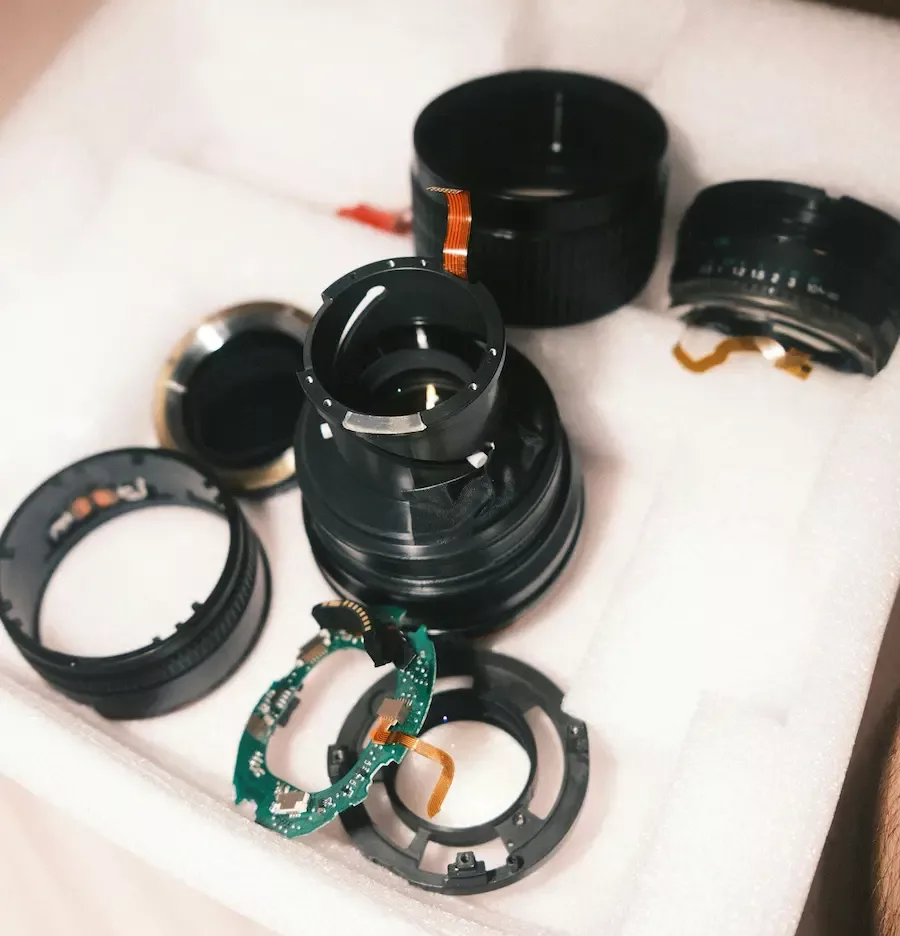
Set which flag types automatically pull items from availability. A broken lens, a missing cable, a piece of gear that failed inspection: flagged items stay out of reservations until they're cleared. Only working gear goes out the door.
Get the Right People Moving Fast
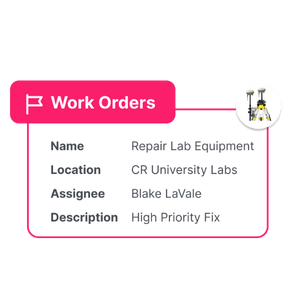
The moment a flag is raised, your maintenance team gets notified. No chasing emails or updating spreadsheets. The issue is documented, assigned, and tracked, part of the same system your whole team already uses.
Your Flagging, Your Rules
How Equipment Flagging Works in Cheqroom
Define Your Flag Types
Cheqroom gives you full control over equipment condition tracking. Set the flag types that match how your team actually operates: Dirty, Needs Repair, Missing, Broken, Out for Service. Assign each a color, a description, and decide whether it automatically removes items from availability until the flag is cleared.
Flag From the Field
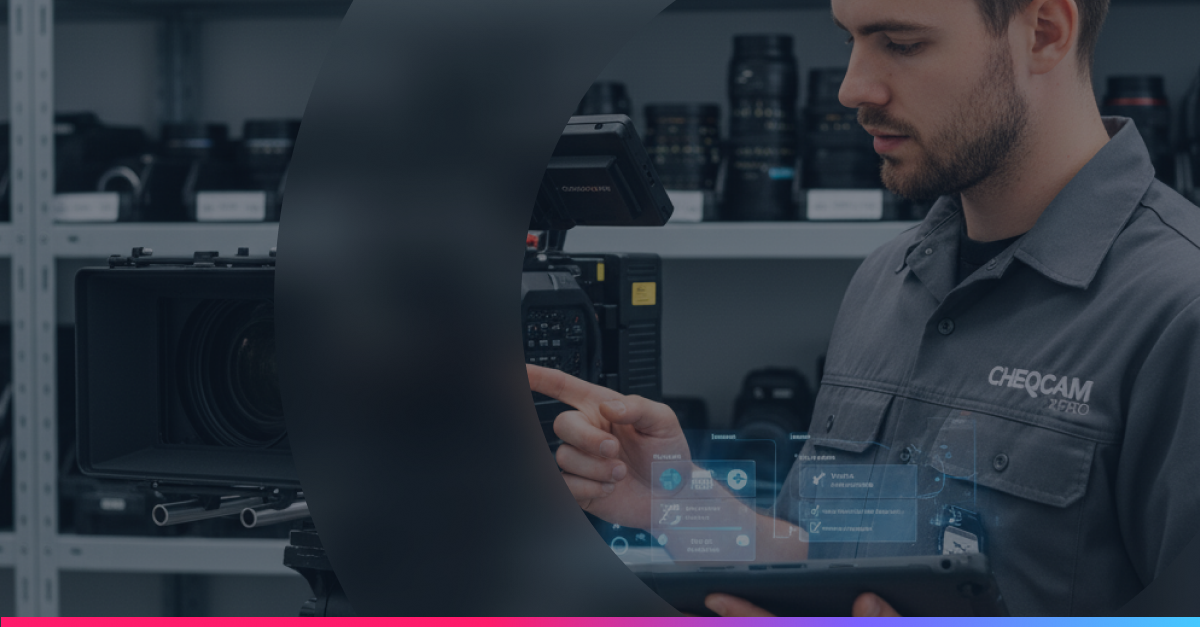
Any team member with the right permissions can flag an item directly in the Cheqroom mobile app. Add photos, describe the issue, and save it, all in under a minute. Perfect for post-shoot check-ins, event teardowns, or receiving damaged returns.
Instant Notifications
Flags trigger instant notifications to whoever needs to know. Your maintenance team can review the full details, schedule the repair, and update the status right in Cheqroom, without leaving the platform or sending a single extra message.
A Record That Goes Everywhere
Every flag lives in the item's history. When you're making decisions about retiring a piece of gear, justifying a replacement budget, or running a compliance audit, the full condition timeline is right there.
Flagging Is One Part of the Full Picture
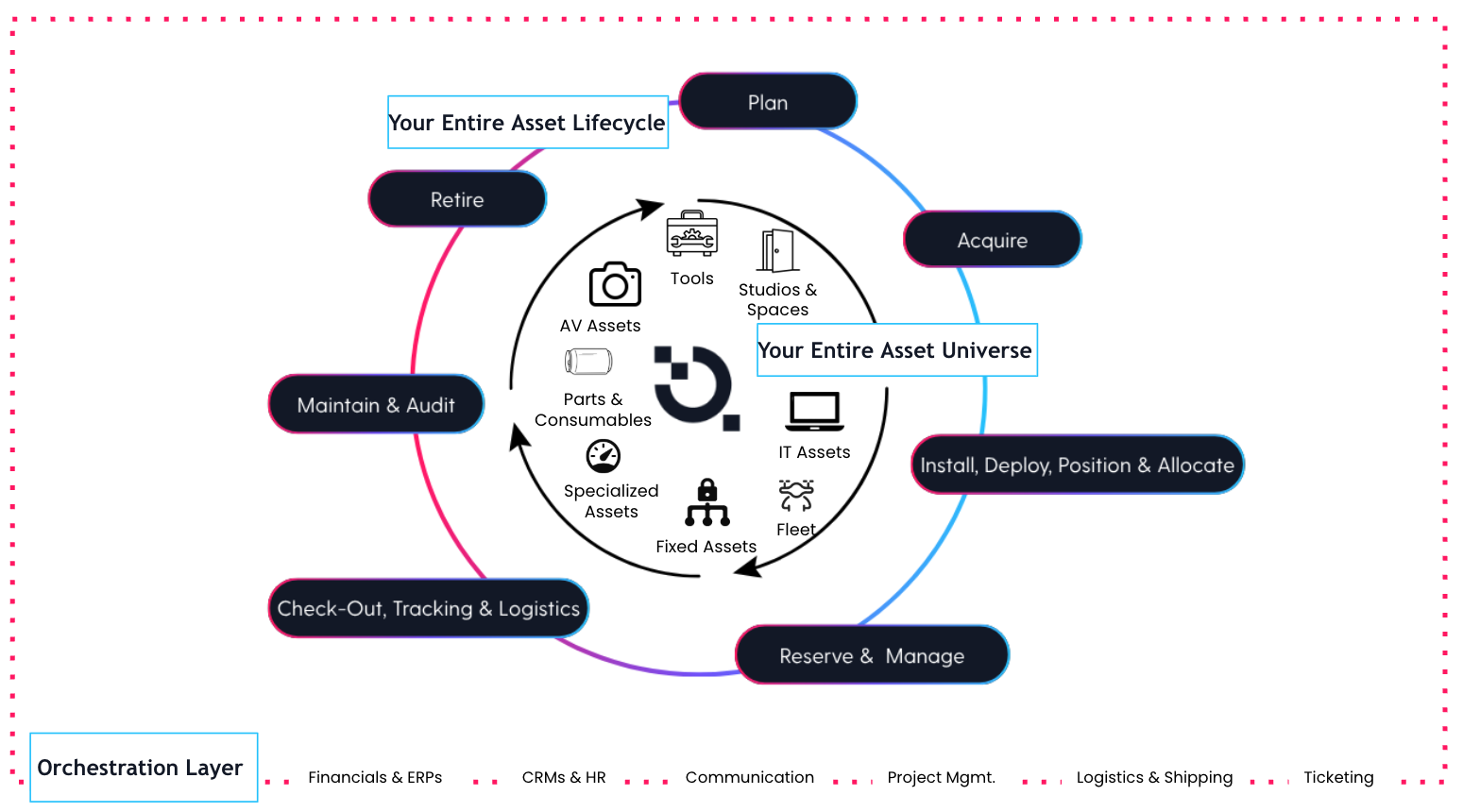
Flagging is built into the Cheqroom Asset Operations platform, so the moment an issue is reported, it connects directly to your maintenance workflows, inventory records, and reporting. Nothing lives in a silo. Flag an item in the field, trigger a repair, track it through to completion, and bring it back into rotation. Your whole team stays informed at every step.
Keep Your Operations Running with These Capabilities
Stop Letting Broken Gear Slow Your Team Down
See how Cheqroom's equipment management platform keeps your gear ready, your team informed, and your operations moving.
More Resources