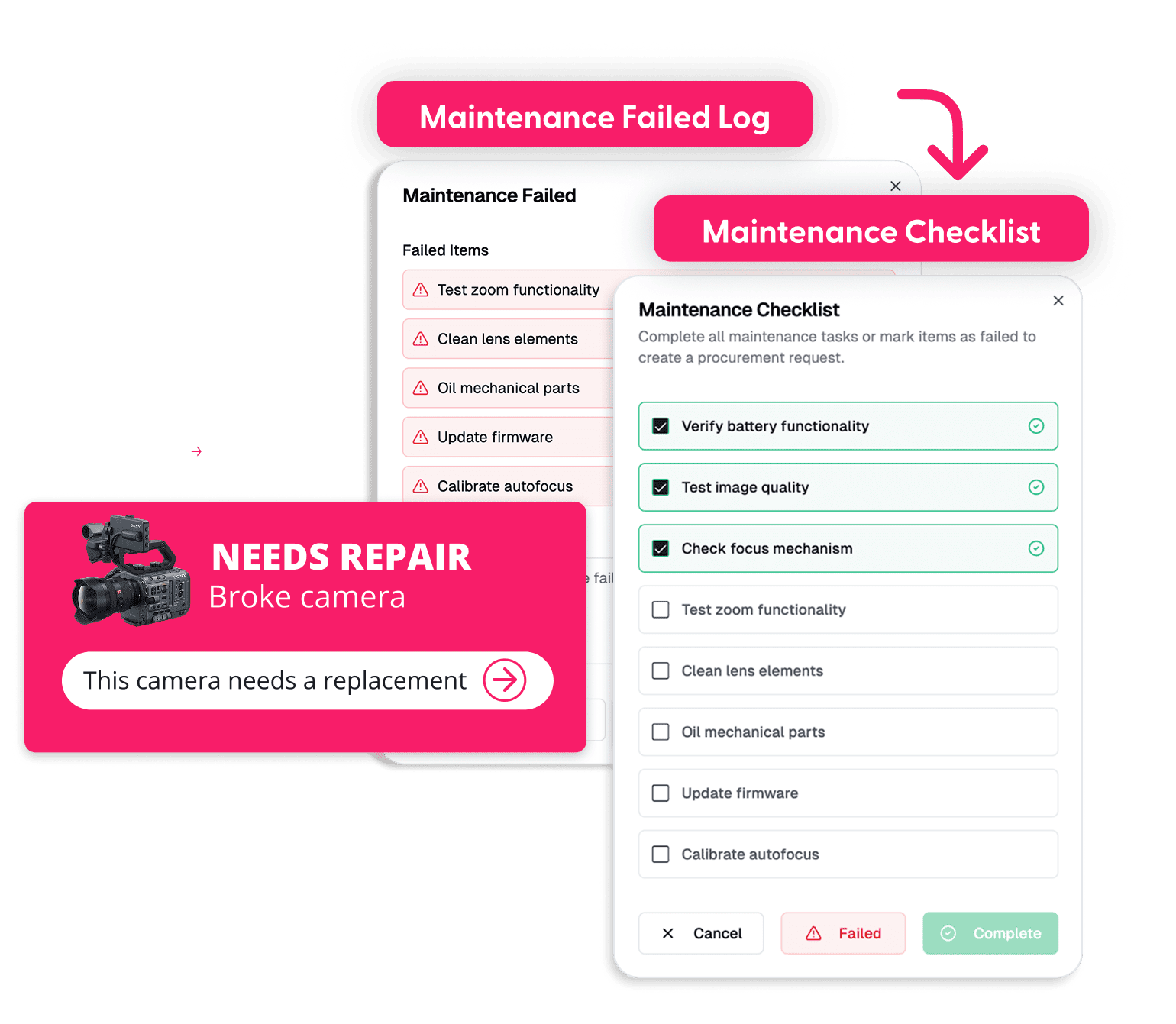



Flagging with Blur
Service & Repair Management

From Reported to Repaired

Cheqroom tracks every broken asset from the first flag to return to service, with the full repair history on the record.

Get Assets Back to Work Faster

Every hour an asset waits for repair is an hour someone works without it.

Flag Issues Where They're Found

Flag damage at check-in, during a quick inventory check, or from the asset itself, with photos and notes.

Pull Broken Assets From Use

Mark it broken so nobody books it by mistake.

Fix It Faster

Open a repair from the flagged asset, with priority, owner, photos, and history in one place.

Know What's Worth Fixing

Repair history per asset shows what to repair and what to replace.

How it works

From Request to Completion, One Repair at a Time

1. Flag

Log the issue against the exact asset, with photos and notes.

2. Triage

Open a repair from the flagged asset, set priority, and assign an owner or vendor.

3. Repair

Track progress, parts used, quotes, and notes.

4. Verify

Run a checklist before the asset goes back out.

5. Return to Service

Clear the flag and close the repair. The record stays on the asset.

Maintenance 3

Capture the Problem Once

The report starts where the problem is found.

  • Start a repair from any asset, kit, or check-out page
  • Flag damage with photos and notes at check-in, during an audit, or at any other point in the asset's lifecycle
  • Priority levels visible at a glance
Maintenance

Repair With Everything in Reach

No digging for the last repair, the warranty, or the vendor.

  • The asset's full repair history, warranty date, and supplier on the same screen
  • Vendor, quote, and invoice fields with attachments
  • Parts and consumables recorded against the work order
Maintenance 5

Back in Service, on the Record

Done means verified, not just closed.

  • Close-out checklists with Pass, Fail, or Flag
  • Every repair kept on the asset's history
  • Reports by type, person, and location to spot repeat offenders

Let Us Show You the Cheqroom Difference

Why Cheqroom

One Asset Record, One Calendar, One Team

A help desk ticket describes a problem, and a CMMS runs the maintenance team in its own system. A Cheqroom repair is attached to the asset that has it, in the same platform your teams use to book and check out equipment.

Same Asset Record

Every repair adds to the asset's history, next to custody and condition.

Same Calendar

A broken asset stops showing as available.

Same People

The person who returns it reports the issue at check-in.

Ticketing or Help Desk ToolCheqroom
Linked to the exact assetSometimesAlways
Asset kept out of useNoYes, while it's broken
Repair historyBuried in closed ticketsOn the asset
Vendor quotesIn an inboxAttached to the repair

Built for the equipment your teams use and share. Not a field-service dispatch platform.

Trusted by 1,400+ organizations managing $15B+ in mission-critical assets.

40%

Reduction in unplanned downtime

50%

Lower damage risk

Up to 35%

Longer useful asset life

Part of AssetOps

Every Asset, Every Workflow, One Operating System

In the AssetOps platform, every piece of gear moves from request to ready in one place. Asset Service & Repair means work lasts: less downtime, fewer surprises, and more uptime when it counts.

  1. 1Request
  2. 2Approve
  3. 3Reserve
  4. 4Prepare
  5. 5Checkout
  6. 6Return
  7. 7Inspect
  8. 8Service
  9. 9Ready

Asset Maintenance Management

Stay ahead of breakdowns.

Asset Inspection Management

Catch issues before they become repairs.

Asset Disposal & Retirement Management

Retire what isn't worth fixing.

Explore the AssetOps Platform

Keeping Work in Motion

Flag the problem, get it fixed, and get the asset back in service, with the full repair history on the record.

FAQ

  • Asset Service & Repair Management software tracks broken equipment from the first report to the fix to the return to service. Cheqroom keeps every repair on the asset's own record, next to its bookings, custody, and condition history.

  • Flag the asset as broken with photos and notes, open a work order from the asset, and set a priority and owner. When the repair is done, run the close-out checklist and clear the flag to return the asset to service.

  • A helpdesk ticket describes a problem, and a CMMS runs the maintenance team in its own system. Cheqroom attaches the repair to the asset, takes it out of bookings while it's broken, and keeps the history in the same platform teams use to check out equipment.

  • Repair management handles issues after they're found. Maintenance management schedules preventive service so fewer issues happen. Cheqroom runs both on the same asset record.

  • Start with the asset's repair history. Cheqroom reports show repairs by asset, type, and location, so repeat offenders stand out. When an asset isn't worth fixing, Asset Disposal & Retirement Management handles the exit.

  • Equipment managers, technicians, and operations teams that keep shared equipment in service, across media, broadcast, sports, higher education, and government.

  • Repairs start from check-ins and inspections, and the asset returns to availability when the work is done.

  • Start a free trial or book a demo. Existing customers can add repair workflows to their current plan.