What is IT asset management software?
It tracks an organization’s devices: who has them, where they are, their condition, and whether they’re accounted for.

Every laptop, tablet, and device on one record: who has it, what shape it’s in, and everything that’s happened to it. Shared with every team that touches it. Ready for any auditor who asks
The hardest IT question isn’t technical. It’s physical
See who holds every device, updated each time custody changes hands.
Reserve and check out shared laptops and tablets like any other asset, with due dates attached
Keep warranty dates on every device and get alerts before coverage runs out
Track every return and let overdue alerts chase late devices for you
Assign it. Use it. Check it. Fix it. Get it back. Every step writes to the same record, so every audit question already has an answer.

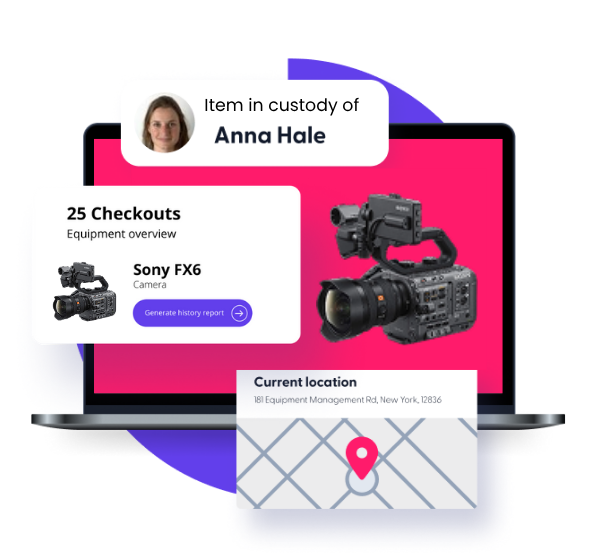
Hand out long-term devices without booking them day by day

Give every short-term device a due date and a name
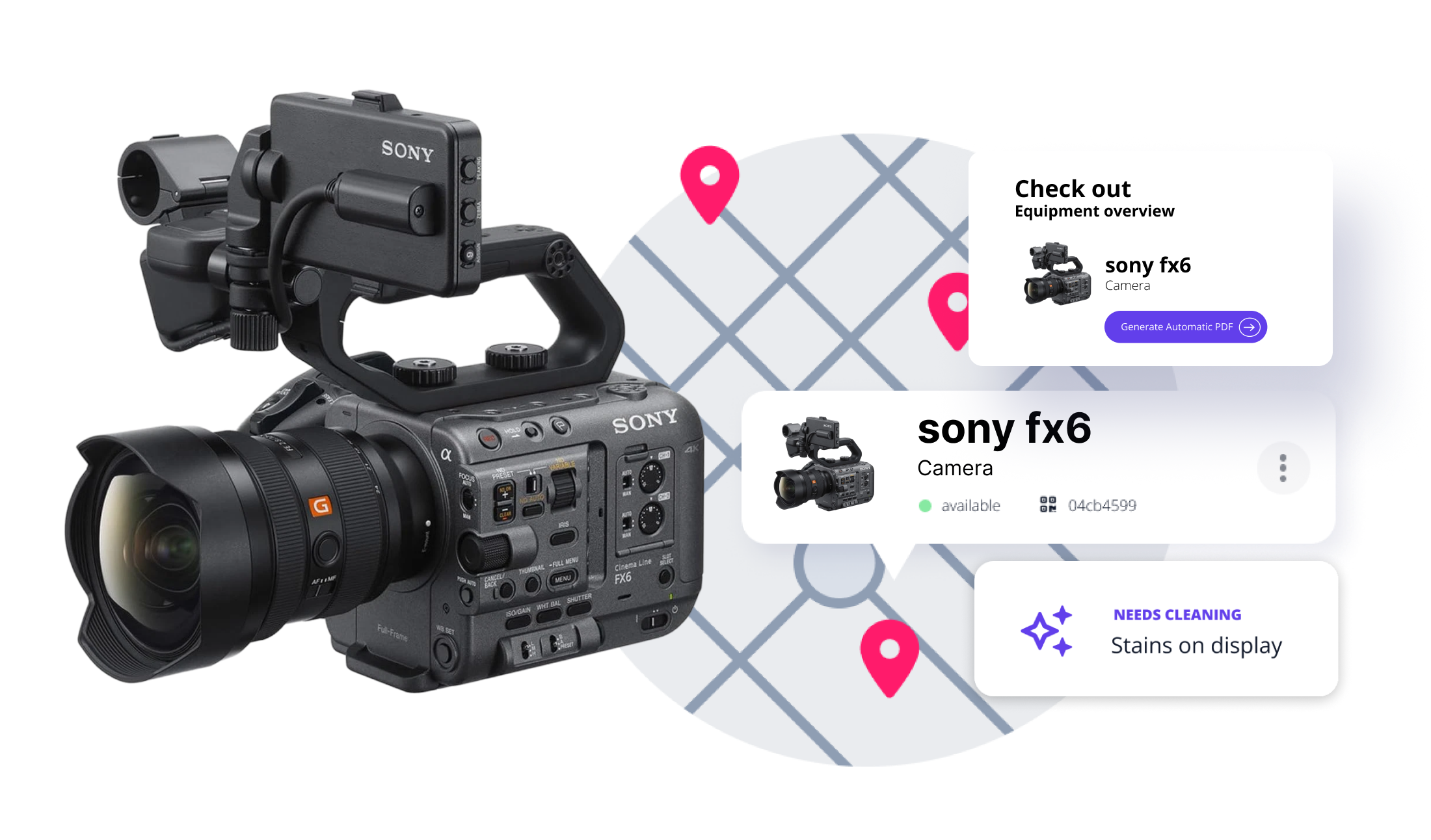
Follow each device from purchase to retirement on one record

Audits don’t wait for a good week. Your records shouldn’t either

Your IT tools manage what runs on a device. Cheqroom manages the device itself, and links it to every team that depends on it.
Devices sit beside all your other equipment, not in a separate tool
Loaners and shared devices are booked on the same schedule as everything else.
Employees take and return devices themselves, so the record stays current.
1,400+ Teams Trust Cheqroom to Manage Their IT Assets (and Every Team That Runs on Them).






























Replace spreadsheets and guesswork with scan-based check-in/check-out and real-time visibility across every device.
Automate deployments, returns, and audit trails so your IT team spends less time chasing hardware.
Spreadsheets tell you what you had. Cheqroom shows you what's happening — right now.
Let's Chat.
It tracks an organization’s devices: who has them, where they are, their condition, and whether they’re accounted for.
Equipment management software is built for shared, high-velocity environments where gear changes hands frequently. IT asset management software (ITAM) is built for static, one-user, long-term assignment. IT asset management software does not include reservation workflows, does not update availability in real time, and does not track handoffs between multiple users, making it the wrong tool for shared equipment environments.
Every custody change, repair, and spot check is logged on the device’s record. When an auditor asks, you export the trail instead of rebuilding it.
Those tools manage tickets, software, and settings. Cheqroom manages the device as a physical asset: custody, loans, repairs, audits, and retirement.
Cheqroom, an Asset Operation platform, eliminates the gatekeeper bottleneck many IT teams experience. By automating the request-to-return cycle, you reduce human error, maintain CMDB accuracy, and stop project delays caused by missing gear.
Yes, for hardware. Cheqroom's AssetOps platform tracks laptops and devices from purchase to retirement, assigns them at onboarding, and collects them at offboarding, all in the same system as the rest of your gear. It doesn't handle network discovery, monitoring, or patch management.