
How Operations Teams Get More from Cheqroom
Best practices for running AssetOps in Cheqroom, end to end.
Physical assets keep your organization moving. But between the teams that depend on them, the systems that track them, and the processes that connect it all — there are a lot of places things can break down.
That’s why modern organizations are shifting to AssetOps. AssetOps connects your people, places, and physical assets in one system to keep work in motion.
This guide introduces the four core pillars of AssetOps: Planning, Accountability, Readiness, and Orchestration.
For each pillar, we’ve outlined the top actions you can take in Cheqroom today—along with what’s on the horizon to scale your operations even further.
Whether you manage IT hardware, AV gear, fleet vehicles, facilities, or consumables, this is your blueprint for operational excellence.
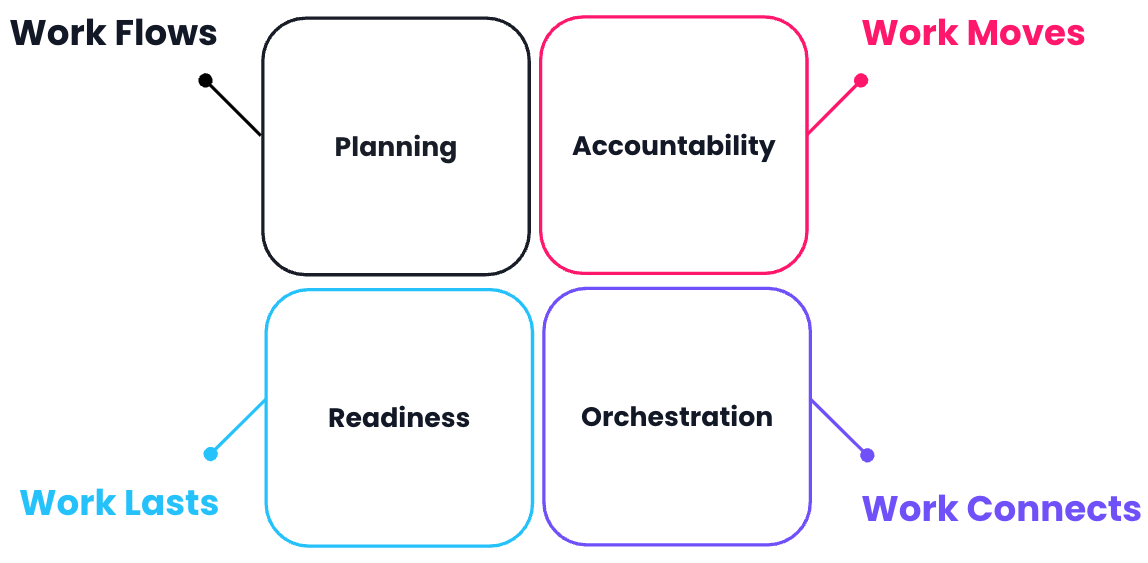
Pillar 1: Planning
Make sure the right assets are available for the work ahead before gaps appear.
Effective planning requires two things: having your inventory perfectly structured to pick from, and setting up structured request workflows so teams can reserve what they need well in advance.
Part A: Inventory Structure & Preparedness
Get your inventory organized down to the exact shelf and kit so your warehouse or operations team knows exactly what to prepare.
- Set up your asset types to reflect your full inventory. Cheqroom supports IT devices, AV equipment, fleet vehicles, tools, consumables, swag, spaces and more — all in one system. Every asset type your team depends on should live here, not in a separate spreadsheet. See how.
- Build kits for equipment that always goes out together. If a field crew always takes a camera, tripod, accessories and case, make it a kit. One reservation and one check-out to ensure nothing is forgotten. See how.
- Connect spaces and fixed infrastructure to your movable assets: Treat rooms and fixed installations (like studios, HVAC, or permanent AV riggings) as assets. Assign specific gear to a space so site leaders can check availability across every building, floor, and room in seconds. See how.
- Use sub-locations to organize your warehouse and pick lists: Track assets down to the rack, room, or vehicle — not just the building. Precise location data makes pickup & drop off easier. See how.
- Review utilization reports to spot demand patterns early: High utilization on specific items is your signal to add inventory before a conflict becomes a crisis. See how.
Part B: Structured Request Workflows
Build self-service paths so end users can plan ahead, resolve booking conflicts, and request the exact resources they need without admin bottlenecks.
- Deploy the Booking Portal for clean, self-service requests. Teams can browse and request equipment without needing full system access, keeping work moving without admin bottlenecks. See how.
- Enforce buffer times to build in physical prep and inspection windows. Back-to-back bookings without buffer are how things go out not working. This is a small configuration change with a big operational impact. See how.
- Set booking restrictions to protect your most critical assets. Limit who can reserve specific equipment, enforce lead times, control budget for over-ordering or emergency rentals and prevent unapproved access to high-value items. See how.
- Set up structured intake forms to standardize every request. Capture the critical details up front, streamline handoffs, and give every team the same visibility into what’s needed, by when, and who’s responsible. See how.
Coming soon: Approval Workflows will route equipment requests through a defined approval process directly in Cheqroom, meaning you’ll no longer need to track email threads or side conversations.
📋 Visit the help center at any time for step by step guides on setup.
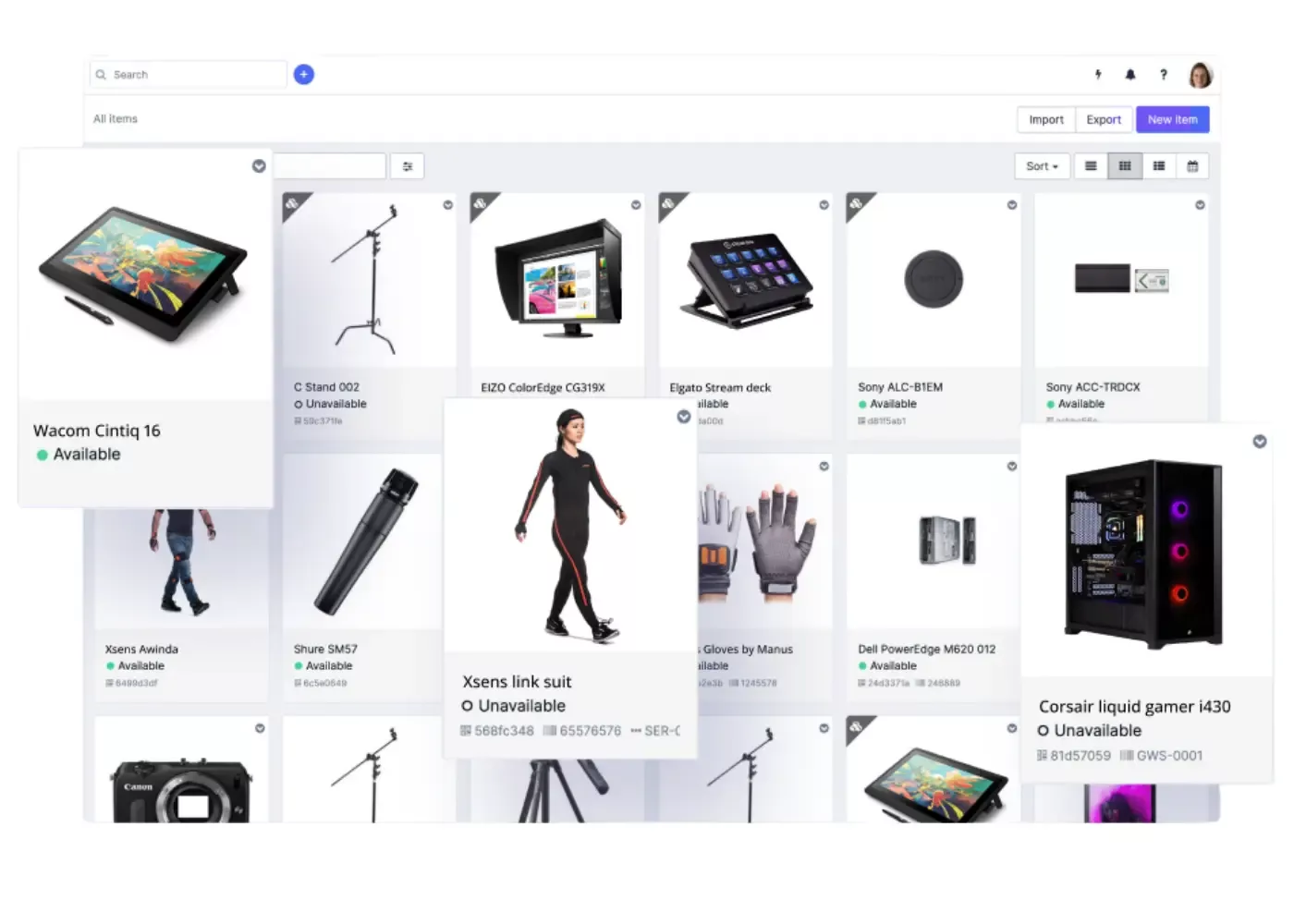
Pillar 2: Accountability
Know who has what, in what condition, and what happened without anyone having to manually track it down.
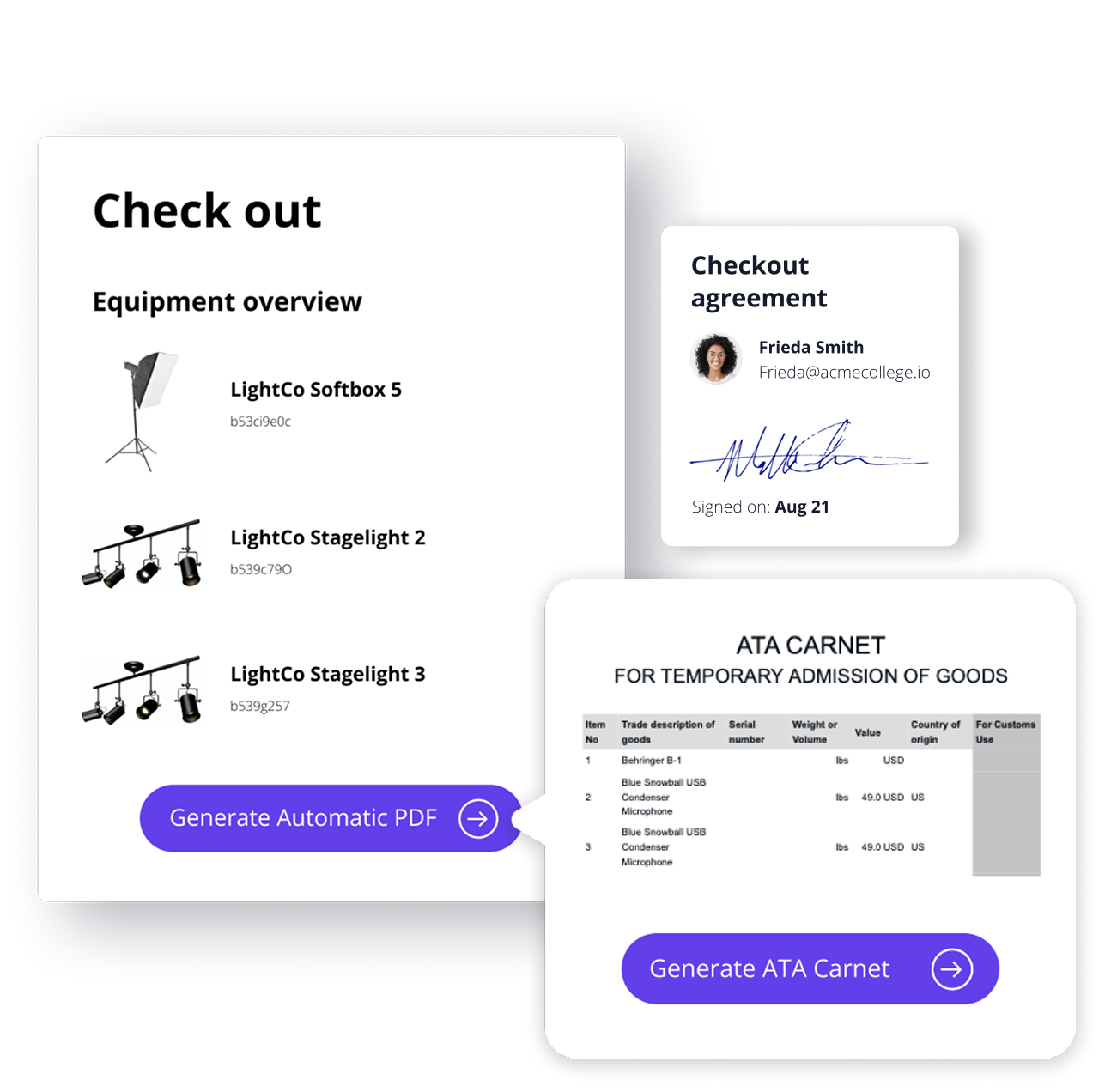
- Enforce a standardized check-out and return process for every asset. Consistency here is the foundation of everything else. If it's not in the system, there is no recourse for missing or damaged items. See how.
- Require agreements with eSignatures at check-out. A signed acknowledgment at handoff changes behavior and protects the organization when something comes back damaged. See how.
- Configure roles, permissions, and field views by user group. Facility teams, operations staff, IT admins and other end users each need a different view. Role-based access reduces errors and scales as you add users. See how.
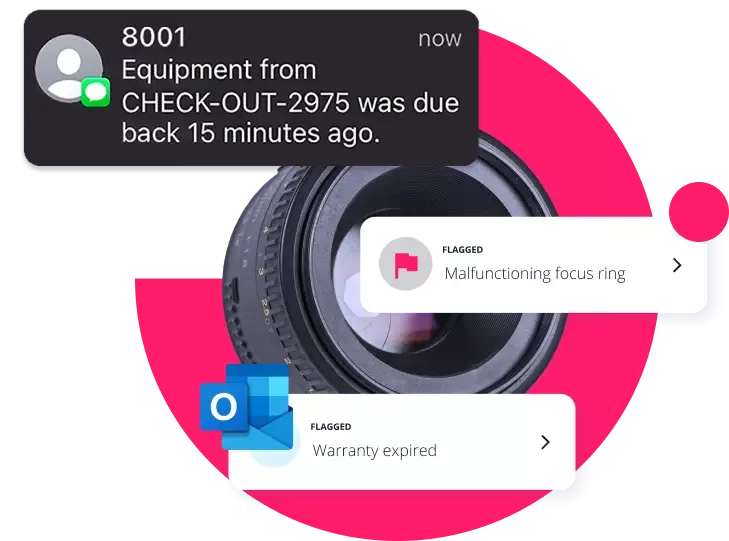
- Activate notifications so Cheqroom does the follow up, not your team. Automated reminders gives your admin hours of time back every week and creates a consistent enforcement mechanism. See how.
- Create a logistics process for items in-transit. For assets moving between locations or out on loan, Cheqroom can track items from the moment they're reserved through shipment and receiving, storing both the equipment and transit data on one record. See how.
- Generate digital manifests and ATA carnets for international or high-value equipment moves. Produce compliant documentation directly from your asset records, cutting prep time and reducing the risk of customs issues. See how.
📋 Visit the help center at any time for step by step guides on setup.
Pillar 3: Readiness
Keep your assets in the condition they need to be and know exactly when it's time to retire them.
- Create custom work order templates for your most common maintenance tasks. Standardized templates mean technicians work from the same process every time, and every service event is recorded against the right asset. See how.
- Build calibration and inspection pass/fail checklists for assets that require compliance checks. Schedule them proactively, so you don't find out on the day of a critical deployment that something is out of spec. See how.
- Set up recurring maintenance schedules and automated calibration reminders. Automated triggers are more reliable to keep your compliance posture intact without constant oversight.
- Log and track acquisition data, warranties, and depreciation schedules on your asset records. Know exactly what it cost, when coverage expires, and whether a repair or retirement should occur. See how.
- Create facility tickets for fixed assets and infrastructure. HVAC systems, AV installations, and building equipment need maintenance records too. Cheqroom handles it all in one place. See how.
- Use flags to immediately pull damaged items from circulation. Set up a work order trigger to ensure something in poor condition doesn’t go out before it's been fixed. See how.
📋 Visit the help center at any time for step by step guides on setup.
Pillar 4: Orchestration
Get your team out of the admin loop between systems.
- Set up your SSO and Active Directory. Keep your data secure and clean without the manual user cleanups. See how.
- Set up automation rules for your most common workflow actions. An asset returned damaged should automatically open a work order. A new purchase order should be reflected in your ERP and Cheqroom. Set the rules once, let the work flow.
- Connect Slack to your Cheqroom activity. Reservation updates, overdue alerts, and work order notifications can surface directly in Slack. See how.
- Use integrations to connect Cheqroom to your other tools. Keep asset, people, and workflow data automatically in sync. See how.
📋 Visit the help center at any time for step by step guides on setup.
Where to Start
The four pillars build on each other. Planning is only as good as your Accountability data. Readiness is only as reliable as your automation. But you don't need all four firing perfectly on day one.
Start with Accountability. It's the fastest pillar to strengthen, and every other pillar benefits when your check-out data is clean and consistent.
From there, work through Planning, Readiness, and Orchestration — using each section of this guide to close the gaps between where you are and what's possible.

Start your AssetOps checklist
Pick 3 improvements you can implement this week to reduce surprises and keep work moving.