Best Equipment Checkout Workflow Platforms for Media Production Teams
Media production teams know that a single missing cable or uncharged battery can bring an entire shoot to a standstill.
However, managing expensive cameras, lenses, and lighting rigs across various sets and crews requires more than just a list of what you own.
It demands a workflow that ensures every piece of gear is functional and available when the director calls “action.” Generic spreadsheets and manual logs often fail to keep up with the rapid movement of equipment between the studio and the field.
When production scales, these manual methods lead to double-bookings and ghost assets that disappear into a freelancer’s bag. Choosing from the best equipment checkout workflow platforms solves this by providing a real-time, transparent view of your entire gear locker.
Whether you are a boutique agency or a large broadcaster, the right system ensures your gear is always ready for the next shot. Here, we’ll explore why specialized asset checkout software is essential for the unique needs of media production teams.
Why Do Media Production Teams Need Specialized Checkout Software?
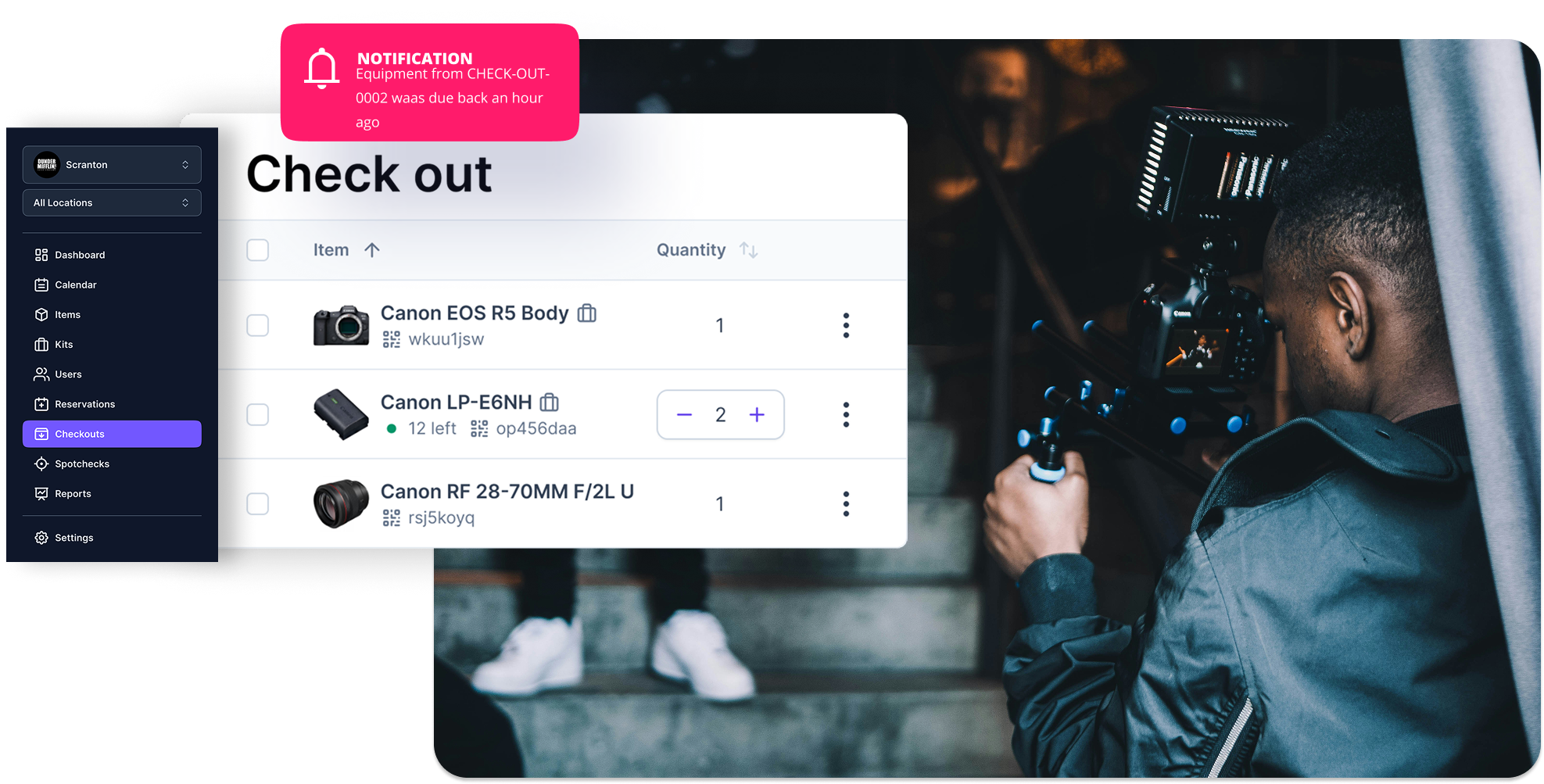
Media production teams need specialized checkout software because generic tools cannot manage the complex dependencies of film and video gear. In production, assets are rarely used in isolation. For instance, a camera body requires specific lenses, batteries, and media cards to function.
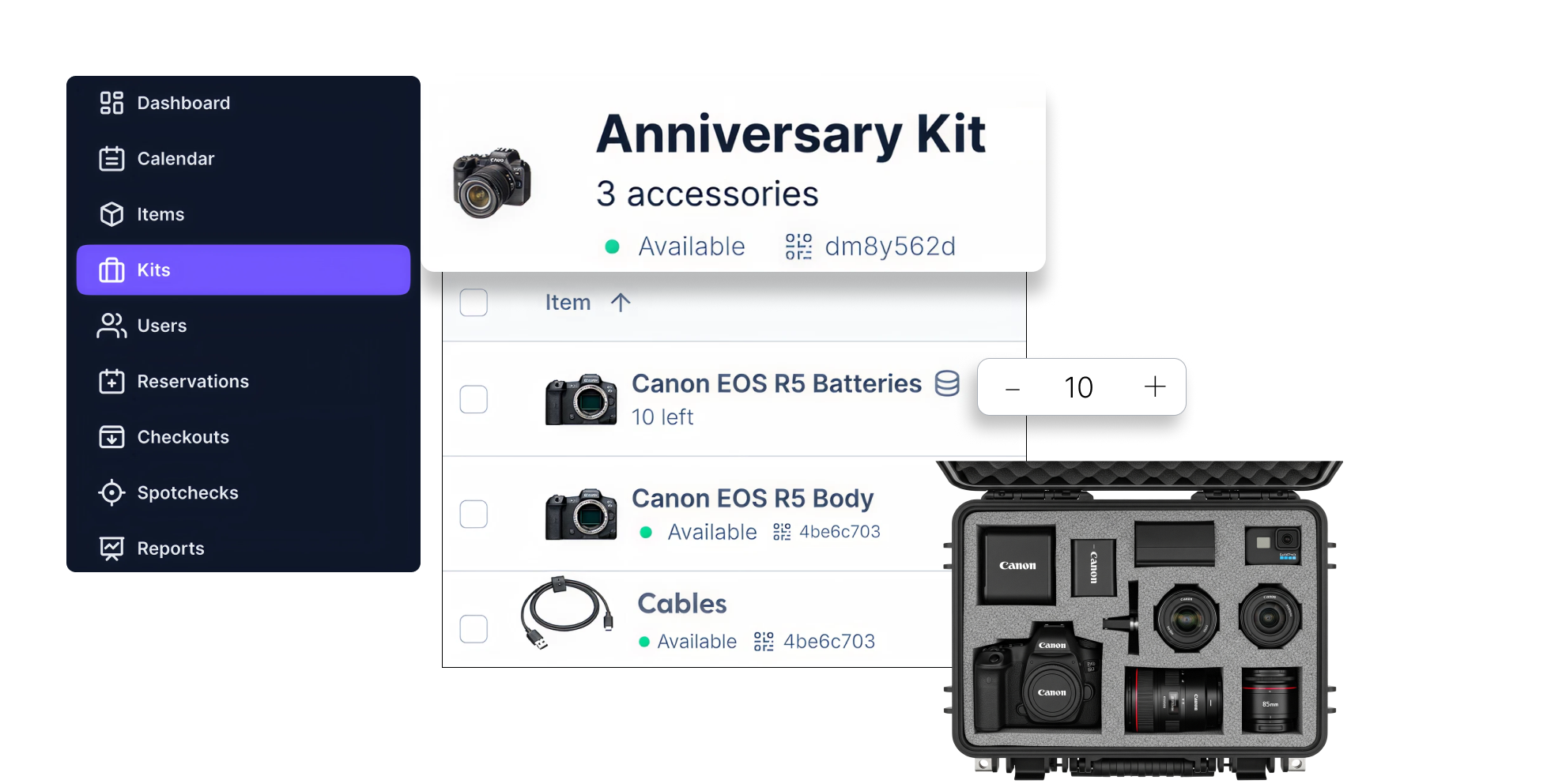
Specialized programs treat these items as "kits," ensuring a crew never arrives on set without the components needed to keep a shoot moving. These systems are among the best equipment checkout workflow platforms because they account for the high-velocity movement of gear between studios and remote locations.
Media equipment often changes hands between freelancers, staff, and external contractors across different time zones. Software like ours at Cheqroom provides a live “chain of custody,” allowing managers to see exactly who is responsible for a specific kit at any given moment.
A specialized platform also addresses the unique maintenance needs of fragile production electronics. Unlike standard office assets, media gear is prone to sensor dust, cable fatigue, and mechanical wear that must be addressed between every booking.
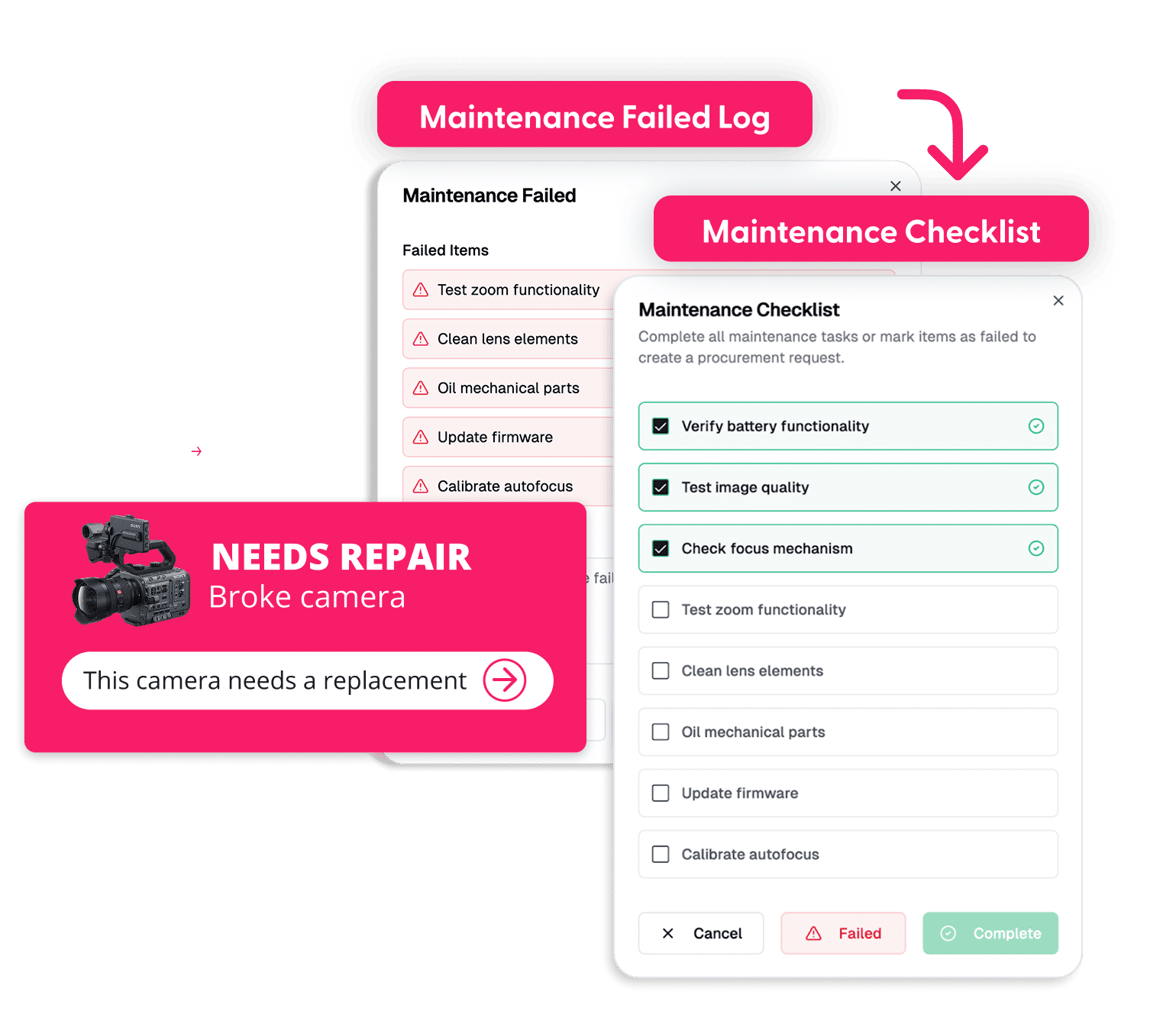
This approach ensures that any reported damage triggers an immediate maintenance workflow, preventing the next crew from discovering a broken piece of equipment during a high-stakes production.
What Are the Key Features of the Best Equipment Checkout Workflow Platforms?
The best equipment checkout workflow platforms for media provide specialized tools that handle the unique complexity of production gear. Unlike general asset trackers, these platforms are designed to move at the speed of a film set while maintaining strict oversight.
The main features are:
Advanced Kit and Bundle Management
Production gear is rarely used as individual items. A top-tier platform allows you to group cameras, lenses, and audio accessories into "kits" that can be checked out with a single scan. This ensures that all essential components remain together and reduces the time spent on manual inventory checks.
Mobile-Friendly QR and Barcode Scanning
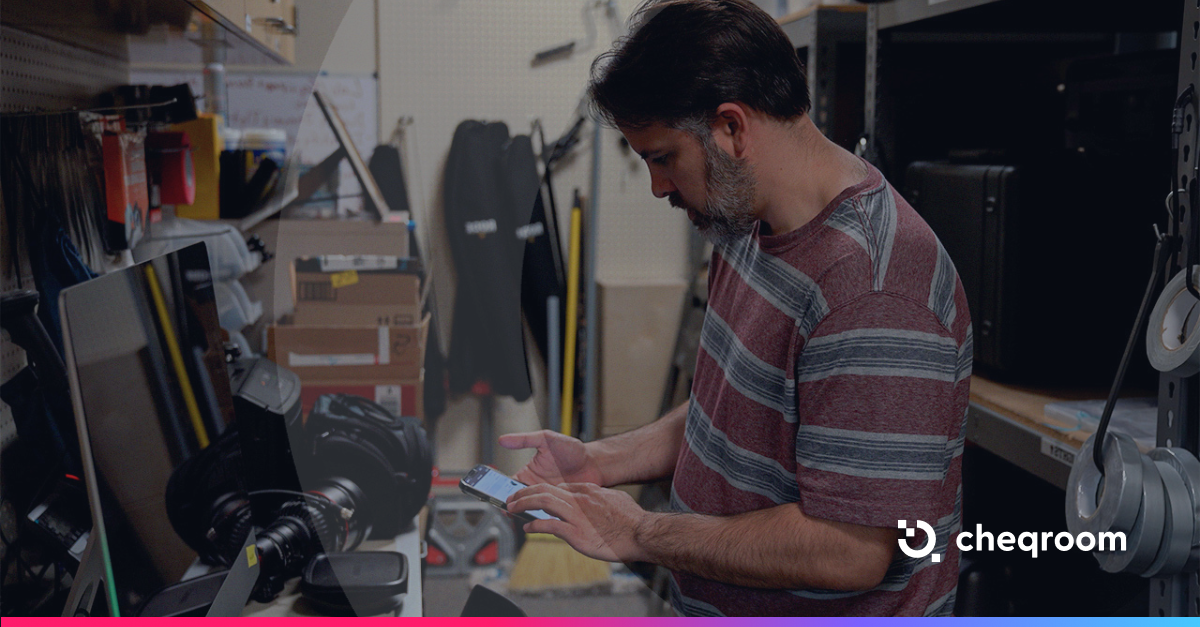
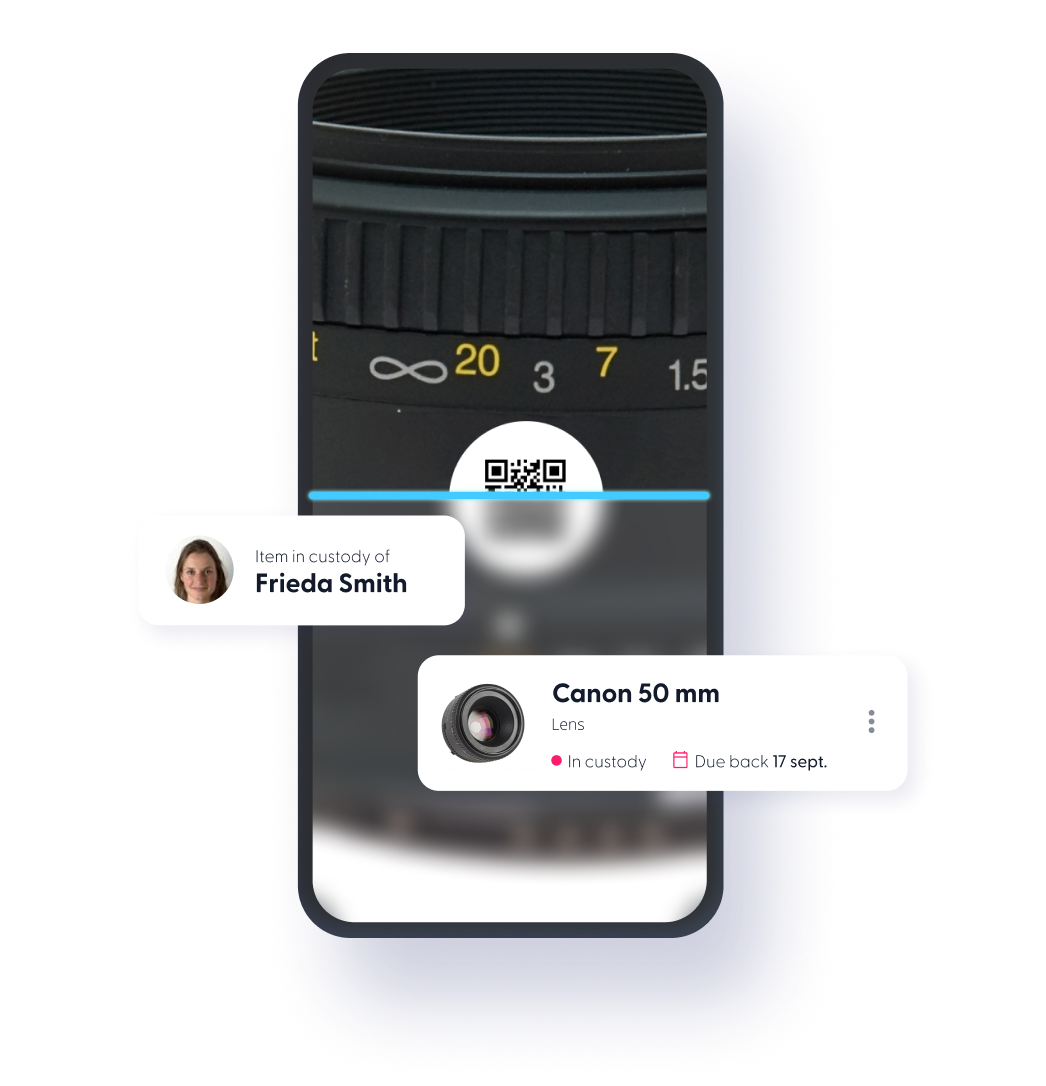
Production teams are rarely at their desks. A robust mobile app allows crews to scan items directly on the loading dock or in the field using their smartphones. This instant data entry ensures the database is updated the second gear changes hands, not hours later when a manager returns to a computer.
Proactive Maintenance Triggers
Media equipment is fragile and requires constant care. An asset checkout platform, such as Cheqroom, allows users to report damage or technical issues immediately through the app. This action automatically flags the item for repair and removes it from the available pool, ensuring the next crew doesn't unknowingly take out broken gear.
Custom User Permissions and SSO
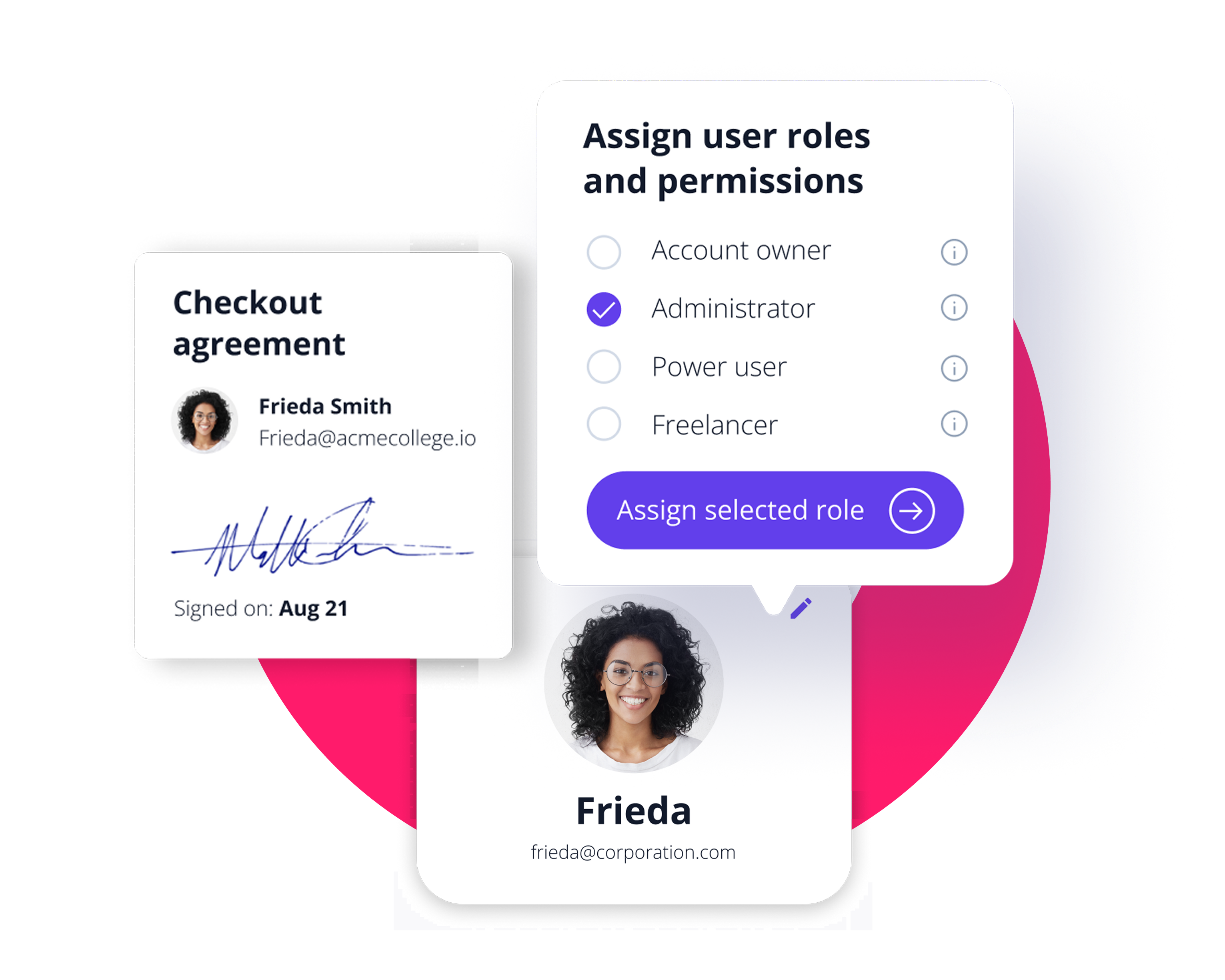
Security is critical when managing six-figure gear lockers. Administrators need the ability to set granular permissions so only qualified technicians can reserve specialized equipment.
Integration with Single Sign-On (SSO) ensures that onboarding new crew members is seamless and secure. These features turn the equipment locker from a bottleneck into a streamlined resource.
How Do You Choose the Best Platform for Your Production Scale?
Selecting the best equipment checkout workflow platforms depends on your team's size, the volume of gear you manage, and the frequency of your productions. A small creative agency has different needs than a global broadcasting network, and the "best" tool is the one that aligns with your specific operational complexity.
- Small Studios and Boutique Agencies: For teams with a single gear locker, speed is the priority. You need a platform that replaces “who has what” text threads with a simple mobile interface. The focus here is on reducing administrative tasks so the team stays focused on creative work.
- Educational Institutions and Film Schools: These environments manage high-volume checkouts with hundreds of students. The ideal platform requires robust reservation rules and automated notifications for overdue gear.
- Enterprise Broadcasters and Large Houses: Scaling to thousands of assets across multiple locations requires advanced integrations with SSO and project management tools.
- The Crew Adoption Factor: Software is only effective if your crew actually uses it. Look for a mobile-friendly experience that allows for quick scanning and easy reporting of damaged gear in the field.
Evaluate your current “breaking point,” such as how often you deal with double-bookings or lost items. If your manual method cannot provide a live, accurate view of your inventory, it is time to transition to professional equipment checkout workflows.
Why Is Cheqroom the Leading Choice for Media Professionals?
Cheqroom is a leading choice for media teams because it is built for the pace of production. With kit-based bookings, mobile scanning, and clear chain of custody, crews cut double-bookings, avoid missing pieces, and keep shoots moving.

Ready to trust Cheqroom to streamline your media production?

Maria Alejandra Benitez Chief of Staff at Cheqroom | Equipment Management Expert! Maria is the strategic mind shaping Cheqroom’s big-picture moves. As Chief of Staff, she turns industry insights into go-to-market gold—bridging customer needs, product vision, and smart execution.
With a deep pulse on equipment-heavy industries and a sharp eye for market trends, she helps Cheqroom stay three steps ahead. Whether it’s unlocking new verticals or fine-tuning product-market fit, Maria’s the one connecting the dots (and making it look easy).
She’s all about bold strategy, smart growth, and making gear management way cooler than it sounds.
More blog articles