Cheqroom's Equipment Checkout Workflow: How It Works
Professional equipment checkout workflows are essential for maintaining control over growing inventories of high-value assets. As organizations move away from manual tracking, they need a system that handles the complete gear lifecycle, from reservation to return.
Without a structured workflow, businesses face lost items, damaged gear, and double-booked assets. A digital equipment checkout workflow ensures every item is accounted for and ready when your team needs it.
Modern teams need a centralized platform with real-time visibility into the status and location of every asset. Professional software replaces the uncertainty of spreadsheets with automated processes and clear digital chains of custody.
This guide shows how Cheqroom's checkout workflows help teams manage gear efficiently through automated reservations, mobile scanning, and kit management.
How Does Cheqroom Optimize the Equipment Reservation Process?
Checkout workflow start with a reservation system that prevents scheduling conflicts. Users can access a live availability calendar to see exactly which items are free for their specific project dates and times.
This transparency enables self-service booking, reducing admin work for equipment room staff. By utilizing Cheqroom for your reservations, your team can benefit from:
- Real-time conflict detection that flags overlapping bookings for the same item
- Personalized dashboards for upcoming checkouts and overdue items
- Automated approval workflows that require a manager's sign-off for high-value gear
- Project folders for grouping multiple reservations
Once confirmed, reservations hold items for users exclusively until pickup. This eliminates the "first-come, first-served" chaos that often results in missing critical equipment when you need it.
Can You Manage Physical Pickups and Returns With Mobile Scanning?
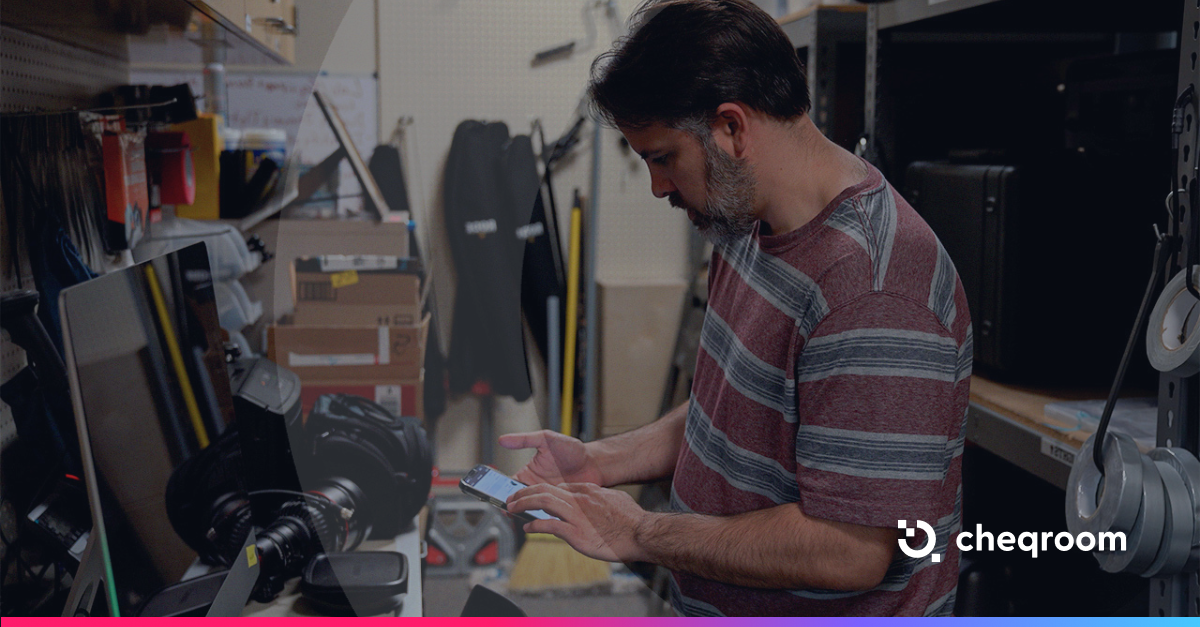
Cheqroom's mobile app handles fast-paced, on-the-go environments. Users scan QR codes or barcodes on their smartphones to instantly move assets from Reserved to Checked Out. Updates happen in real time as gear leaves the shelf.
Returns follow the same streamlined process: scan the equipment back in, inspect it, and return it to the available pool. The system automatically logs the complete history and closes the transaction, making sure the gear is ready for its next reservation.
Our mobile scanning tools enhance your daily operations by providing:
- Instant access to asset details, history and manuals from a QR scan
- The ability to report damages or missing parts immediately during the return process
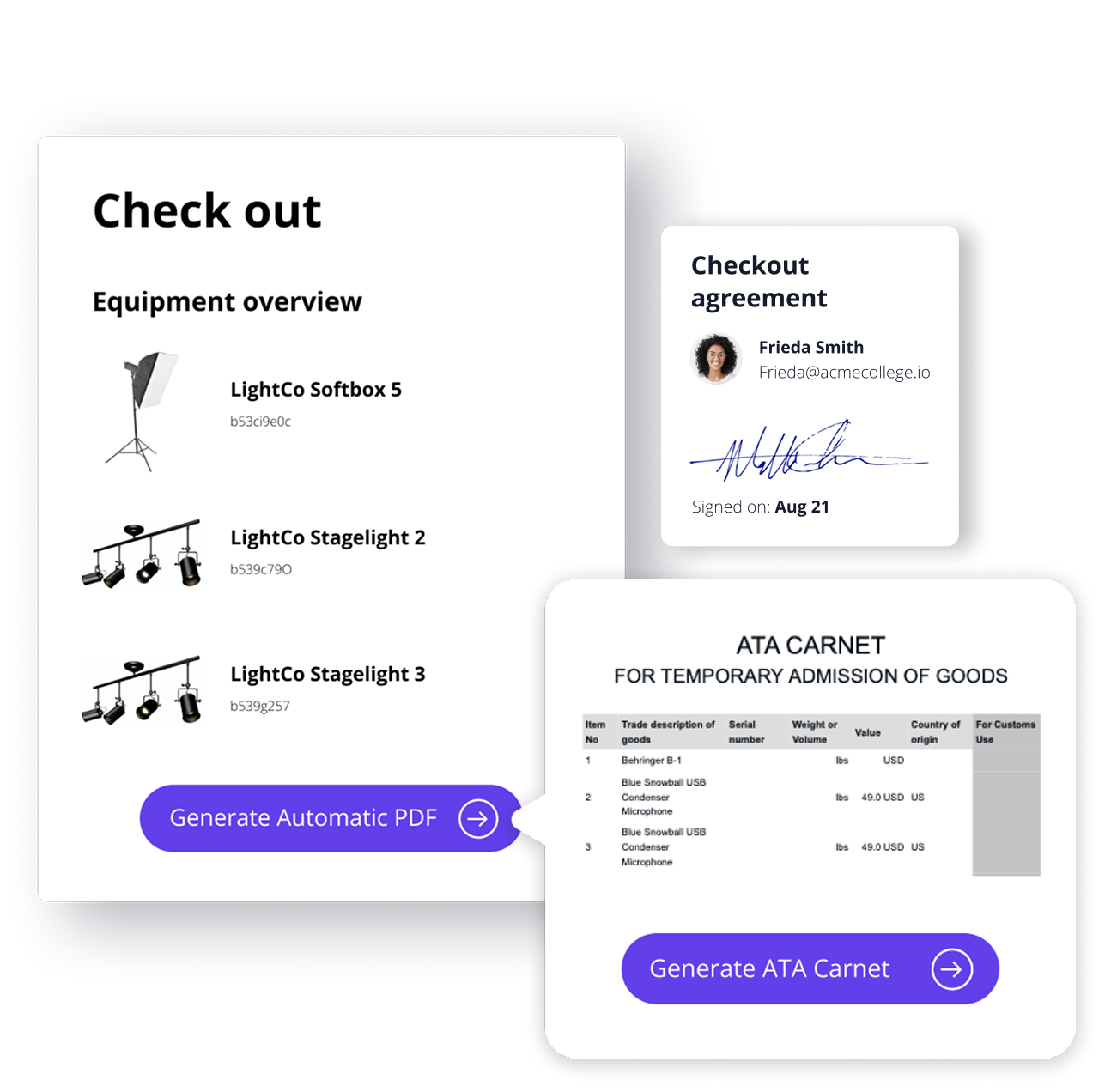
- Digital signature capture for formal proof of custody for every transaction
- Rapid "bulk" check-ins that scan entire kits in seconds
Why Choose Cheqroom for Checkout Workflows?
Cheqroom balances operational control with an interface users actually enjoy. Unlike rigid legacy systems, Cheqroom's user-centric design encourages high adoption rates.
Cheqroom serves specialized industries including film, education, and corporate media production. You can group cameras, lenses, and accessories into permanent or temporary bundles that are checked out as a single unit. This ensures no essential component—like a battery or media card—gets left behind.
Choosing Cheqroom means investing in a scalable system that grows as your organization's inventory and team size increase. Whether you are managing ten assets or ten thousand, our Cheqroom provides the same level of clarity and accountability.
Ready to see how Cheqroom supports your specific checkout workflows?
See our features in action

Claire Strom | Program Marketing Lead
As the program marketing lead, she's the one who keeps Cheqroom's vision and our customers' needs in sync. She loves bringing new features to life and telling the world about the magic of how Cheqroom keeps work in motion.
Whether she is behind the scenes crafting a new strategy or in front of the camera sharing our customers' stories, her mission is to turn equipment operations into a superpower, one story at a time.
More blog articles