If you manage shared equipment, you already know the plot twist: the “missing” piece is almost always the one item nobody thought to reserve. Not the fancy camera or lab equipment, but the $12 adapter critical to your operations. The fix is simple and surprisingly unglamorous: smart equipment kits.
This guide shows how to build kits your team can reserve and check out in a single click, so you can stop doing equipment logistics as a side hustle.
What is an Equipment Kit? 💭
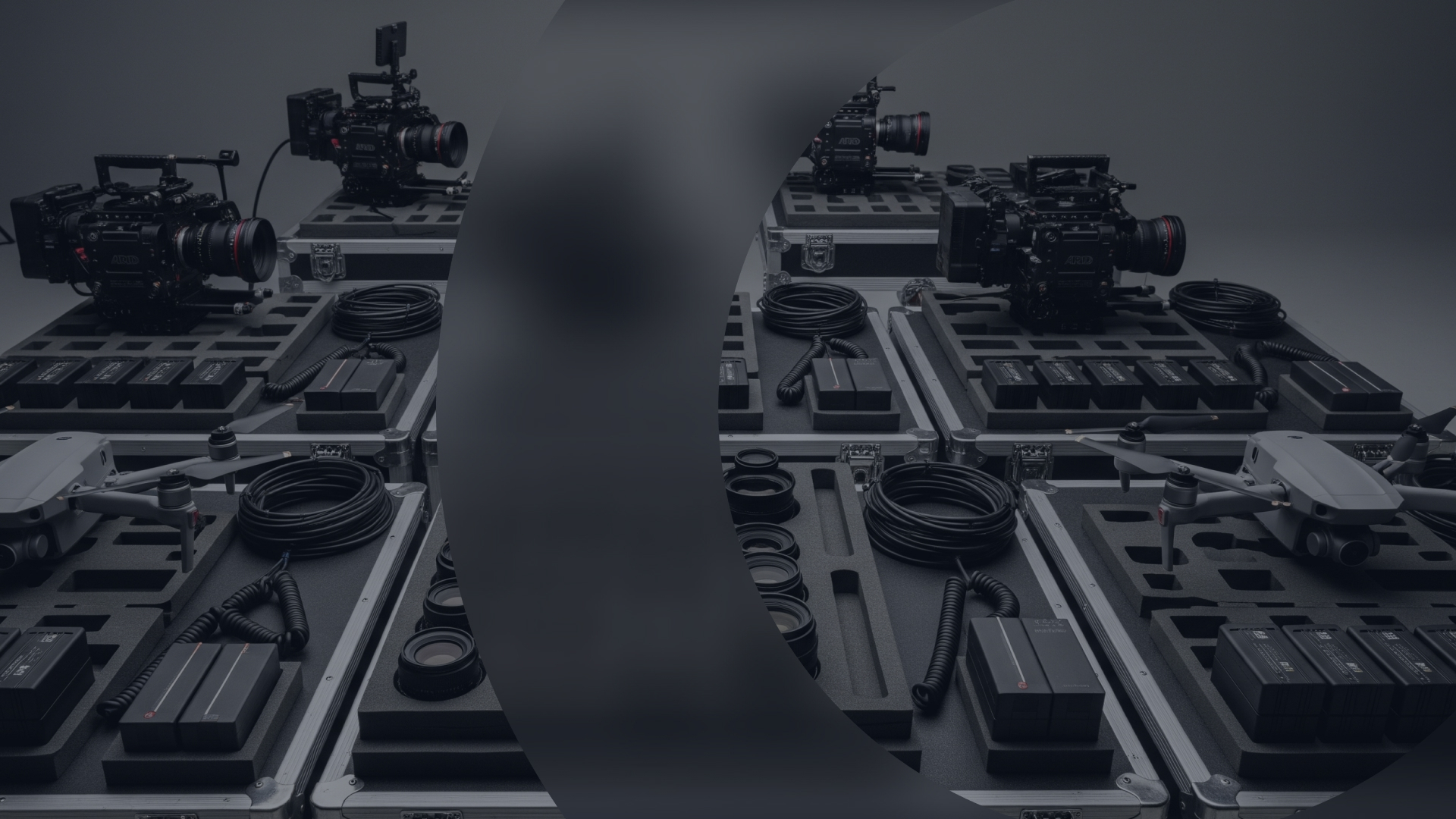
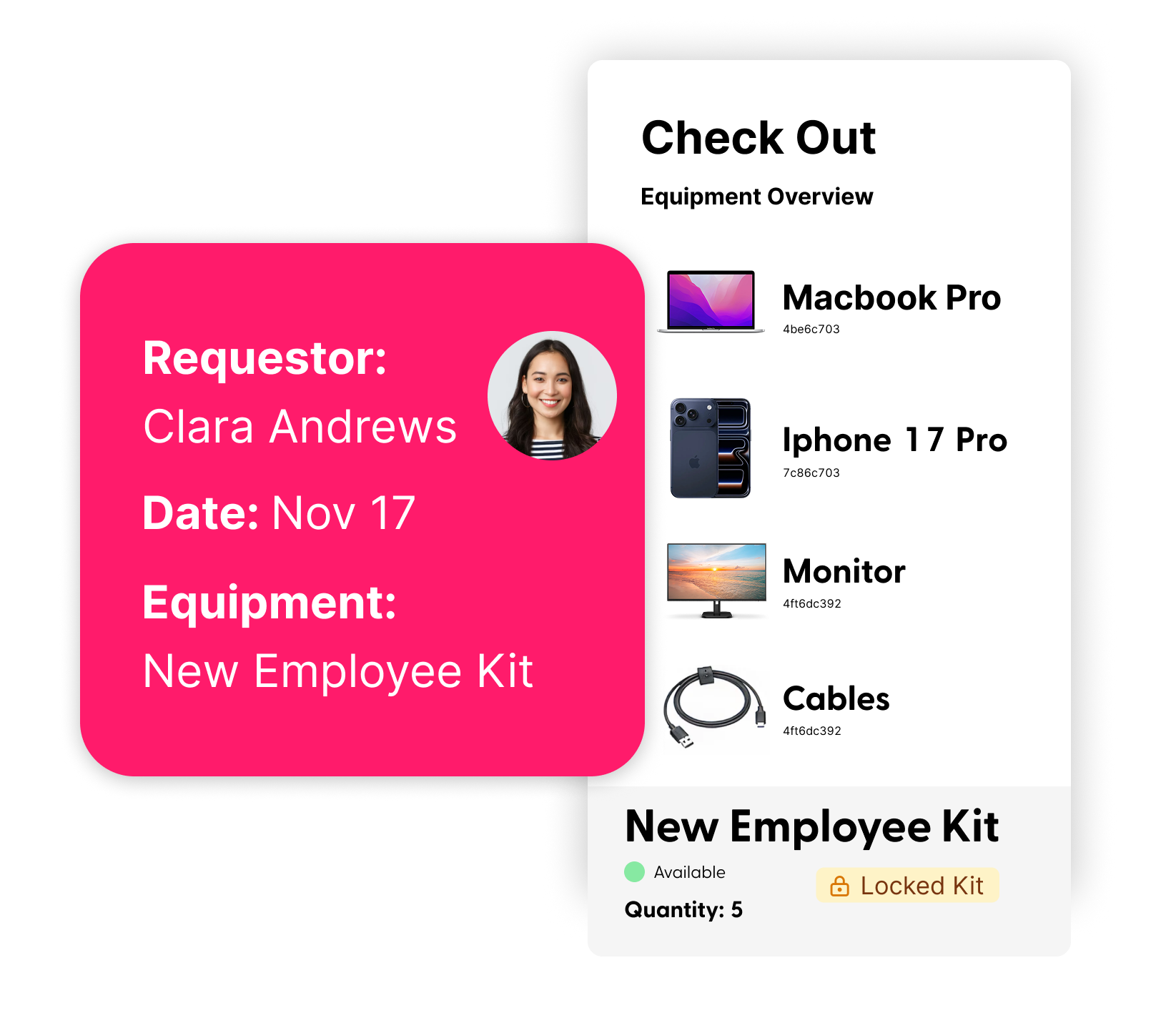
An equipment kit is a pre-built set of equipment and accessories that can be reserved and checked out together as a single unit, so teams can book everything they need in one click.
Why Equipment Kits are Non‑Negotiable for Teams
Kitting is not a cute organizational hobby. It’s a practical way to prevent delays and avoid surprise purchases.
Here’s what smart equipment kitting helps with:
- One-click reservations: Book a full setup at once, instead of 12 separate items and one inevitable scheduling conflict.
- Fewer incomplete checkouts: Make sure your project doesn’t get taken down by a missing cable. If the kits requires it, the kit includes it.
- Clear accountability: You know who has the kit, where it is, and what’s inside it.
- Smarter resourcing: When kits are consistent, you spend less time duplicating gear “just in case.”
Smart Kitting in Action
Different industries build equipment kits differently. The goal is always the same: predictable setups that don’t require a detective.
- In Media & Production: A "Podcast Kit" might include a microphone, a pop filter, a stand, and a specific USB cable. A "Lighting Kit" for a film shoot could contain light stands, diffusion gels, and a bundle of power cables.
- In Higher Education: A university's media lab could create a "Student Video Kit" with a camera, tripod, and a specific number of fully charged batteries.
- In Broadcasting & Entertainment: A broadcasting team might create a "Remote Broadcast Flypack" with a camera, a transmitter, and all the necessary audio and power cables. For a touring crew, a kit can bundle together all the stage gear, including props and single-use items.
Best Practices for Building Your Perfect Kit 🧰
Ready to build kits that work for your team? Follow these best practices to ensure your gear is always ready for action.
- Name and define kits clearly: Use names that say what the kit is for. "Student Vlogging Kit” beats “Kit 3” because your team can find the right kit fast.
- Include all components (yes, the small stuff): If the kit needs it to function, include it. Add the accessories people always forget, plus bulk items like cables, batteries, and memory cards, so projects don’t stall over a missing “tiny but critical” part.
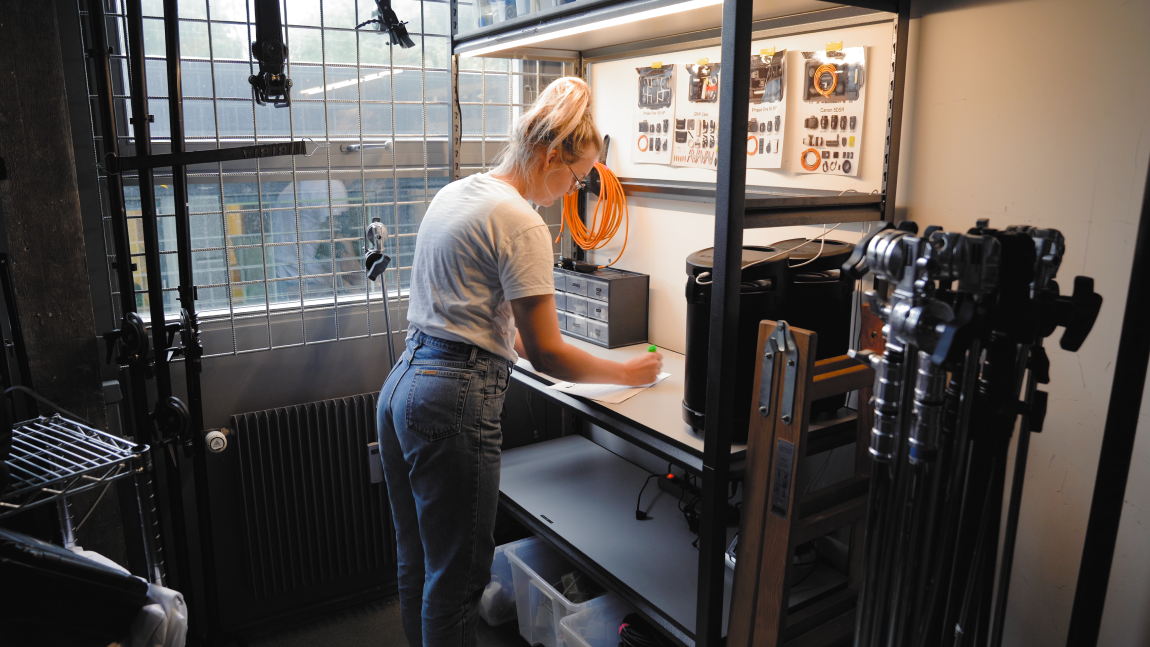
- Add Detailed Documentation: Attach important information like a master parts list, photos of a properly packed kit, or links to user manuals and tutorials, so anyone can prep, check out, and repack the kit correctly without tracking down the one person who “just knows.”
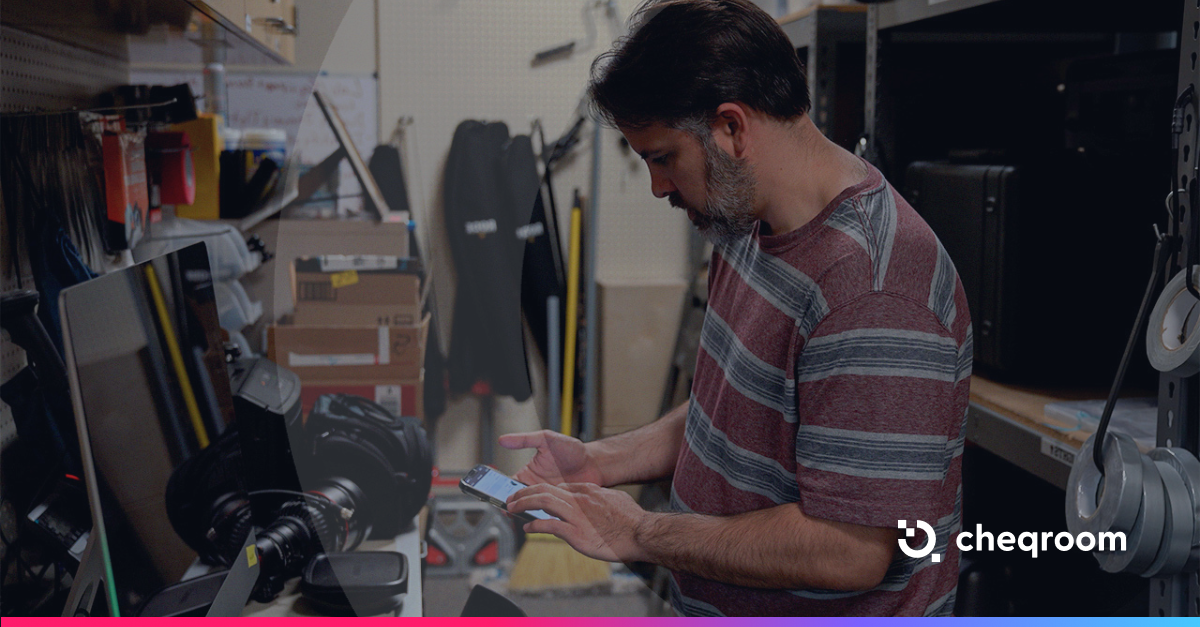
- Make it Mobile-Friendly: Give your team the tools to manage kits on the go. A mobile app with barcode, QR code or RFID scanning allows for quick and accurate check-ins and check-outs, so your team can move faster, reduce mistakes, and capture condition notes in the moment.
- Lock kits when you need strict control: If a kit has to stay together to be useful, lock it. Users avoid partial checkouts, keep kits complete, and prevent the slow-motion unraveling where every kit becomes “a kit… minus a few things.”
A Quick Checklist for Building Equipment Kits
- Define the kit’s purpose and typical use case
- Add the core equipment
- Add the accessories people always forget
- Add bulk items where appropriate
- Add documentation and packing photos
- Decide whether the kit should be locked
- Test a real reservation and checkout flow
Bottom Line: Why Smart Equipment Kits are Worth the Effort
A great kit is basically operational insurance. It speeds up checkouts, cuts down on last-minute rentals and duplicates, and keeps teams ready for the next job. Boring in theory. Profitable in practice.
Ready to build smarter equipment kits for your team?