What is Asset Invoice Management software?
Asset Invoice Management software makes sure equipment that goes out the door gets billed. Cheqroom links each invoice task to the booking it covers and tracks it to paid.

Create an invoice task for each booking you bill, link it to the reservation or check-out, and follow it from sent to paid. Your finance tools create and send the invoice out.
When billing runs from memory, the small jobs are the ones that never get invoiced. Every invoice task starts from a booking that already happened in Cheqroom.
Each invoice task links to the reservation or check-out it bills.
Pending, sent, or paid, visible to everyone who needs it.
Invoice PDFs and payment confirmations stay on the record.
Send invoice-task status to your accounting tools like QuickBooks, Xero, NetSuite, or 9,000+ apps through webhooks, the API, and Zapier.
How it Works
Your equipment gets checked out and returned.
Link the reservation or check-out, set the amount and due date and assign an owner.
Send it from your finance tool, attach it to the task, and mark it sent.
Mark the invoice paid and attach the payment confirmation.
See what invoices are outstanding or how long they are waiting for payment.
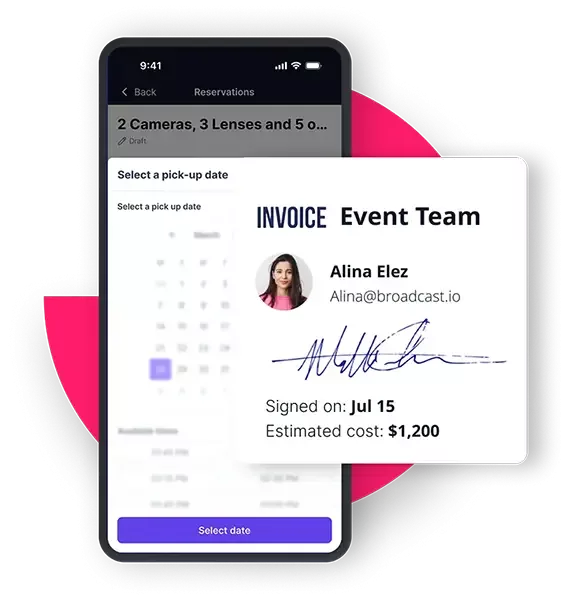
No retyping dates, assets, or customers from a spreadsheet.
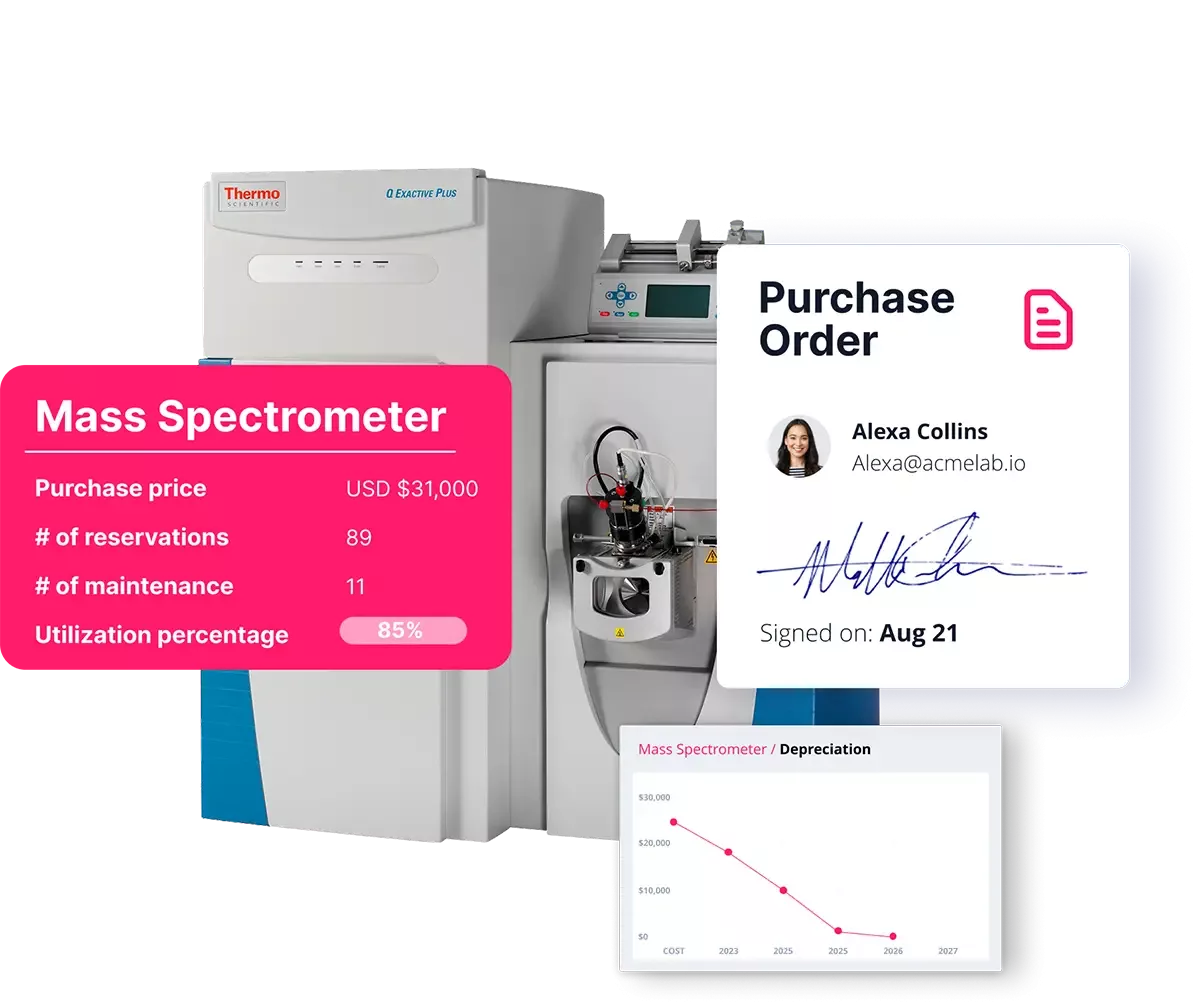
No one has to ask finance whether the invoice went out.
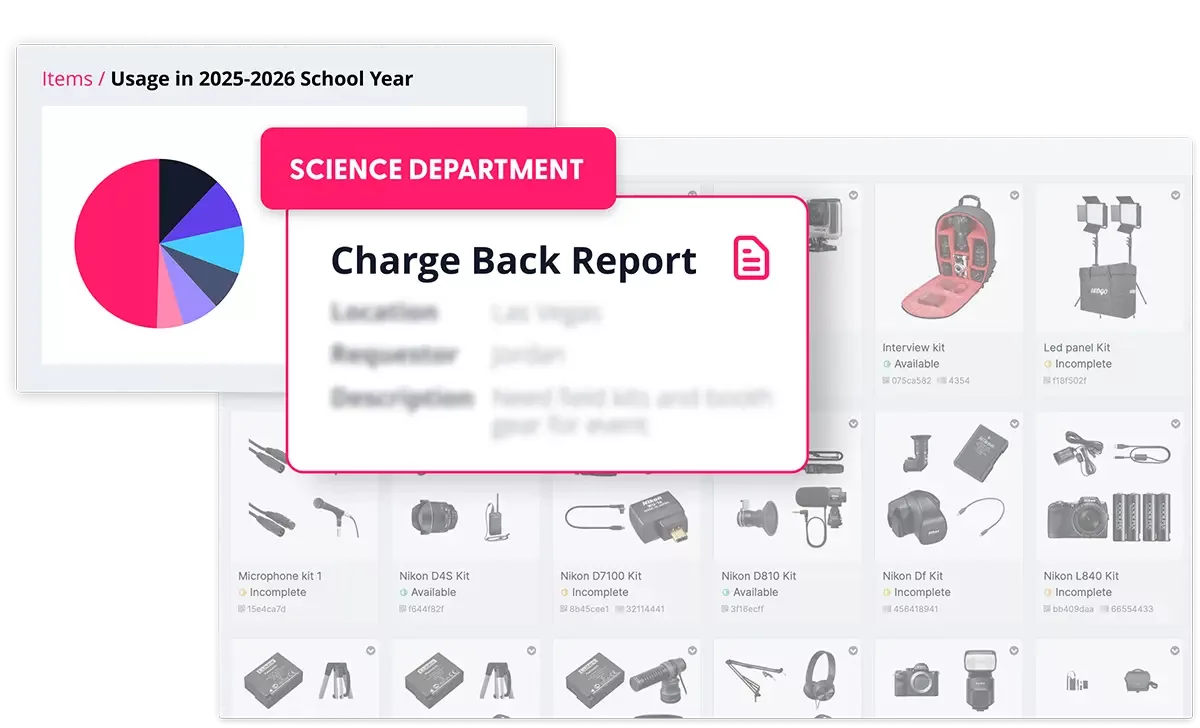
Keep operations and finance aligned without creating a separate reconciliation process.
why cheqroom
A billing spreadsheet knows what someone typed in. Cheqroom knows what actually went out the door.
Each invoice links to the booking and the assets on it.
Late returns are on the same check-out you're billing.
Inspections at return sit on the same assets, so damage is visible before the invoice goes out.
Trusted by 1,400+ organizations managing $15B+ in mission-critical assets.
Hours saved per team per month
Less admin workload
Accountability


























Talk to our team about how to ensure that if it went out, it gets tracked to paid.
Asset Invoice Management software makes sure equipment that goes out the door gets billed. Cheqroom links each invoice task to the booking it covers and tracks it to paid.
Cheqroom generates rental agreements, checkout contracts, and itemized PDF documents from any reservation, with your terms, signature blocks, and digital sign-off. Invoices themselves come from your accounting tool. Cheqroom tracks each billable booking as an invoice task and can send the booking details to QuickBooks, Xero, NetSuite, or other finance tools through Zapier, our API, or a sync our integration team builds with you. Operations and finance each work in the system built for them, without retyping data between them.
Yes. Add a custom field to your reservation form for cost center, project code, or department, and every reservation captures that value automatically. Reports group and total usage by any dimension you configure. Universities, broadcasters, and large enterprises use this for internal chargeback billing, with exports that feed finance teams the data they need to issue internal invoices or journal entries.
No, and intentionally. Cheqroom is built for asset operations, not accounting. Tax engines, payment gateways, and ledger reconciliation belong in tools designed for that work. Cheqroom's role is to feed those tools accurate, real-time operational data so the invoice they produce is right on the first send.
Yes. Cheqroom can automatically email any generated PDF, including rental agreements and signed contracts, to a contact when a reservation is booked, checked out, or returned. For final invoices with payment terms, the email sends from your connected accounting tool using data Cheqroom already synced over. The customer receives one accurate document. The work happens across both systems without anyone doing it twice.