How To Choose Equipment Booking Software for Multi-Site Teams
Why Multi-Site Teams Need Smarter Equipment Booking
Managing equipment across multiple locations sounds straightforward until it isn’t. As teams grow, assets move around more frequently, and more people need access to the same gear.
Spreadsheets and basic booking tools might work for a single location, but they quickly fall apart in multi-site environments. Without real-time visibility, you can't answer basic questions: Where is the equipment? Who has it? When is it available? These gaps slow teams down, increase loss risk, and drive up replacement costs.
That’s why multi-site organizations need equipment booking software designed for scale. The right platform brings structure, visibility, and consistency as you expand across locations.
What Is Equipment Booking Software?
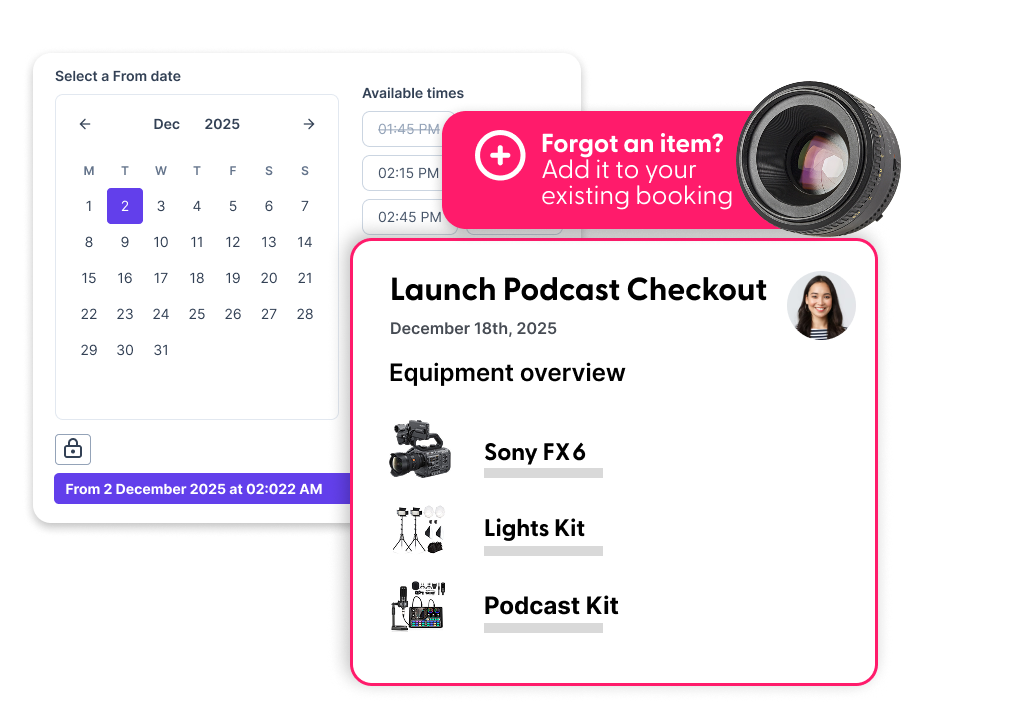
Equipment booking software is a centralized system that lets teams reserve, track, and manage shared assets in real time. Users can see what’s available, book equipment for specific dates, and check items in and out all from one platform.
For organizations managing gear across multiple locations—especially high-value, mobile assets like film equipment—these systems create clarity and control. The system ensures the right equipment is in the right place at the right time while reducing conflicts, loss, and downtime.
What Multi-Site Asset Management Really Requires
Effective multi-site asset management starts with real-time visibility. Teams need a clear, up-to-date view of equipment availability across all locations, without relying on manual updates or guesswork. Know what’s available, where it is, and when it’s due back and you’ll avoid conflicts and delays.
You also need a balance between centralized oversight and location-specific control. Centralized systems provide consistency and accountability, while location-level configurability let local teams manage their own inventory.
Standardized workflows tie it all together. Building consistent-booking, check-in, and check-out processes by location or team reduce errors and improves accountability. With the right structure, multi-site operations become easier to manage, scale, and optimize.
Key Features for Multi-Site Equipment Booking Software
The features you prioritize determine how smoothly your teams work. Not all platforms handle shared assets across locations or go beyond basic reservation tools.
- Location-based availability and permissions let users view and book equipment at specific sites while restricting unauthorized access.
- Real-time asset tracking shows whether equipment is in use, reserved, available, or under maintenance, reducing conflicts and ensuring readiness.
- Maintenance scheduling and service history protect high-value gear by tracking service intervals and repair history, preventing unexpected failures. Take equipment out of circulation for maintenance without disrupting projects.
- Reporting and audit trails show how equipment is used over time. Usage reports and activity logs support accountability, identify underutilized assets, and justify future purchases or inventory optimization.
Use Case: Film and Production Teams Need Booking Flexibility
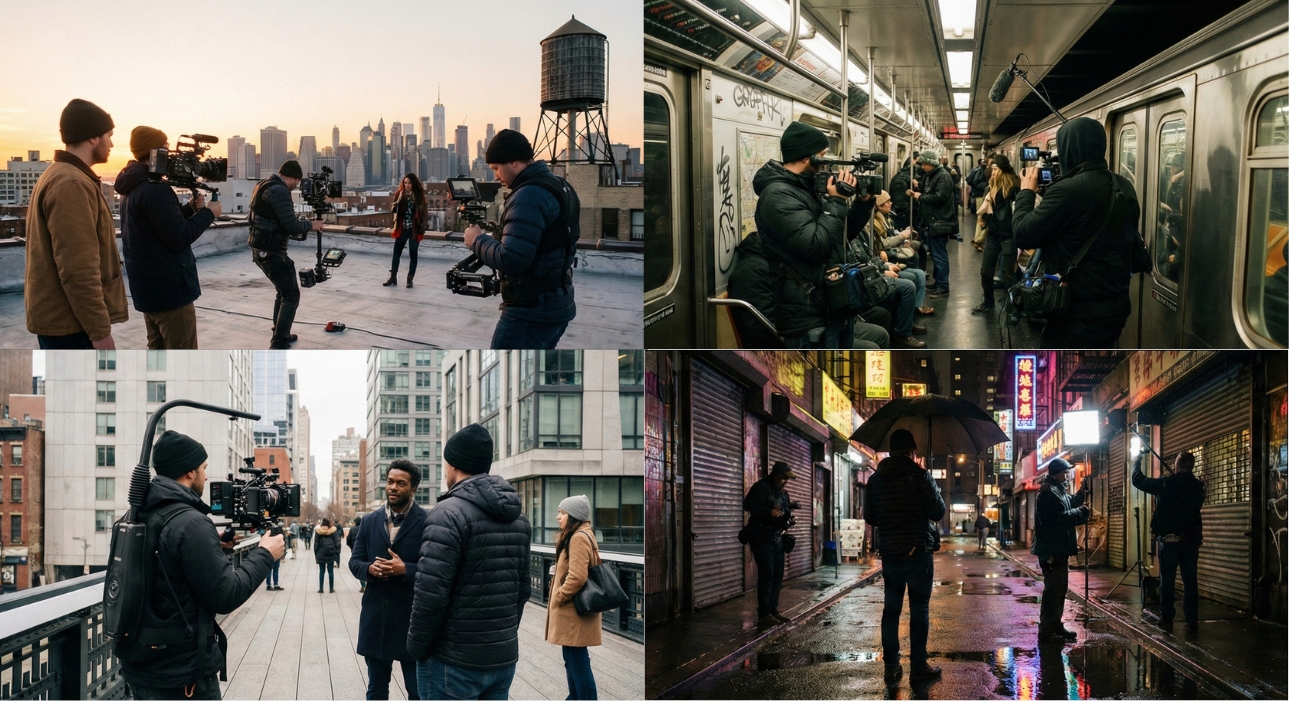
Film and production environments move fast, and equipment schedules change constantly. Shoots run long, locations shift, and last-minute gear swaps are common. Without flexible booking tools, teams risk double bookings, delays, and costly downtime.
Cameras, lighting, audio gear, and accessories move between crews and locations. Film equipment booking software should supports kits and bundles, letting teams book complete setups instead of managing items individually. This ensures nothing critical gets left behind and reduces setup time on set.
Flexible workflows prevent booking conflicts. Real-time availability updates, automated conflict alerts, and clear reservation windows let teams book production equipment confidently, even with overlapping schedules. The result: fewer surprises, smoother handoffs, more time on production instead of logistics.
How Maintenance Scheduling Protects Assets Across Locations
When equipment is shared across multiple locations, maintenance can’t be an afterthought. Built-in maintenance scheduling keeps assets reliable and prevents minor issues from becoming costly downtime.
- Preventive maintenance vs. reactive repairs delivers the biggest value. Proactive service schedules help address wear and tear before failures happen. Reactive repairs often mean unexpected delays, rushed fixes, and higher costs. Equipment booking software with preventive maintenance tools keeps assets in rotation longer and reduces last-minute disruptions.
- Assigning service tasks by site adds another layer of control. Multi-location teams need the ability to schedule maintenance at the equipment's actual location, not where it was last booked. Site-specific service assignments ensure accountability, speed up repairs, and keep equipment available for nearby teams.
- Reducing equipment loss and extending asset lifespan go hand in hand with proper maintenance tracking. Clear service histories, maintenance logs, and visibility into downtime help you spot recurring issues, retire aging gear at the right time, and protect the long-term value of high-cost equipment.
Common Mistakes To Avoid When Choosing Equipment Booking Software
Not all booking platforms are designed for growing, multi-site organizations. Avoiding common pitfalls can save teams from expensive migrations and operational headaches later.
- Prioritizing price over scalability is a frequent misstep. Lower-cost tools may work for small teams but often break down as inventory, users, and locations expand. Choosing a platform that scales with your organization prevents bottlenecks and future rework.
- Using tools that don’t support multi-location operations creates fragmented workflows and visibility gaps. If each site manages bookings separately, you'll lose real-time insight and risk double bookings, lost equipment, and inconsistent processes.
- Overlooking integrations with existing systems can also limit long-term success. Equipment booking software should integrate with tools such as ERP, IT asset management, and maintenance systems to reduce manual data entry and keep information aligned across the organization.
Choose Equipment Booking Software That Grows With Your Organization
Managing shared equipment across multiple locations gets complicated fast—and the wrong system only adds more friction. When you choose equipment booking software built for multi-site operations, you gain the visibility, control, and maintenance planning you need to keep assets available, teams aligned, and projects moving without delays.
That’s exactly why teams choose Cheqroom. With real-time availability, streamlined check-in/check-out workflows, and maintenance scheduling in one place, Cheqroom makes it easy to book equipment confidently across offices, warehouses, and job sites—without double bookings, missing gear, or outdated spreadsheets.

Ready to simplify multi-site equipment tracking and booking?
Explore Cheqroom and request a demo today.

Claire Strom | Program Marketing Lead
As the program marketing lead, she's the one who keeps Cheqroom's vision and our customers' needs in sync. She loves bringing new features to life and telling the world about the magic of how Cheqroom keeps work in motion.
Whether she is behind the scenes crafting a new strategy or in front of the camera sharing our customers' stories, her mission is to turn equipment operations into a superpower, one story at a time.
More blog articles