Best Asset Tracking Software Beyond Spreadsheets: A Guide by Industry
Asset tracking software replaces spreadsheets by connecting real-time location, availability, maintenance history, and custodianship of physical assets in one system. Spreadsheets tell you what you own. Asset tracking software tells you what's happening to what you own: who has it, where it is, and whether it's ready to use.
From IT departments to schools to media production studios, different teams need different tools. This guide breaks down the best asset tracking software options by industry, explains what to look for in each category, and shows where Cheqroom fits.
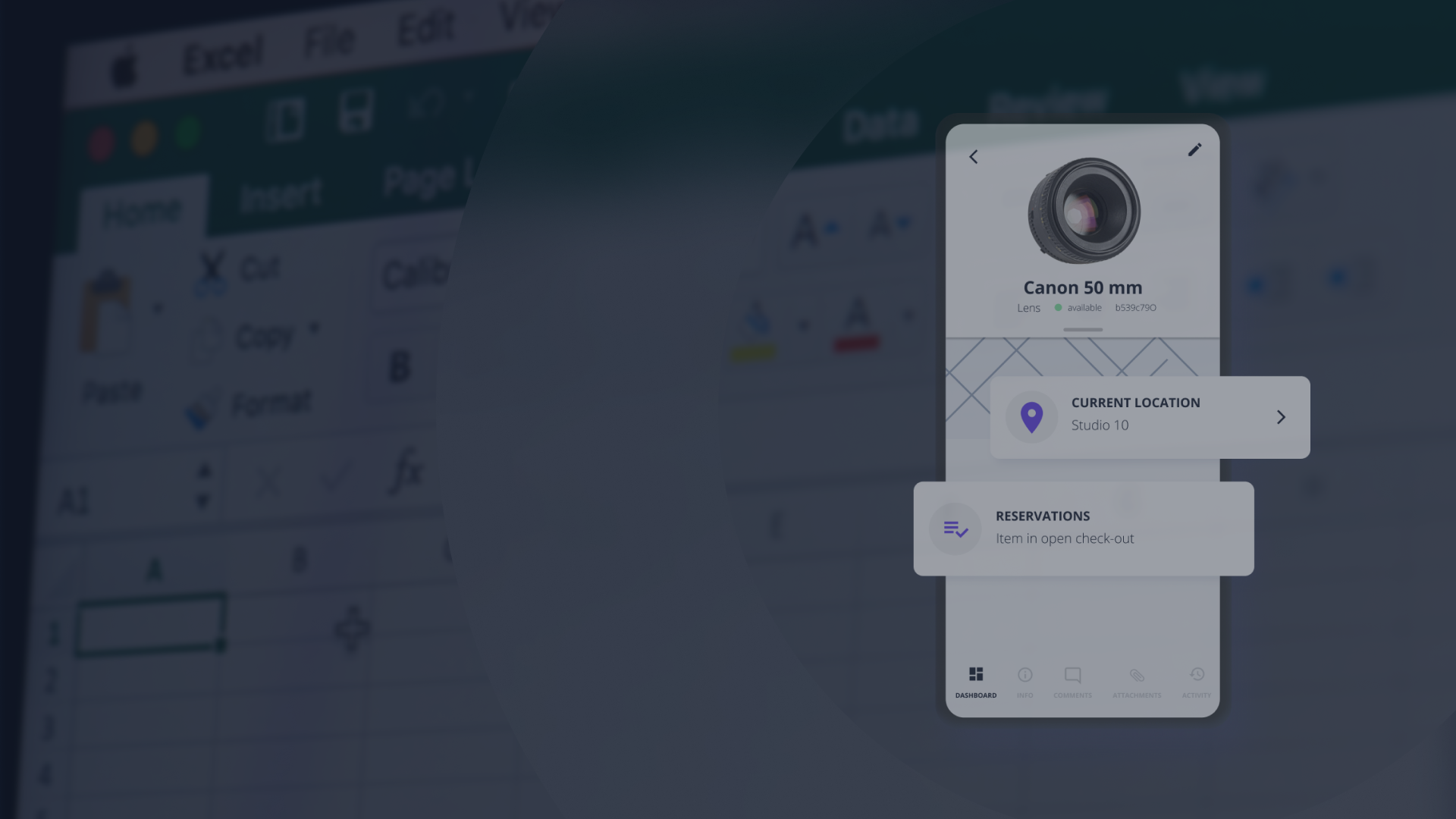
Why Asset Management Software Beats Spreadsheets
Asset management software alternatives to spreadsheets exist because spreadsheets require manual updates that never happen in real time. Every time an asset moves, the spreadsheet is already wrong.
Here's where spreadsheets break down:
- No real-time visibility: Spreadsheets reflect what someone typed, not where things actually are.
- No automated alerts: Missed maintenance and overdue returns get caught after the fact, not before.
- No accountability: A shared spreadsheet has no audit trail. When gear goes missing, there's no record of who had it last.
Modern asset tracking software solves all three. Real-time updates happen at every check-out, return, or maintenance event, not when someone remembers to update a cell.
Key Features of Asset Tracking Software Worth Having
The right asset tracking software connects your operations, not just your inventory. These are the features that separate purpose-built tools from glorified spreadsheets:
- Real-time tracking: Know where assets are and who has them without manually chasing updates.
- Automated alerts: Get notified of maintenance needs, overdue returns, or asset movements before they become problems.
- Check-out and check-in: Every asset movement is logged to a specific person, creating accountability at the individual level.
- Customizable reports: Pull utilization rates, maintenance histories, and availability windows on demand.
- Integration with existing systems: Connect to the tools your team already uses so asset data doesn't live in a silo.
Comparing Asset Tracking Software: Which Tool Fits Your Operation
Not all asset tracking software is built for the same problem. Here's how the major platforms differ, and where Cheqroom fits:
- Cheqroom: Built for organizations where equipment is a core part of how work gets done. It goes beyond tracking to manage the full operation lifecycle — from reservations and check-outs to maintenance, approvals, and real-time availability across every team that depends on shared equipment. Where most asset tracking tools answer "where is it," Cheqroom answers "is it available, is it ready, and who's responsible for it" across production, facilities, IT, field ops, and beyond. Plus it offers unlimited assets, unlimited users, and an easy interface teams actually adopt without a training program.
- Asset Panda: Known as a highly configurable platform, Asset Panda is the "King of Customization." It is ideal for organizations with unique, bespoke workflows or those needing a single, flexible system to serve multiple, disparate departments (e.g., HR, IT, and Facilities). A key benefit is the option for unlimited users on certain plans, which encourages organization-wide adoption without prohibitive per-seat costs.
- EZO (EZOfficeInventory): This platform is often chosen for its focus on absolute accountability and ITAM (IT Asset Management). It offers robust features from procurement to retirement, including sophisticated maintenance management, flexible reservation systems, and audit-ready tracking. Its strength is providing a reliable, comprehensive solution for both physical inventory and IT-related assets like software licenses.
- GoCodes: GoCodes specializes in providing a simple, rugged, and highly mobile solution for tools and equipment that are frequently moved between job sites. Their core benefit is a patented system that includes customizable, durable QR code labels and integrated GPS tracking options, making it fast and easy for field teams to check assets in/out using any smartphone without needing a dedicated app installation.
Considerations When Choosing a Platform
- Customization vs. setup time: Highly configurable platforms require meaningful setup investment. If your workflows are standard, a more opinionated tool gets you running faster.
- Pricing structure: Per-user pricing can create access gatekeepers that limit adoption and reduce accountability. Look for models that don't penalize you for giving the whole team access.
- Core focus: Tools built for fixed-asset accounting or financial depreciation often lack the reservation, check-out/check-in, and conflict-checking features that high-volume shared equipment environments need.
Asset Management Software Alternatives to Spreadsheets: Free and Open Source Options
If your team is early in the evaluation process, free and open source options are worth knowing about. They cater to small businesses and startups with limited budgets and can work well for small, static inventories where movement is low and a single person manages the data.
Some popular free and open source options include:
- Snipe-IT: Ideal for IT assets.
- OpenMAINT: Supports maintenance management.
- AssetTiger: Cloud-based for easy access.
The tradeoff: free and open source tools shift cost from licensing to implementation, hosting, ongoing security patching and other maintenance. That overhead is often invisible at the start and grows quickly as your team, workflows become more complex or asset count scales. If you expect growth, shared equipment across teams, or any operational complexity, the cost of switching later tends to outweigh the savings upfront.
Stop Wasting Budget on Tools Your Team Won't Use
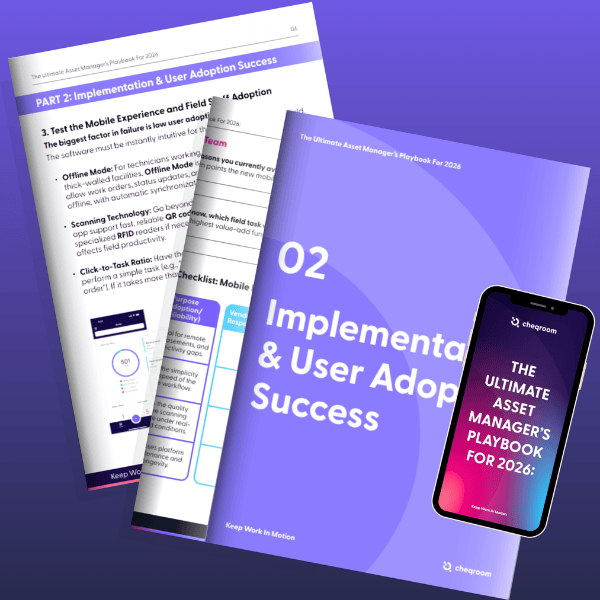
Failed rollouts and hidden costs are preventable. Download this 9-step guided workbook to audit your options and sidestep the common traps that tank ROI.
IT Asset Tracking Software
IT asset tracking software manages hardware, software licenses, and related equipment across an organization's technology stack.
Key features that matter for IT teams:
- License management and compliance
- Equipment tracking and reservations
- Automated updates and notifications
These tools streamline the tracking of IT assets, reducing errors and ensuring compliance. Integrating with existing IT systems is usually seamless, improving overall operational efficiency.
School Asset Tracking Software
Schools and universities manage a wide range of shared physical assets across departments: lab equipment, AV gear, cameras, instruments, athletic equipment, classroom technology like projectors and screens, and bookable spaces like studios and rehearsal rooms.
Features that matter in education:
- Equipment lending and self-service reservations
- Inventory audits by department or location
- Accountability tracking tied to student or staff profiles
These systems ensure proper allocation and management of resources, minimizing losses. Efficient tracking of resources supports educational programs by enhancing availability and reducing waste.
Media Production Asset Tracking Software
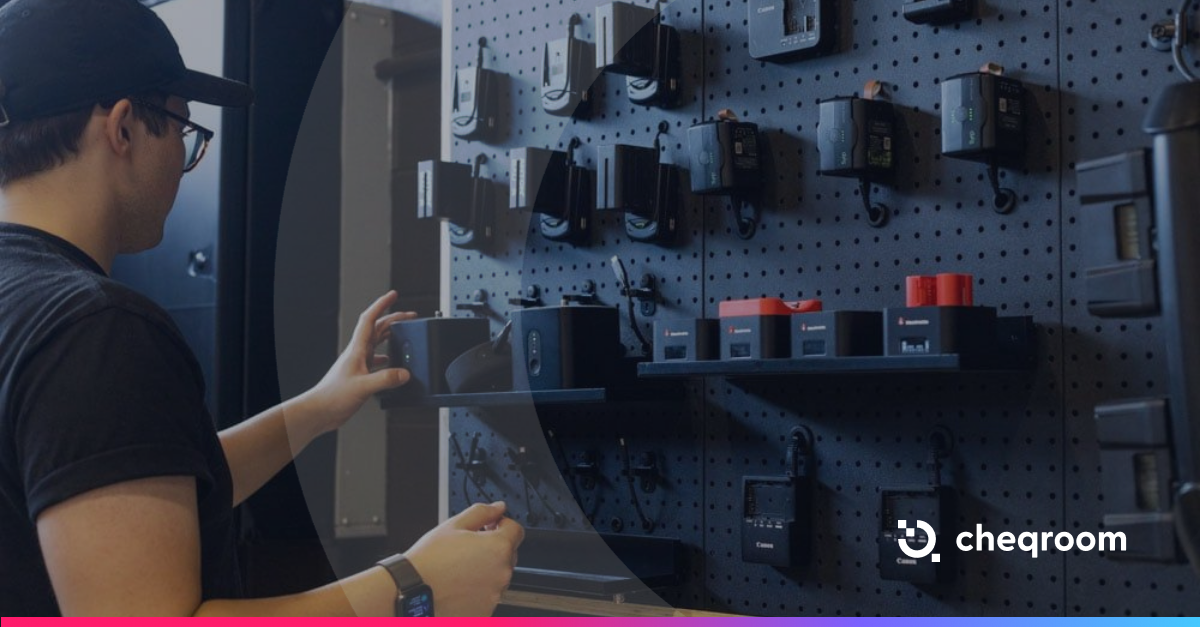
Media production teams manage expensive, frequently moved equipment across shoots, studios, and rental cycles. The wrong tool means double bookings, missing kit parts, and gear that's out of service when you need it most.
What media production asset tracking needs:
- Kit/Bundle Management: Check out a group of related items (e.g., a camera body, three lenses, a tripod, and extra batteries) in a single transaction.
- Reservation Systems: Schedule gear for specific shoots or projects with conflict detection built in.
- Maintenance and Repair Logs: Track wear-and-tear history so nothing goes out damaged.
These systems ensure equipment is available when and where it's needed, preventing costly production delays and guaranteeing the longevity of high-value assets.
Government Asset Tracking Software
Government agencies need asset tracking software that supports compliance, audit readiness, and cross-department accountability.
Common requirements include:
- Full audit trails with tamper-proof logs
- Regulation-specific reporting
- Access controls by department or clearance level
Such software supports transparency and accountability in asset management. They contribute to efficient resource allocation, keeping government operations smooth and compliant.
Advanced Technologies: RFID, Barcode, and Mobile Integration
Modern asset tracking software uses hardware integrations to eliminate manual data entry at the point of movement. Integration of these technologies enhances tracking efficiency and accuracy.
Key capabilities include:
- RFID: Enables fast, bulk asset scanning.
- Barcode Scanning: Cost-effective data entry and identification method.
- Mobile Integration: Facilitates remote asset management and tracking.
These technologies ensure businesses maintain control and visibility over their valuable assets.
How to Choose the Right Asset Tracking Solution
Selecting the right asset tracking solution requires careful consideration of your organization’s needs. Start by evaluating the size and scope of your asset base and the specific industry requirements you must meet.
Work through these questions:
- What's the primary failure? Lost assets, missed maintenance, accountability gaps, or double bookings?
- Do your assets move? If assets move between people or locations frequently, you need check-out/check-in and reservation management, not just an inventory record.
- How large is your team? Per-user pricing creates gatekeepers. Look for models that give everyone access without punishing adoption.
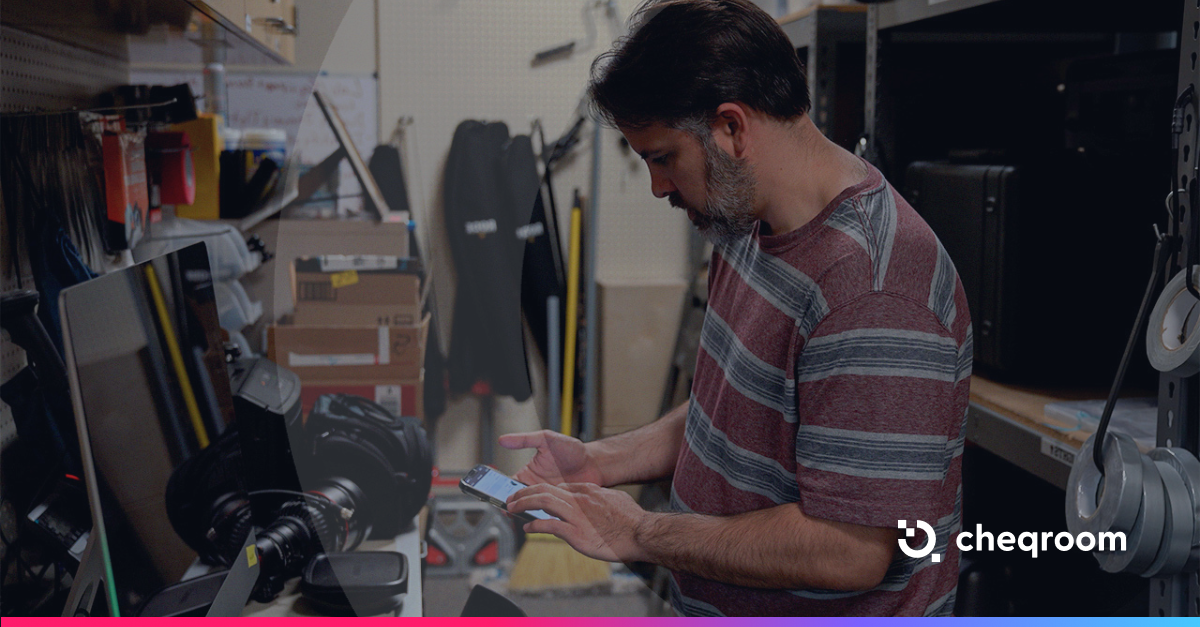
- What does mobile access look like? If your team isn't at a desk when they pick up equipment, the tool needs to work from a phone.
- What integrations do you need? Asset data that doesn't connect to your existing systems adds manual reconciliation work instead of removing it.
Assess these aspects to ensure the chosen solution aligns with your organizational goals and enhances asset management efficiencies. The right software can lead to cost savings and improved operational effectiveness.
The Future of Asset Tracking
Asset tracking software is continuously evolving to meet diverse business needs. Solutions focusing on extreme customization, absolute accountability, or rugged mobility demonstrate the industry's drive toward specialized, high-performance tools. With advanced technologies, organizations can expect even more efficient tracking and management processes in the future.

Ready to Move Beyond Spreadsheets?
Spreadsheets track ownership. The best asset tracking software tracks operations: who has what, when it's coming back, and whether it's ready for the next job.

Maria Alejandra Benitez Chief of Staff at Cheqroom | Equipment Management Expert! Maria is the strategic mind shaping Cheqroom’s big-picture moves. As Chief of Staff, she turns industry insights into go-to-market gold—bridging customer needs, product vision, and smart execution.
With a deep pulse on equipment-heavy industries and a sharp eye for market trends, she helps Cheqroom stay three steps ahead. Whether it’s unlocking new verticals or fine-tuning product-market fit, Maria’s the one connecting the dots (and making it look easy).
She’s all about bold strategy, smart growth, and making gear management way cooler than it sounds.
More blog articles