Best Enterprise Asset Management Software for Collaborative Equipment Booking and Checkout

Spreadsheets and manual processes make it difficult to maintain visibility and accountability in an enterprise setting, and the best enterprise asset management software provides a solution. It serves as a centralized system that allows organizations to coordinate access and maintain consistent records. Platforms like Cheqroom allow organizations to manage physical assets through structured systems built for collaboration and visibility.
What Is Enterprise Asset Management Software?
Enterprise asset management (EAM) software is used to track and manage physical assets throughout their entire lifecycle, from acquisition to retirement. It centralizes asset information on a single platform and maintains records of how equipment is used over time. This is crucial because organizations need accurate and accessible data to coordinate shared resources effectively.
In practical terms, enterprise asset management software helps organizations understand their equipment and how it is being used.
Why Is Enterprise Asset Management Important for Larger Organizations?

Enterprise asset management is crucial to an organization because it provides visibility and control over shared resources. In larger-sized businesses, equipment is typically used by multiple teams and across different locations. Without a centralized system, teams rely on fragmented tools, making it difficult to coordinate access or maintain consistent records.
Equipment asset management software also supports better collaboration because all users work from the same source of truth. It reduces reliance on manual tracking methods and helps organizations operate more efficiently by keeping asset data accurate and accessible.
How Does Enterprise Asset Management Work?
Enterprise asset management works by bringing all assets into a single digital system where they can be tracked and updated. Teams will record each asset with standardized information, and they’ll log all interactions with that asset over time.
The platform's all-encompassing approach enables organizations to monitor assets throughout their lifecycle and maintain accountability. It helps generate reliable records for operational planning and reporting, and it allows enterprises to make informed decisions about asset utilization. Operations run smoothly, no matter how many sites you manage.
How Does Cheqroom Support Collaborative Equipment Booking?
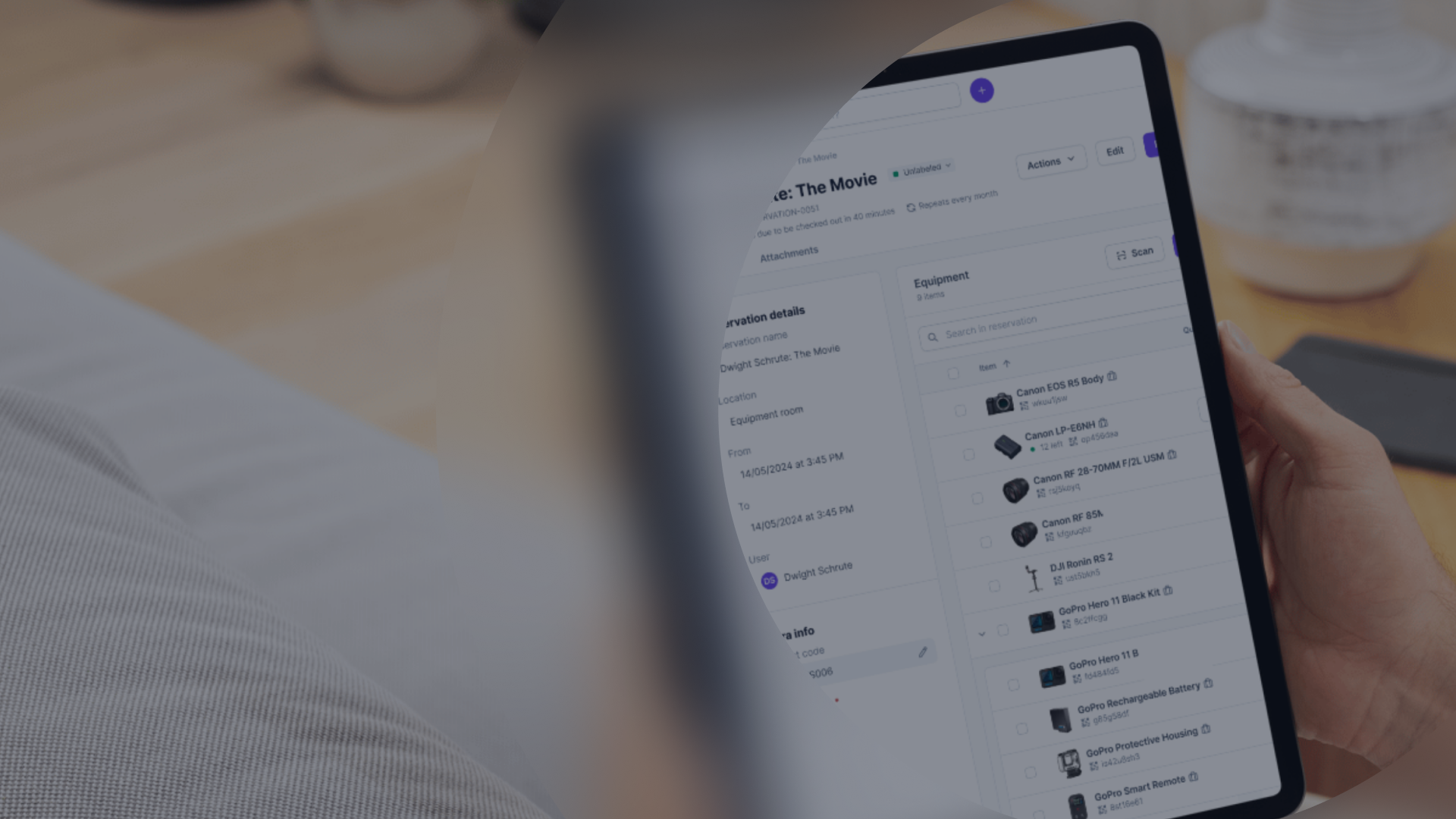
Cheqroom supports collaborative equipment booking by allowing users to view real-time availability and reserve assets in advance. Instead of coordinating bookings via email or spreadsheets, teams can simply access the shared booking system.
Through the platform, they’ll be able to see which items are available or when they can be reserved. The process prevents double bookings and helps teams across different departments plan ahead. Because bookings are centralized, multiple users can collaborate on shared equipment without any conflict, while administrators maintain full oversight of how assets are allocated.
How Does Cheqroom Streamline Equipment Checkout and Returns?
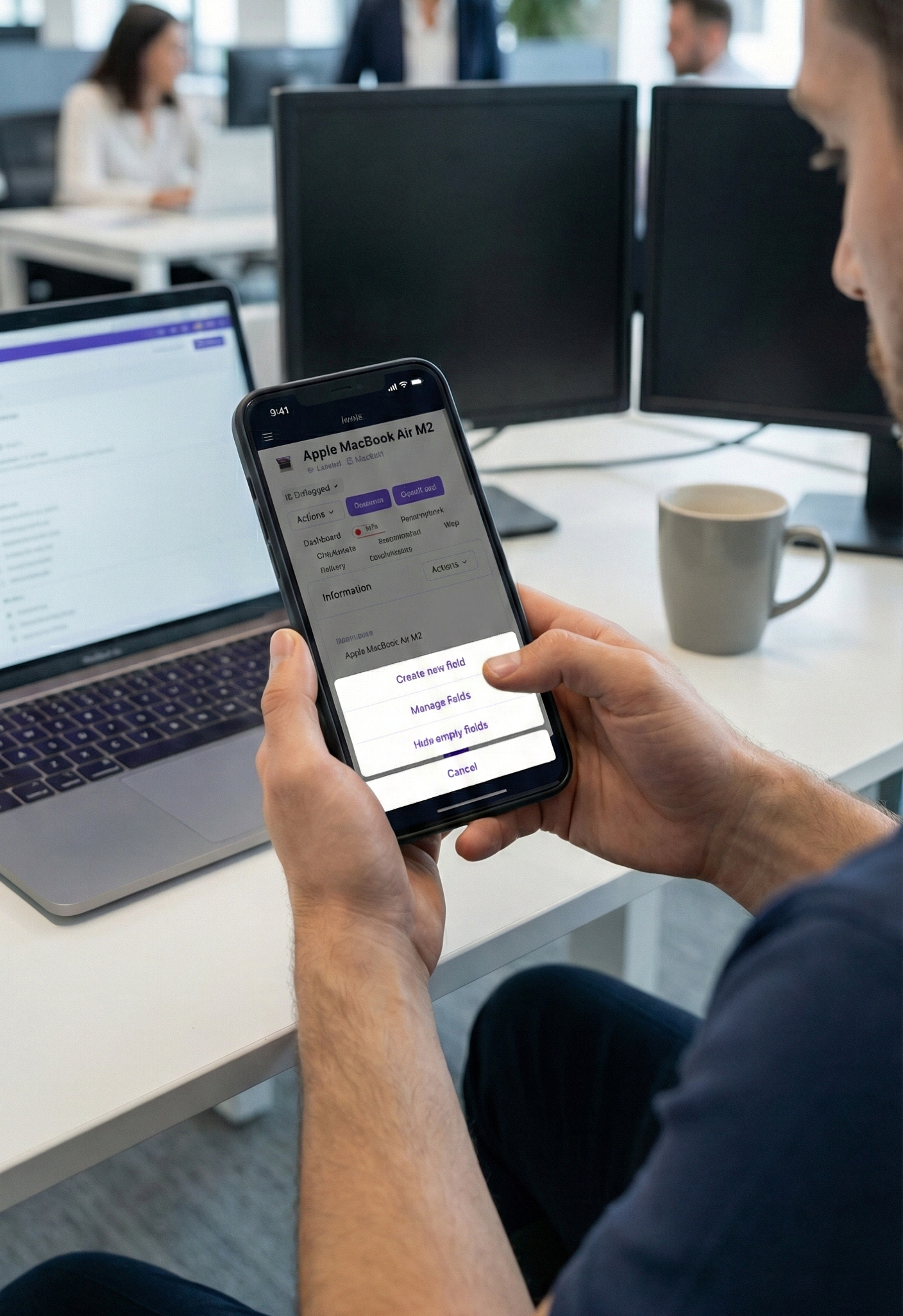
Organizations need to know who uses each item, and Cheqroom streamlines checkout by recording who takes each asset and when they need to return it. When users return equipment, they update its status in the system. This creates a clear record of responsibility and usage.
Cheqroom's enterprise asset management software helps enterprises save time and money by allowing teams to do the following:
- Track assets easily
- View asset utilization
- Manage preventive maintenance schedules
- Monitor inventory levels
- Generate reports
Teams can check out and return items while managing all information through the Cheqroom app, and the platform adapts to how it’s used.
What Are the Key Steps in Managing Assets With Cheqroom?
Managing assets with Cheqroom follows a structured workflow. This matters because consistent processes keep records accurate and predictable.
The core steps include:
- Add assets to the system: Teams register each piece of equipment with basic details such as name, category, and location.
- Book equipment: Users reserve assets based on availability and planned usage.
- Check out equipment: The system assigns assets to users and records responsibility.
- Return equipment: Users update asset status and log any issues when they return items.
- Review usage history: Teams track how users interact with assets over time.
These steps create a repeatable workflow that supports collaboration while maintaining accountability.
What Are the Best Practices for Enterprise Asset Management?
Organizations follow best practices by keeping inventories up to date and tracking assets throughout their lifecycles. What makes this achievable is using centralized systems instead of disconnected tools.
Common best practices include:
- Maintaining a centralized asset inventory. Store all asset records in one system so teams can access the same source of truth.
- Standardizing asset data and understanding the lifecycle. Use consistent naming, categories, and locations to make assets easy to find and manage. Understand asset acquisition, maintenance, disposal, and replacement.
- Using booking and checkout workflows. Track reservations and usage through structured processes instead of manual coordination.
- Assigning clear responsibility. Always associate assets with users during checkout to maintain accountability.
- Tracking asset history. Review past usage to understand how equipment gets used and identify patterns.
- Implementing automation where it’s possible. Automation tools can streamline asset tracking, maintenance scheduling, and depreciation processes.
- Keeping records up to date. Regularly update asset status to reflect real-world availability.
- Establishing maintenance records. Create a maintenance system to ensure all assets are maintained, and issues are addressed promptly.
Is Enterprise Asset Management Software Worth It for Enterprises?
Yes, this one tool can unify all departments, workspaces, and teams. Enterprise asset management software delivers clear value for all enterprises that rely on shared equipment. As organizations scale, manual processes fail to keep up with operational complexity. Centralized systems like Cheqroom replace spreadsheets and paper-based systems with structured workflows to improve visibility and reduce any operational friction.
Does Enterprise Asset Management Software Actually Work?
Absolutely! Enterprise asset management software works because it standardizes how organizations record and track assets. Teams use a single system to manage equipment, eliminating the need to juggle multiple tools. Its structure improves accountability and helps organizations maintain accurate asset records over time. Enterprises benefit from better teamwork and better record-keeping.
Is Enterprise Asset Management Software Safe and Reliable?
Yes. Cloud-based enterprise asset management software supports controlled access to all asset data. Organizations can define user roles and permissions to manage who can interact with equipment records and information. This approach protects data integrity while still enabling collaboration across teams.
Cheqroom: The Best Enterprise Asset Management Software for Collaborative Equipment Checkout
For teams that need to coordinate equipment across departments and locations, Cheqroom provides a practical solution for managing assets throughout their lifecycle. Organizations can use the system to combine asset tracking with booking and checkout in a single platform.
Start managing your assets like a pro and harness the power of Cheqroom!

Claire Strom | Program Marketing Lead
As the program marketing lead, she's the one who keeps Cheqroom's vision and our customers' needs in sync. She loves bringing new features to life and telling the world about the magic of how Cheqroom keeps work in motion.
Whether she is behind the scenes crafting a new strategy or in front of the camera sharing our customers' stories, her mission is to turn equipment operations into a superpower, one story at a time.
More blog articles