The semester starts on Monday. Two hundred students need cameras, tripods, and audio kits. Your equipment room runs on a shared Google Sheet (the same one it's always run on), and by Tuesday afternoon, there are several conflicting edits, three items checked out to the same person, and a $3,000 cinema lens no one can locate.
That's what a spreadsheet looks like under real load.
Equipment tracking spreadsheets work fine when one person manages a small, stable inventory. They fall apart the moment gear starts moving between multiple users on overlapping schedules, which is exactly how shared equipment actually operates.
Cheqroom is the Asset Operations Platform that replaces spreadsheet-based tracking with a real-time record — logging every checkout, return, and location update the moment it happens, not whenever someone remembers. Cheqroom customers see a 25% reduction in equipment loss and save 80+ hours per team per month.
Spreadsheets Were Built for Data, Not for Gear That Moves
Someone grabs a camera between classes. They'll log it later. Later doesn't come. The spreadsheet still shows the camera as available. Two more students try to reserve it. By the time anyone realizes it's missing, no one can say who took it or when.
This is the core failure: spreadsheets record what people remember doing, not what actually happened. As activity increases, that gap widens.
Every update depends on someone manually entering data at the right moment. That moment is rare now: it's after the shoot, between classes, at the end of a shift. Under real operational load, entries get delayed, skipped, or entered incorrectly by someone who opened a version from two days ago.
The record and the equipment room fall out of sync. The data exists, but it can't be trusted.
💡TIP
When you move from a spreadsheet to Cheqroom, you can import your existing asset list directly. No need to rebuild your inventory from scratch. Just bring it in, add your tracking labels (barcode, QR, or RFID), and start scanning.
Three Places the Spreadsheet Breakdown Costs You
Equipment tracking spreadsheet failures lead to lost equipment, wasted resources, and project delays.
1. Lost equipment and replacement costs. When checkout records are incomplete, gear goes missing and stays missing. There's no trail to follow: no last-known user, no checkout timestamp, no record of a transfer. Teams buy replacements for equipment that's sitting in someone's bag.
2. Staff time spent chasing information. Someone has to reconcile the spreadsheet, send the "do you still have the 70-200 lens?" emails, and manually piece together what happened. That time adds up.
3. Double-booking and project delays. A spreadsheet has no mechanism to prevent two people from booking the same item at the same time. Both see it as available. Both plan around it. One shows up, and it isn't there. In production, on job sites, in broadcast departments, one equipment gap can stall a project.
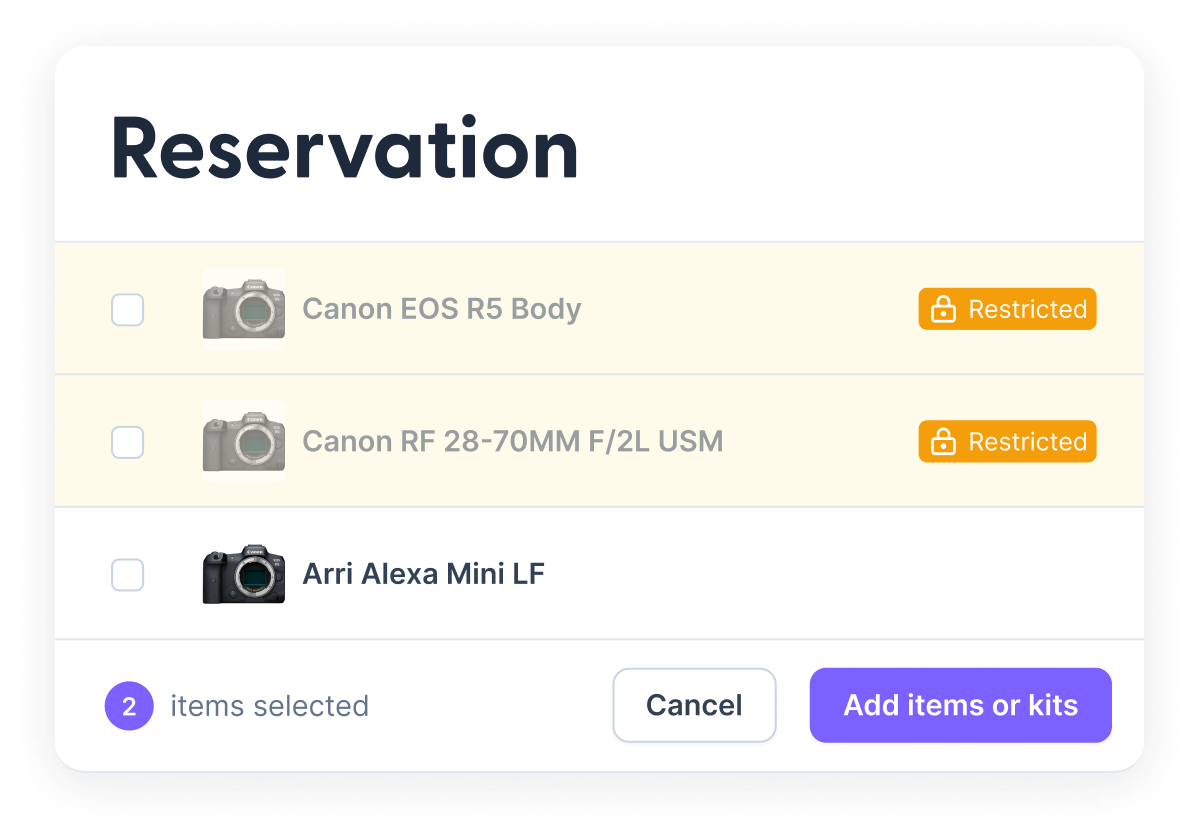
Cheqroom's equipment booking software shows real-time availability across your whole inventory. If a piece of gear is reserved, checked out, or flagged for maintenance, it won't appear as available for someone else to book.
How Cheqroom Fixes the Spreadsheet Problem
Cheqroom’s AssetOps platform records activity at the point of action. A checkout is logged when it happens, tied to a specific user. A return is recorded when the gear comes back. A damage flag immediately blocks the item from the booking calendar.
Nothing depends on someone remembering to update a file.
For the San Bernardino Valley College film program, that shift eliminated 20 hours of weekly manual tracking. The program handled 800+ weekly checkouts without adding headcount, and kept growing through a period when peer institutions were losing enrollment.
Faculty Chair Lucas Cuny: "It really saved us during the pandemic. We were able to check out equipment to our students and keep the program active. I think Cheqroom is a big reason why our program grew over the last couple of years when others had struggles with enrollment."
The specifics differ across industries. The failure mode and the fix are the same.
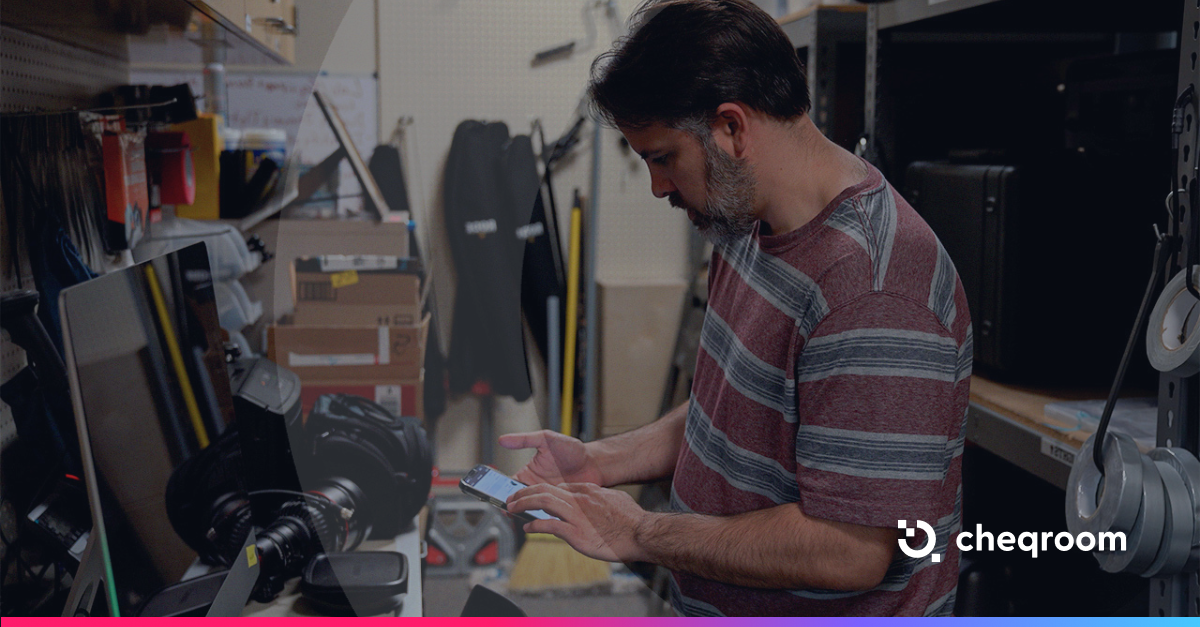
Use Cheqroom's mobile app to scan QR or bar codes on gear at the point of checkout and return. It takes a few seconds and works on any smartphone — no dedicated scanner needed.
What to Look for in an Equipment Tracking System
Most equipment tracking systems are built around static inventories. They assume assets stay assigned to one person or one location for long periods. That model breaks down in environments where gear moves constantly between users, shifts, or job sites.
The primary evaluation criterion is how the system captures activity. An effective asset checkout system records actions at the moment they happen, not after the fact. Scan-based checkouts tied to individual users create a direct link between the asset, the person, and the timestamp. This approach reduces gaps in accountability and removes reliance on memory or delayed updates.
Real-time availability is the second requirement. Inventory status must update immediately when an item is checked out, returned, or reassigned. Systems that update later introduce conflicts, double bookings, and inaccurate reporting. When teams depend on shared equipment, even small delays create operational friction.
User attribution also matters. The equipment tracking system should maintain a clear log of who used each item, when they used it, and for how long. This level of traceability supports audits, reduces loss, and helps identify usage patterns across teams.
Ease of use determines whether the system works in practice. If logging an action takes more than a few seconds, users will skip it. Mobile access, barcode or QR scanning, and minimal input steps keep the process aligned with real workflows instead of slowing them down.
Integration withthe tools your team already uses instead of sitting beside them. Single sign-on keeps user access in sync with your identity provider and data gets updated without re-entry. When data flows automatically, every system stays accurate.
Manual entry remains a critical failure point. Tools that depend on users to input data later tend to drift from reality. Errors accumulate, records fall behind, and the system becomes unreliable.
At that stage, the software functions as a spreadsheet with a cleaner interface, not as a true tracking system.
💡TIP
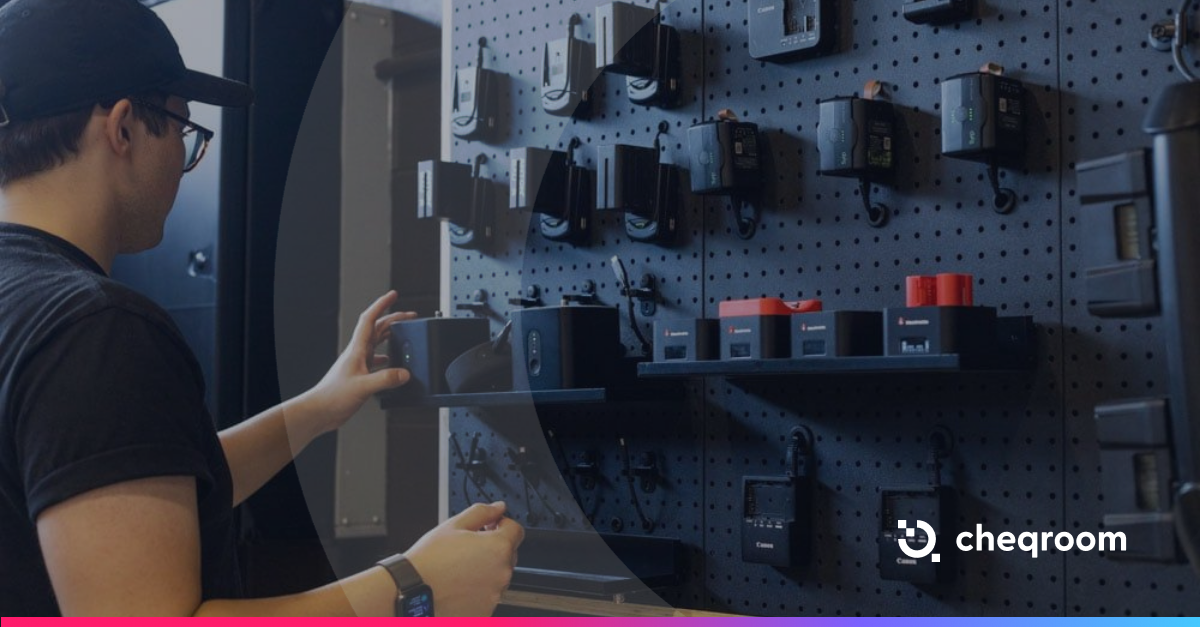
Add shelf position as a location detail in Cheqroom (for example, R01/SH03) so staff can find gear fast and return it to the right place. Hang a shelf position overview by the equipment room entrance, and you've just cut five minutes off every checkout.
When to Stop Using a Spreadsheet for Equipment Tracking
Spreadsheets are a reasonable starting point. They stop working when gear moves fast, teams are stretched, and a wrong answer (a missing item, a delayed project, an hour spent chasing a return) costs more than switching systems.
Three signs you're past that point, and you need asset checkout software:
The data is fact-checked before it is used: If your team confirms availability by physically checking the equipment room rather than trusting the spreadsheet, the spreadsheet has already stopped working.
Coordination happens outside the system: If availability questions are resolved via message or email rather than by checking the record, the spreadsheet isn't the system anymore. The messages are.
Multiple "final" versions exist: When different team members rely on separate copies of the same file, consistency breaks. Edits conflict, updates lag, and no one knows which version reflects the current availability. At that point, the file structure cannot support real-time operations.
It's past time.
When your team works around the spreadsheet rather than with it
Meet Maria Fernanda Benitez, our Marketing Specialist driving Cheqroom’s voice and performance. Mafe blends creativity with data, shaping content, managing social media, and supporting operations while keeping a close eye on what actually works.
She has a natural instinct for trends and performance and loves turning insights into smarter decisions. Her favorite part? Brainstorming, optimizing, and making every idea count.
What's the main problem with using a spreadsheet for equipment tracking?
Spreadsheets are passive. They only update when a person manually enters data. In shared equipment environments, that almost never happens in real time. The result is availability data that doesn't match what's actually in the room.
Can spreadsheets work for small teams?
At low volume with a single person managing inventory, spreadsheets can hold. The problems appear when multiple users are checking gear in and out simultaneously, and updates can't keep pace with activity.
What does an equipment tracking system do that a spreadsheet can't?
An equipment tracking system records activity at the point of action and ties each event to a specific user, which keeps ownership clear and availability accurate without manual follow-up.
It also maintains a complete operational history of every asset. Each reservation, checkout, return, transfer, and maintenance event is logged automatically with timestamps and user attribution. This creates a continuous, verifiable record of how equipment moves and how it is used over time.
Can I import my existing spreadsheet into Cheqroom?
Yes. You can import your asset list from Excel or CSV directly into Cheqroom, assign fields, and start tracking without rebuilding your inventory from scratch.
How does Cheqroom handle equipment status updates?
Cheqroom is scan and event-based: status updates when a user performs an action, like a check-in, check-out, or damage flag. The moment gear is flagged, it's blocked from the booking calendar, so it won't appear as available until the issue is resolved.
Does Cheqroom work outside education?
Yes. The checkout, return, and accountability model in Cheqroom applies across any team managing shared equipment, such as production, field services, corporate AV, events, and more.