In today’s super-mobile, distributed workforce, let's be real: the days of managing mission-critical gear from a desktop computer are officially over. Your team is on the move, and they need instant access, real-time updates, and on-the-go functionality to keep projects running.
This need is fueling the rise of the Asset Management App. It's not just a shrunk-down version of ancient desktop software; it's a powerful, purpose-built mobile tool that puts complete control over your valuable physical assets—your cameras, tools, IT devices, and equipment—right into the palm of your hand. It replaces the agonizing guesswork of manual systems with the certainty of real-time data.
Why is the old way of tracking assets (like spreadsheets) a total mess?
Before the mobile asset management app era, tracking equipment was slow, error-prone, and just plain painful. If you're relying on old methods, you’re dealing with the classic "spreadsheet nightmare" 😫:
- Data Silos and Inaccuracies: We've all been there. Spreadsheets get outdated instantly, leading to conflicting versions of the truth. Good luck making smart decisions when your inventory numbers are totally wrong.
- Delayed Information: Your field technicians finish a job, but they have to wait until they're back in the office to update records. That means your asset status is never truly current. You're always tracking yesterday's location.
- Inefficient Workflows: Manual check-in and check-out processes are slow, cumbersome, and next to impossible to enforce consistently. It’s a huge time-sink for everyone.
An Asset Management App clears up this chaos. It acts as a single, centralized hub for all your asset information, accessible to everyone, everywhere. It uses a user-friendly interface to simplify complex tasks and guarantee data is captured accurately right at the source.
What core features should your new Asset Management App absolutely have?
While every mobile inventory solution is a little different, the best Asset Management Apps are engineered for maximum mobility, ease of use, and rock-solid functionality.
Here are the key features you shouldn't compromise on:
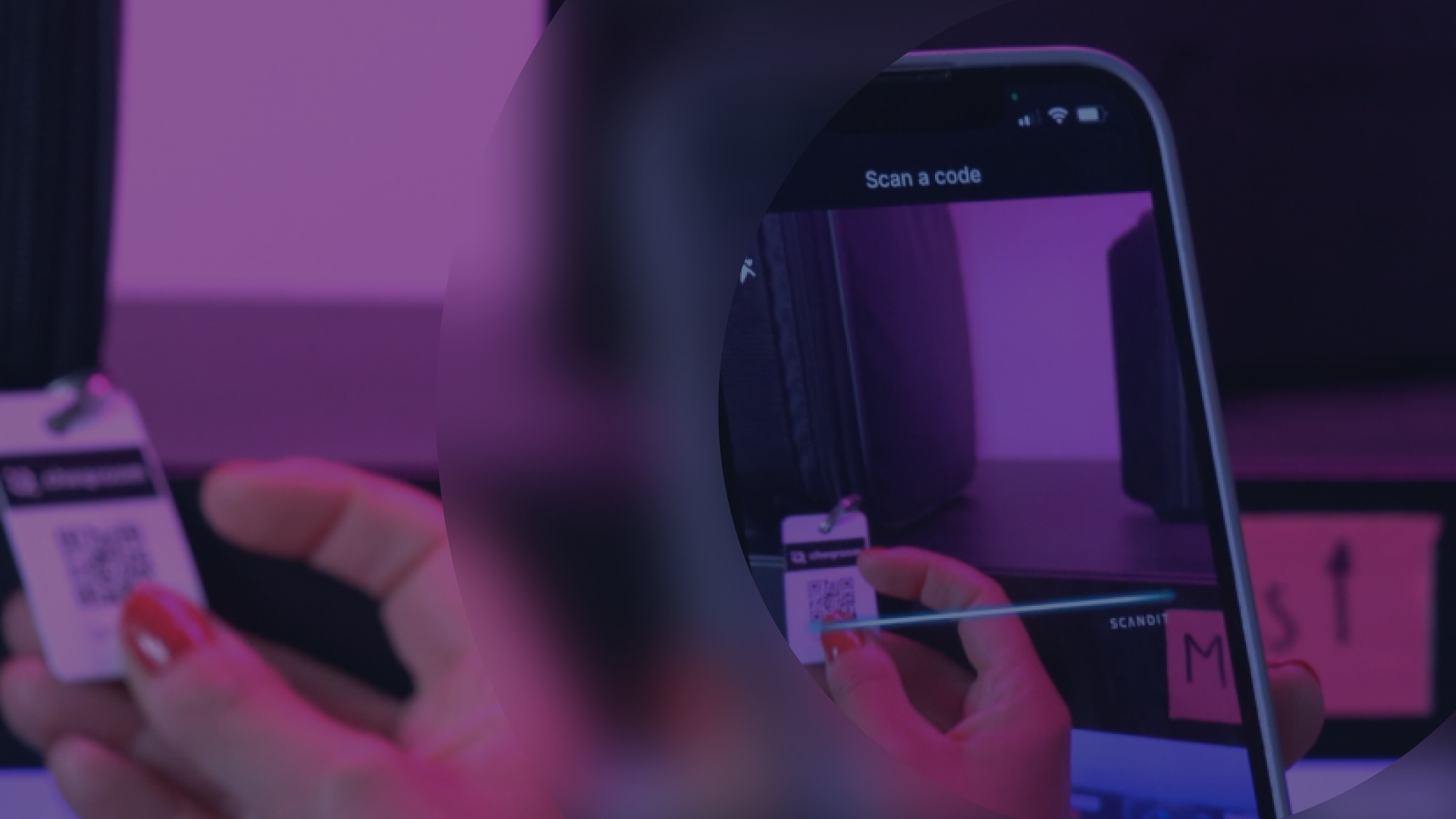
- Barcode and QR Code Scanning: This is the game-changer. Using just the smartphone’s built-in camera, technicians can instantly scan a tag on any piece of equipment to access its entire history, check it in or out, or report an issue. It eliminates manual data entry and cuts a multi-step process down to literal seconds.
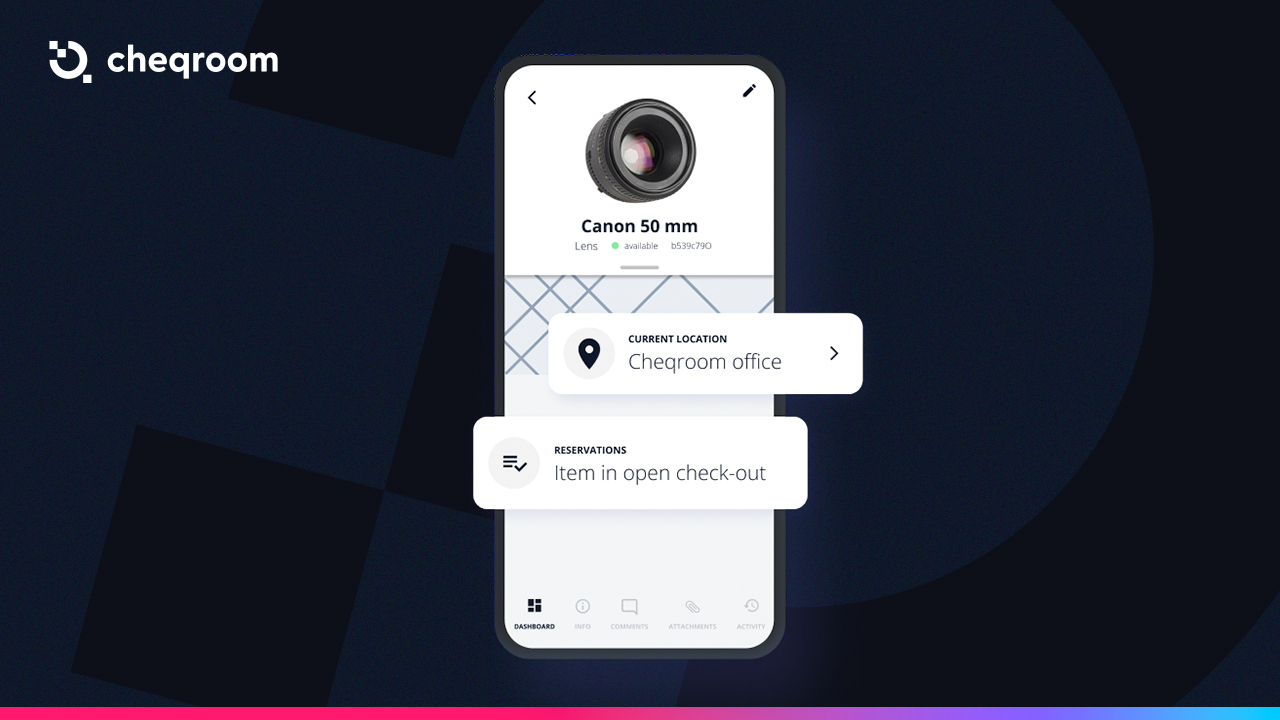
- Real-Time Asset Tracking: You get an up-to-the-minute view of where every asset is and, critically, who is responsible for it. This real-time visibility dramatically cuts the time wasted searching for "missing" equipment and prevents loss by boosting team accountability.
- Mobile Work Order & Maintenance Management: Field staff can receive, update, and complete maintenance work orders right inside the asset management app. They can add notes, snap a photo of a problem, and log parts used—all while standing in front of the equipment. This streamlines the entire maintenance and equipment upkeep process.
- Offline Functionality: Work doesn't stop just because the Wi-Fi dropped. A top-tier asset management app works offline, letting users record data in remote locations or areas with poor connectivity. The app automatically syncs all changes the moment a connection is restored.
- Customizable Fields and Workflows: Forget the "one-size-fits-all" headache. The best tools let administrators customize data fields and workflows to match your organization's unique processes. The tool adapts to your team, not the other way around.
- Automated Alerts and Notifications: Get real-time notifications pushed to users for important events: when an item is due for return, when preventative maintenance is scheduled, or when a warranty is about to expire. These automated reminders prevent critical tasks from being missed.
What measurable benefits will a mobile asset management app deliver?
Adopting a mobile-first equipment tracking app delivers truly significant, measurable benefits that impact your bottom line.
- Increased Operational Efficiency: By automating tracking and ditching administrative busywork, these mobile solutions save countless hours each week. Your teams spend less time shuffling paper and more time on productive work, leading to faster project completion and better resource utilization.
- Drastic Reduction in Asset Loss: Real-time visibility and a crystal-clear check-in/check-out history create a powerful deterrent to loss and theft. When everyone knows that equipment custody is being logged, loss naturally decreases.
- Improved Data Accuracy: Capturing data right at the source (via scanning and mobile forms) eliminates frustrating transcription errors and ensures the information in your system is accurate and reliable. That means better decision-making from top to bottom.
- Enhanced Team Collaboration: An Asset Management App connects the entire team on a single platform. It empowers your field staff with the information they need to do their jobs effectively and fosters a culture of shared responsibility for your valuable equipment.
- Simplified Compliance and Audits: With a complete, time-stamped digital history of every asset's movement and maintenance, audits become simple. Generating reports for compliance or financial purposes can be done in minutes, not weeks.
What kinds of organizations are using a mobile Asset Management App today?
The impact of this mobile shift is being felt across all asset-intensive sectors:
- Construction: Site managers can track high-value tools and heavy equipment across multiple job sites, manage maintenance on the go, and ensure accountability as gear moves between crews.
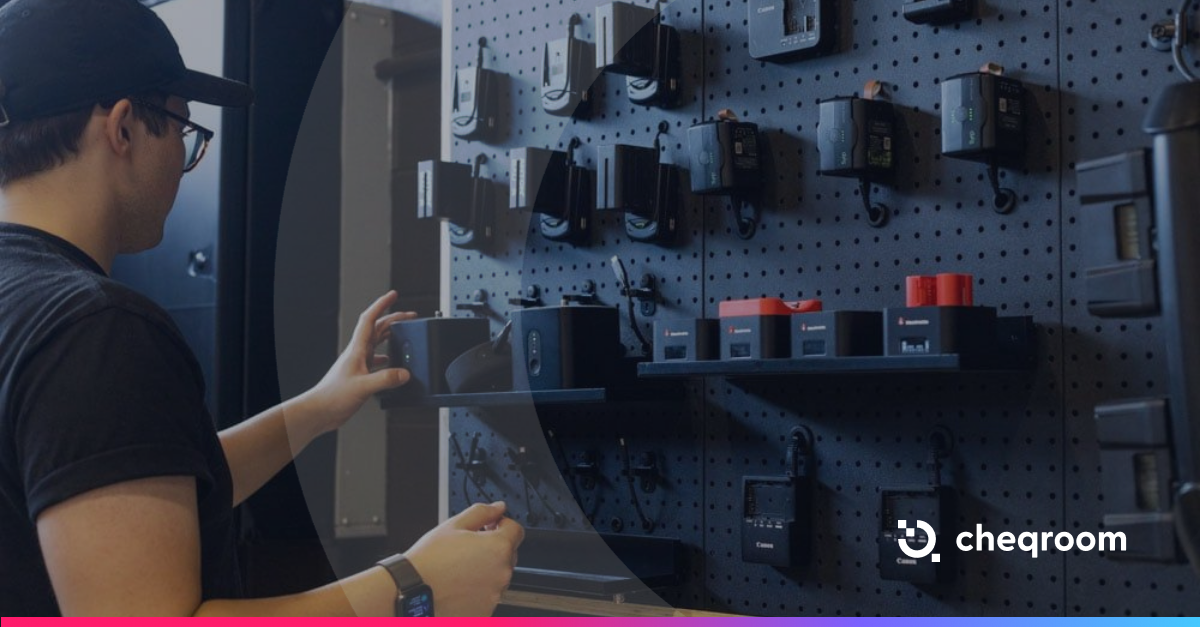
- Events and Media Production: Production crews can quickly check out camera kits, lighting, and audio gear on location, track equipment moving between venues, and manage last-minute changes without needing to return to a central office.
- Education: Universities and schools manage the deployment of thousands of IT devices (like laptops and tablets), track specialized lab equipment, and allow students and faculty to self-serve reservations via a mobile portal.
Take Control: Start Your Asset Management App Journey
The rise of the Asset Management App marks a fundamental shift in how organizations interact with their most critical resources.
We've learned that effective equipment tracking is about combining the convenience of mobile technology with the power of a centralized database. This pairing delivers unparalleled simplicity, control, and efficiency. It breaks down frustrating information silos, empowers your front-line teams, and provides the real-time visibility you need to make smarter, faster decisions.
In 2025, if you're not using a mobile strategy for your valuable gear, you're not just behind—you're losing money and time.