If “please return on time” isn’t cutting it, it’s time to turn policy into a workflow.
A student accountability system for equipment is more than a list of rules: it's the process, the enforcement, and the software all working together.
Whether you're running a media lab, an AV department, or a school accountability system for shared gear across departments, the goal is the same: students know the rules, staff gets time back, and gear stays in circulation.
In this guide, we'll show you exactly how to build a fair, predictable student accountability system in Cheqroom, so every checkout comes with consequences built in.
What Makes a Student Accountability System Work for Equipment
A student accountability system for equipment checkout works when it connects three things:
a clear policy, a transparent process, and software that enforces both automatically.
Most school accountability systems for shared gear fail because the policy exists but the enforcement doesn't. Staff end up making judgment calls, students push back on inconsistent rulings, and the admin overhead grows every semester.
The fix is turning your policy into a workflow that runs itself. That's exactly what this setup does.
The framework: simple, fair, transparent
This four-step framework is the Holy Grail for turning well-meaning policies into consistent action:
- Policy: Set clear standards and consequences: the bedrock of the system.
- Pledge: Have students sign an accountability pledge before their first booking. It's a key moment of buy-in.
- Process: Students know exactly how to get back in good standing if they slip up. Don't leave them guessing.
- Audit Trail: Keep an automated, full history log. This ensures faster, objective resolution for staff.
⚒️ Build it in Cheqroom: : A Strike System That Works
Let’s dive in. We’ll show you exactly how to implement your policy using Cheqroom, creating less manual work for you and a clearer process for everyone else
1. Craft Your Policy
A solid accountability system needs clear rules everyone can understand and the tools to actually enforce them.
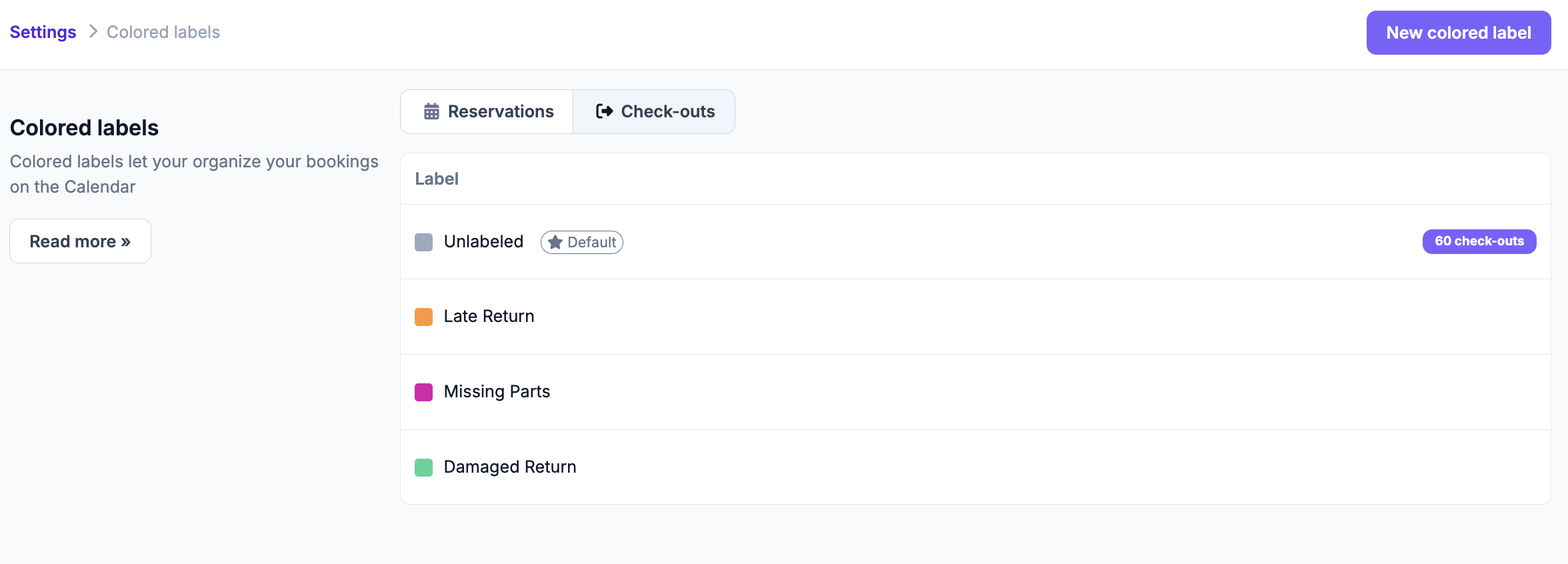
- Determine Violations: Define your list of violations and use colored labels to create them in the Cheqroom. Examples include: Late return, No-show, Damage, Missing Parts, or Policy violation.
2. Set up Guardrails and Notifications
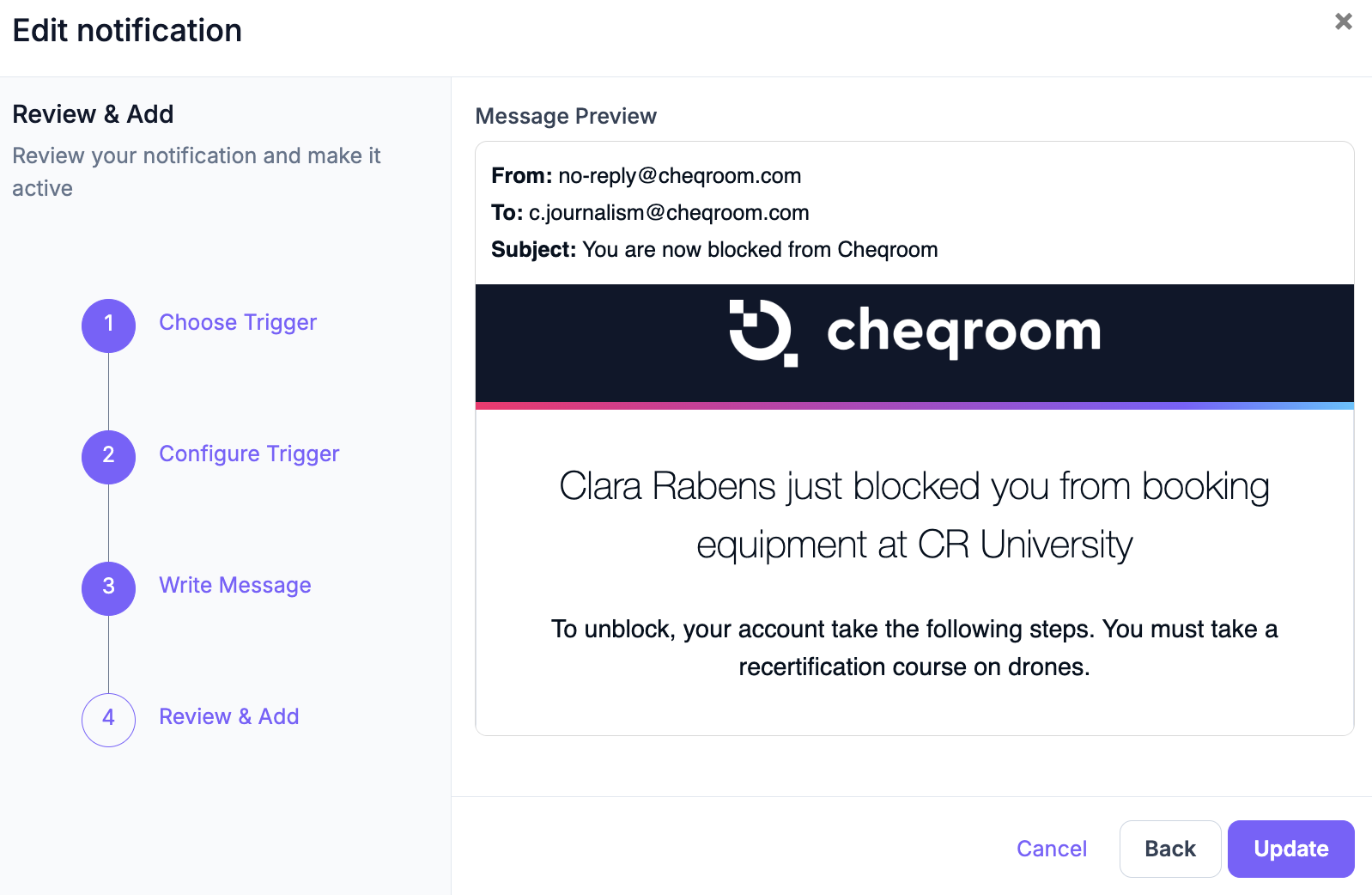
Automate reminders and set clear access rules so your team enforces policy consistently without making judgment calls on the fly.
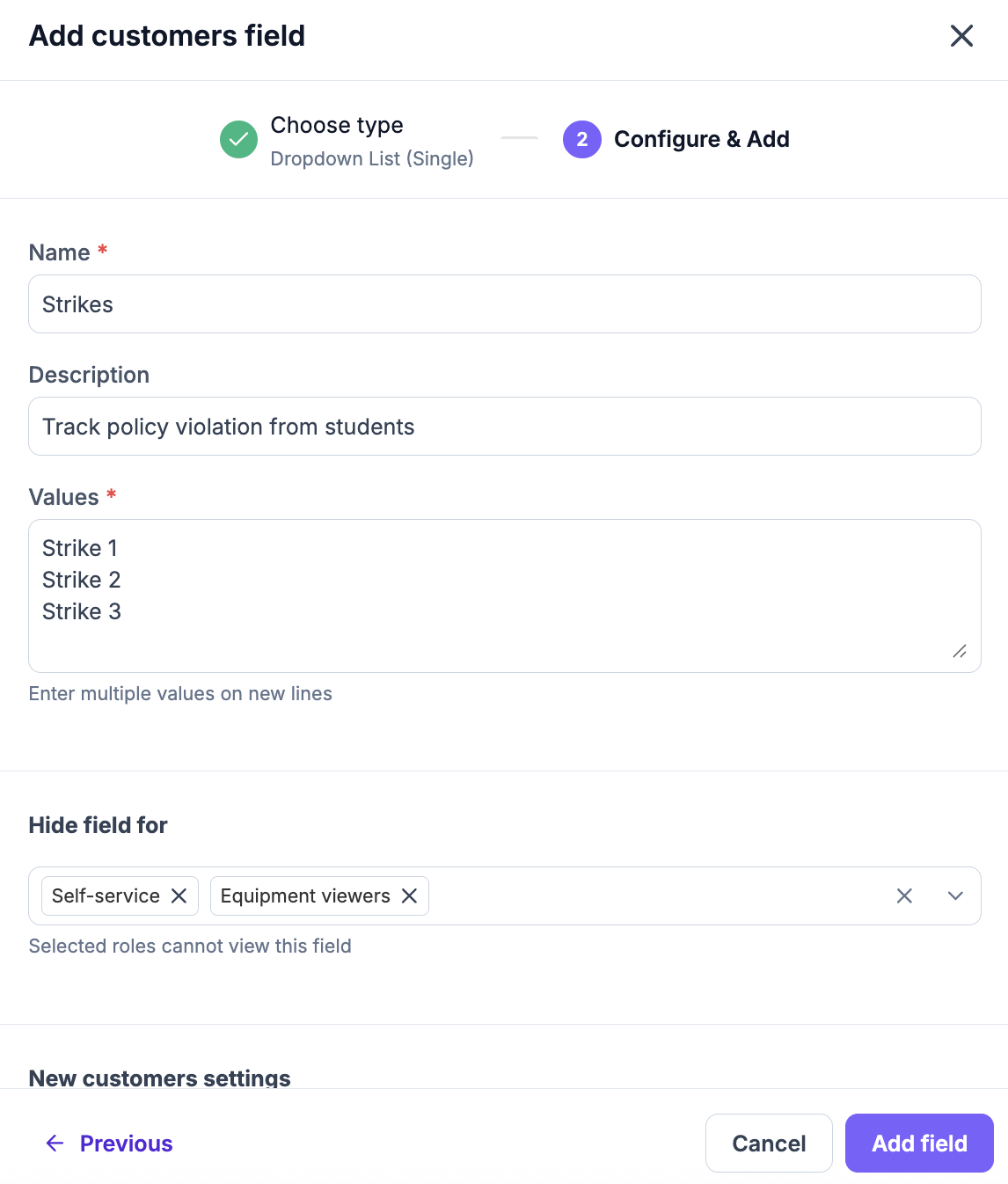
- Preemptive Steps: Consider requiring a training certification or pledge at the start of the term. Create a custom field on the user’s profile to track completion.
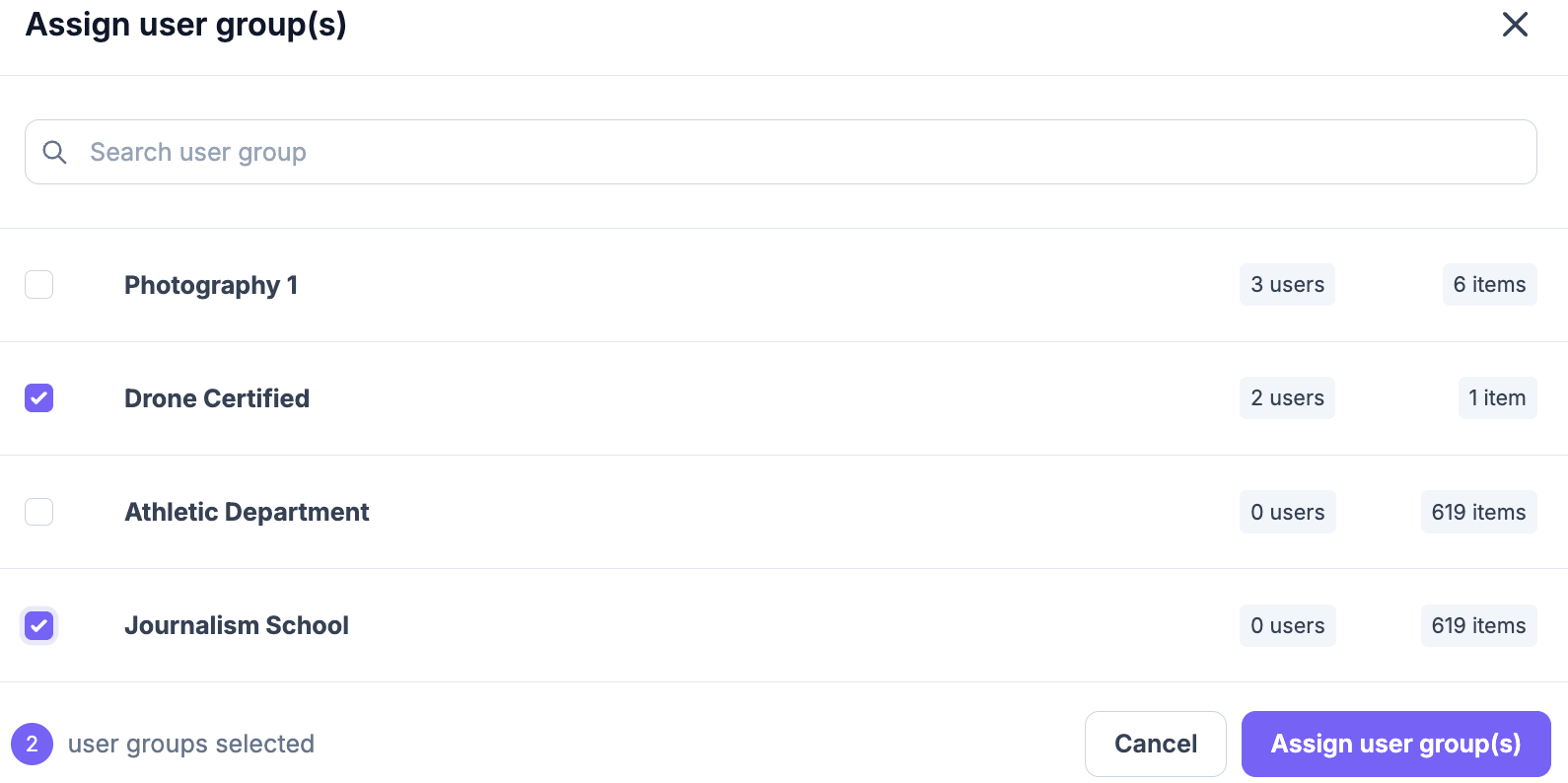
- Access, Granted: Set up Equipment Access to group gear by course, department or location and set which users can book it, preventing off‑limits items from being reserved.
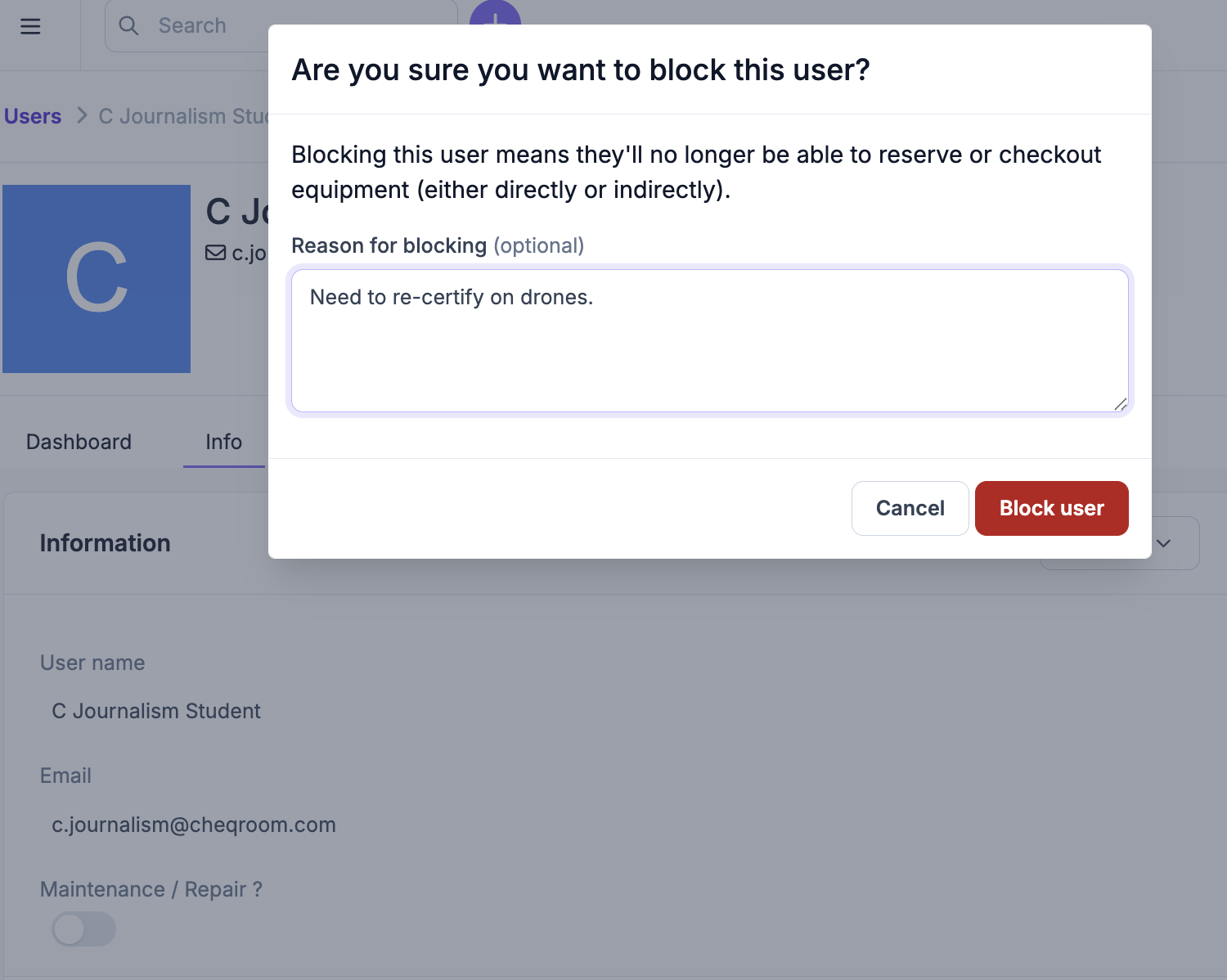
- Consistency is King: Ensure proper roles and permissions for your admins, limiting who can unblock or edit strike totals, so the rules stay consistent.
3. Tighten Your Reservations and Checkouts
Prevention beats cleanup: use automated reminders and upfront verification so your team spends less time chasing gear and more time supporting students.
- Automated Reminders: Set up automated reservation notifications, such as due date reminders, to keep students on track.
- The Proof: Make e-signature part of your checkout process. It’s fast control that verifies the user agrees to the policy at the moment of checkout.
4. Put Your Policy to Work
Create a dispute-ready audit trail while stopping the problem gear from being booked again.
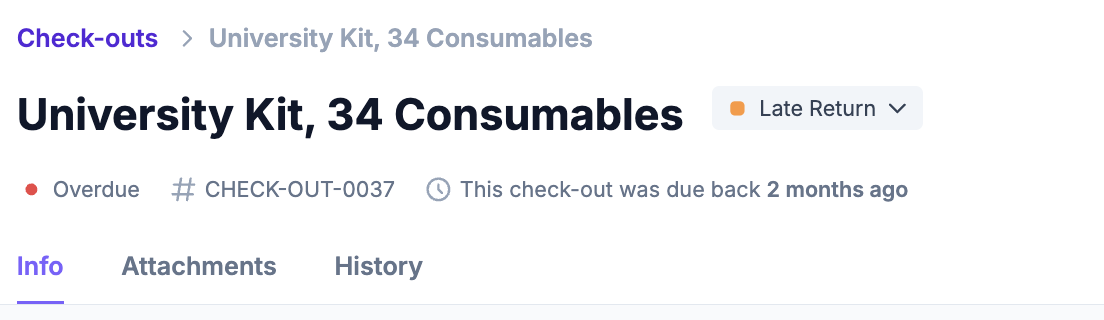
- Tag and Track: Apply a Label during the return process (e.g., Late Return).
5. See Problems at a Glance ⚡
Filter out the noise and focus your attention on the highest-risk gear and students.Use your dashboard or saved views to know exactly what needs attention:
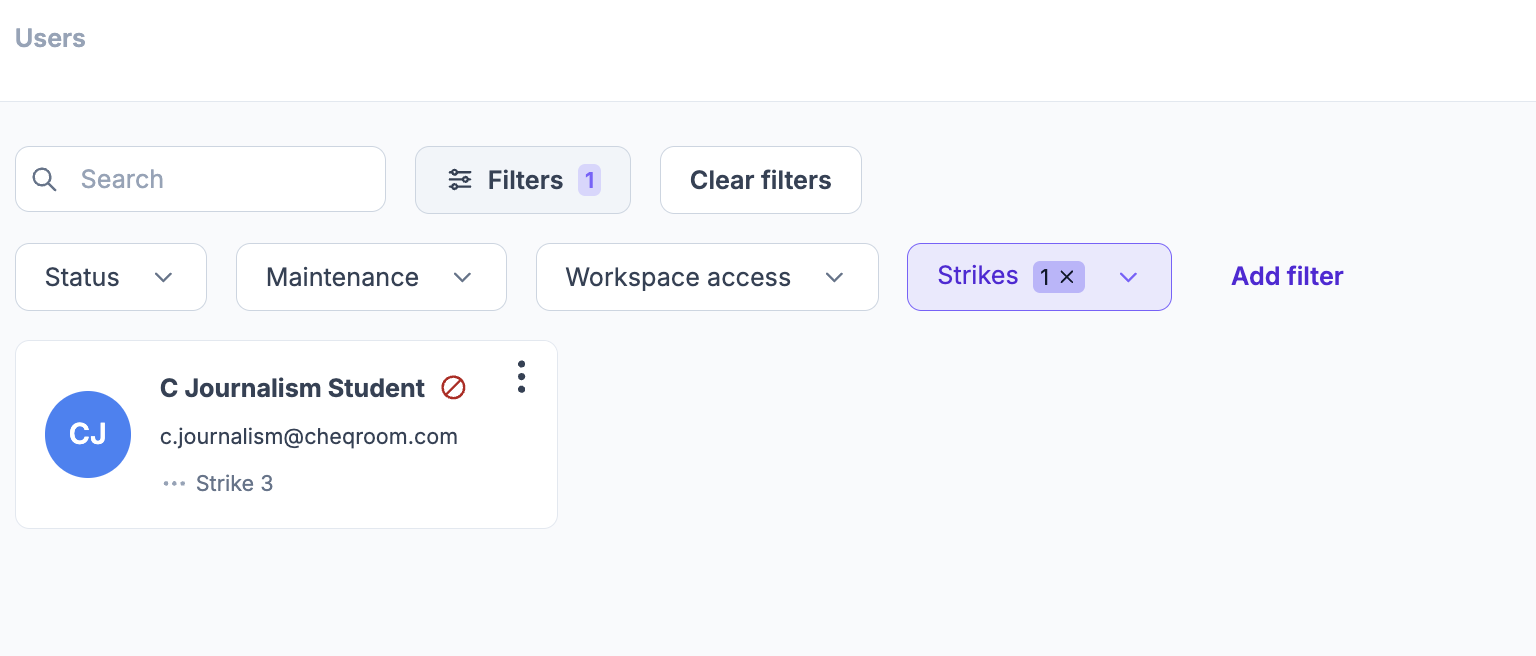
- At‑risk students: Strike count ≥ 2
- Returns with Labels for Late Return, Damaged, Etc.
- Overdue 24h+ checkouts
- Flags on items like “Needs inspection” or “Damaged”
🔄 Semester Reset Checklist: Clear the Deck
Don't just close the books; reset the system for maximum impact next term.
- Clear overdue queues and close resolved maintenance tasks
- Review strike histories and notes for accuracy
- Unblock eligible contacts who completed the required steps
- Export a snapshot of incidents and outcomes for your records