How to Choose the Right Maintenance Software
Is your maintenance plan a mix of messy spreadsheets, sticky notes, and hoping your team remembers what to do? When you're constantly fighting fires—fixing things only after they break—it feels disorganized and expensive. The problem isn't your process; it's that you're trying to run a complex operation with tools that can't keep up, instead of using dedicated maintenance software and modern maintenance software programs that centralize work.
Think of it like upgrading from a glovebox stuffed with loose receipts to a digital app that tracks your car's entire service history. That's exactly what specialized maintenance management systems—often called maintenance management software or a maintenance management program—do for your business. These maintenance management computer programs are commonly known as a CMMS (Computerized Maintenance Management System). Don't worry about the acronym—just think of it as your single command center for every repair, task, and maintenance system workflow.
The real power is having a permanent, searchable history for every piece of equipment. Imagine a year from now, looking up "Rooftop AC Unit #3" and instantly seeing every service, part, and cost associated with it. This kind of maintenance tracking software, including preventive maintenance tracking software, makes it easy to find patterns and plan ahead. Knowing what CMMS software is used for is the first step to choosing the right one and finally bringing order to the chaos.
What to Look For: The 3 Core Features Your Business Can't Live Without
Navigating maintenance software options can feel overwhelming. If you're wondering How to Choose the Right Maintenance Software, you can ignore most of the noise by focusing on three essential features. Think of these as the engine of your new system, designed to solve the most common headaches and give you immediate control over your operations.
Any effective platform will include these key features of maintenance management systems:
- Work Order Management: Say goodbye to lost sticky notes and verbal requests. A work order is simply a digital to-do list for a single repair, tracking it from start to finish so nothing falls through the cracks. It answers who, what, and where, all from a phone or computer.
- Preventive Maintenance Scheduling: This is like the scheduled oil change for your car, but for all your critical equipment. Instead of reacting to expensive breakdowns, the software helps you schedule small, regular tasks—like cleaning a filter or checking fluid levels—that prevent big problems from ever happening. Look for preventive maintenance software with a strong preventive maintenance scheduling software module to automate recurring tasks.
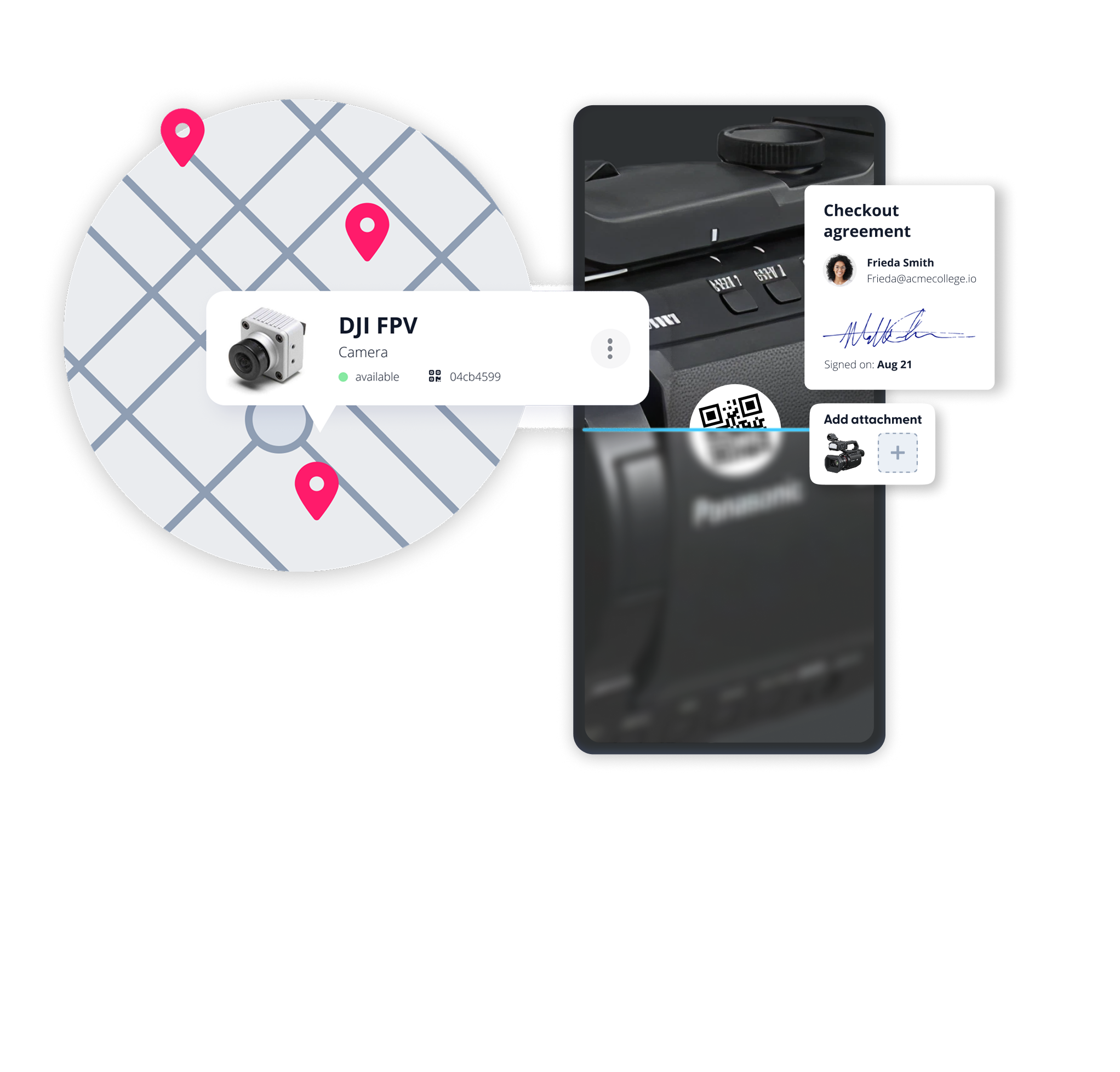
- Asset Tracking: This feature creates a digital file cabinet for every piece of equipment you manage. With a quick search, you can use this software for equipment maintenance tracking to pull up an asset's entire repair history, manuals, and warranty info, taking the guesswork out of every decision. When paired with equipment preventive maintenance software, tasks tie directly to each asset's record.
Stop Guessing, Start Tracking
Does your current system give you a "digital file cabinet" for every asset? See how Cheqroom keeps your manuals, warranties, and repair histories in one searchable place.
From 'Fire-Fighting' to Forward-Thinking: The Real ROI of Preventive Maintenance
Most businesses run on Reactive Maintenance—fixing things only after they break. This constant "fire-fighting" feels cheaper in the moment, but it's an illusion. Compare a planned $75 HVAC tune-up to a $4,000 emergency replacement on the hottest day of the year. The cost of reacting is almost always much higher.
In contrast, preventive maintenance scheduling tools turn those surprise bills into small, predictable investments. Each scheduled task protects your equipment's value and extends its lifespan, just like changing your car's oil makes the engine last. You're not just fixing things; you're actively delaying the day you need to buy a costly replacement.
This delivers a clear Return on Investment (ROI). Teams that adopt preventive maintenance program software or pm maintenance software often see emergency repair costs drop significantly, because preventive maintenance management software makes planning routine tasks simple. The calculation is straightforward: savings from fewer breakdowns quickly pay for the software. The benefits of an organized system go straight to your bottom line, proving the software pays for itself.
Don't wait for the next $4,000 emergency repair.
Switch to a proactive plan and extend the life of your equipment today.

Your Data, Your Choice: In the Cloud or on Your Computer?
One of the first decisions you'll face is where your maintenance information will "live." Think of the cloud-based vs on-premise CMMS debate like this: on-premise software is installed on a single computer in your office, locking your data to that one location. A modern, cloud-based system, however, works like your online banking—you can securely access it from any device with an internet connection.
This "anywhere access" is what enables the biggest game-changer for maintenance teams: mobile apps. The mobile maintenance app advantages are immediate; a technician can finish a repair, update the task on their phone, and instantly notify the manager without ever touching a piece of paper. This ensures information is always current and nothing gets lost in the shuffle.
For most growing businesses, the choice is simple. When learning how to evaluate asset management platforms, prioritizing a cloud-based option eliminates IT headaches, keeps your data secure, and gives your team the flexibility it needs to be effective. For plants and facilities, industrial maintenance software—including industrial preventive maintenance software and industrial maintenance management software—makes it easier to standardize processes across sites. Manufacturers should also consider preventive maintenance software for manufacturing to align schedules with production.
Your 3-Step Action Plan to Choosing the Right Software
Moving away from spreadsheets and sticky notes means shifting from reacting to preventing. The right software should fit your business, not the other way around. Finding that fit doesn't have to be complicated.
Here's your simple plan to turn knowledge into action:
- List Your Top 3 Pains: Write down your biggest maintenance headaches.
- Research 2-3 Options: Find software that seems to address those pains and compare maintenance scheduling software, maintenance planning and scheduling software, and preventive maintenance management software.
- Ask for a Specific Demo: Use your list and say, "Show me exactly how you solve this."
This approach puts you in control. You're no longer just evaluating a list of features; you're finding a direct, powerful solution to your most pressing problems. If budget is tight, start with free maintenance management software or maintenance software free trials—options like free equipment maintenance software or maintenance tracking software free can help you prove value. As you grow, shortlist the best maintenance software, the best maintenance management software, and the best preventive maintenance software for your industry.

Ready to ditch the messy spreadsheets for good?
Finding the "right" software doesn't have to be a chore. Join the thousands of teams who have found their single command center with Cheqroom.

Maria Alejandra Benitez Chief of Staff at Cheqroom | Equipment Management Expert! Maria is the strategic mind shaping Cheqroom’s big-picture moves. As Chief of Staff, she turns industry insights into go-to-market gold—bridging customer needs, product vision, and smart execution.
With a deep pulse on equipment-heavy industries and a sharp eye for market trends, she helps Cheqroom stay three steps ahead. Whether it’s unlocking new verticals or fine-tuning product-market fit, Maria’s the one connecting the dots (and making it look easy).
She’s all about bold strategy, smart growth, and making gear management way cooler than it sounds.
More blog articles